51 of 109
Advanced Settings
Advanced Settings Button
Pressing the Advanced Settings button in the settings window will
switch to the Advanced Settings screen. This is where a connec-
tion can be selected.
Connections
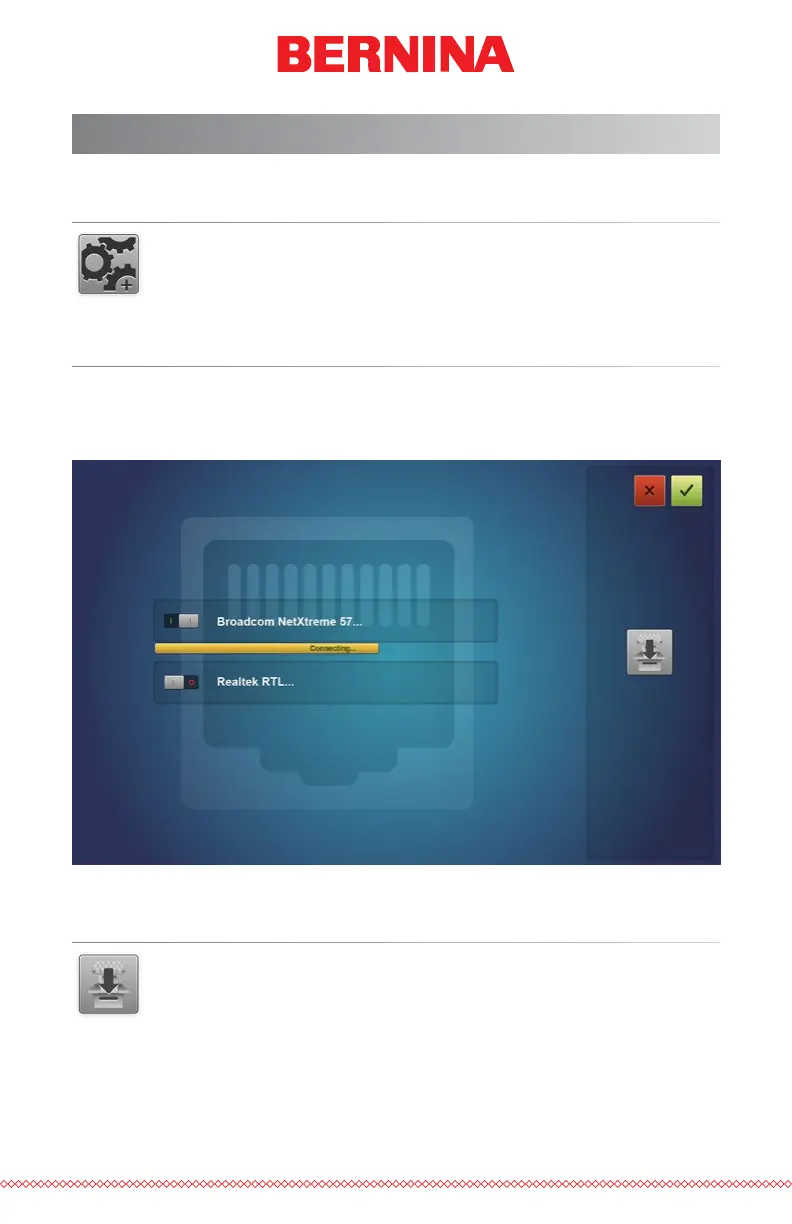
The connections portion of the Advanced Settings screen is used to select
the appropriate connection for your machine. Once selected, a progress bar
will indicate the checking for a connection.
Machine Reset
The Machine Reset button will prompt you to cycle the power on
your machine. When the machine reconnects with the software,
the software will push a fresh set of run les to the machine. This
will essentially reset your machine. This function is usually only used when
prompted by customer support.



 To Next Page