75 of 109
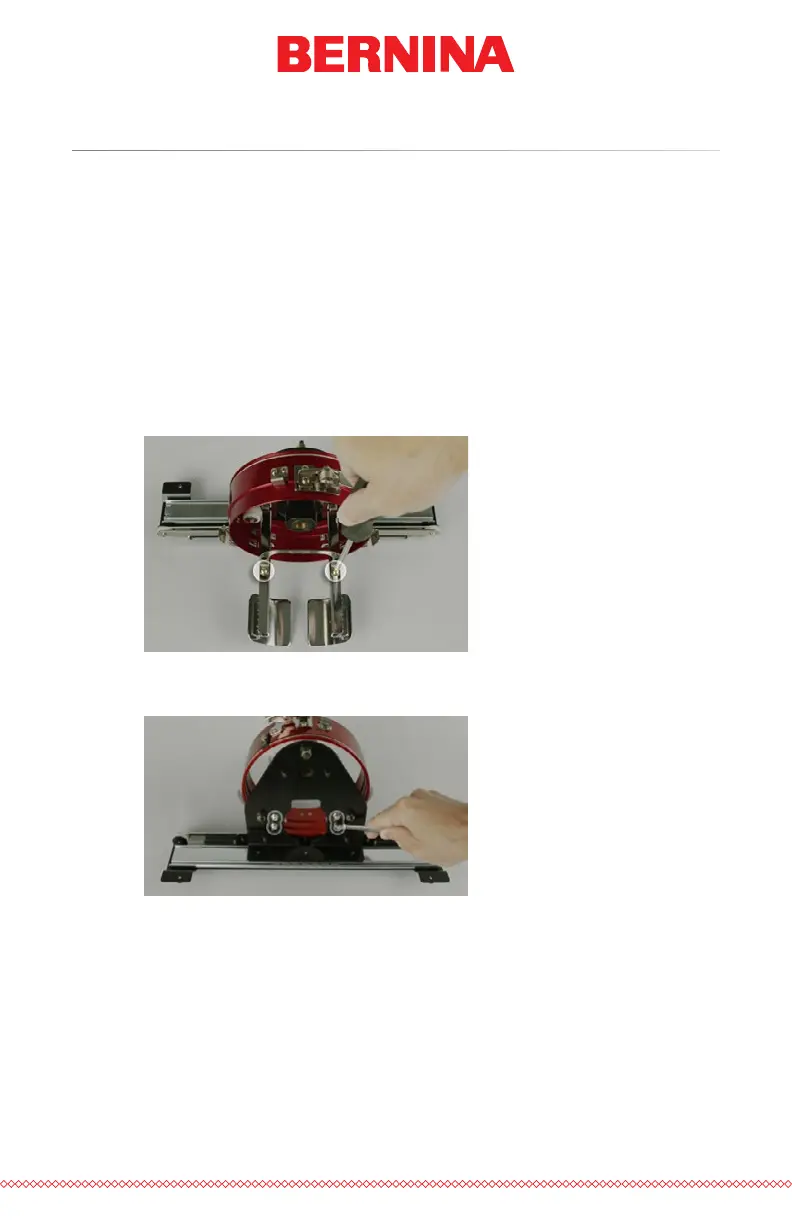
Red Wide Angle Driver Cap Support Wings
The cap support wings of the wide angle driver will need to be removed to
use the driver with the Conventional Cap Frame (CCF) or any of the Micro
Clamps. They may also need to be removed for any design that pushes the
physical limit of any specic cap style or a smaller cap.
Removal of the Cap Support Wing Assembly
1. Remove the driver cylinder from the machine and lay it upside
down on a at surface.
2. Loosen, but do not remove, the two phillips screws from the cap
support connecting bracket.
3. Remove the four nuts on the back of the driver. A 7mm hex driver
or wrench will be needed.



 To Next Page