29 of 109
Search
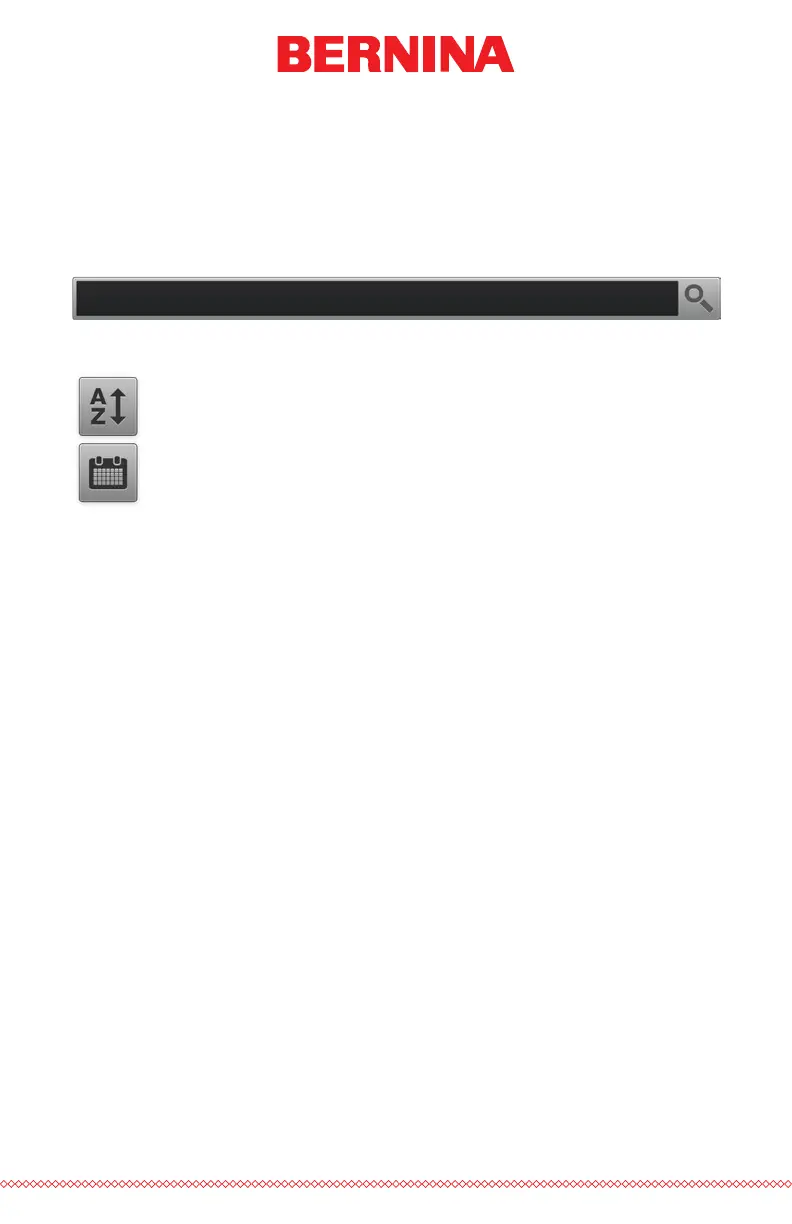
The Search Bar allows you to search for a le name within the current fold-
er. Typing in this bar will automatically begin to lter the results.
Pressing the Clear button on the right side of the bar will clear the Search
Bar and return all les from the folder or drive to the window.
Sorting
The les displayed can be sorted by name or by date. The two
sort buttons will toggle between the different options. The les
may be sorted from A to Z or Z to A. They may also be sorted with
from the newest to the oldest or the oldest to the newest.



 To Next Page