65 of 109
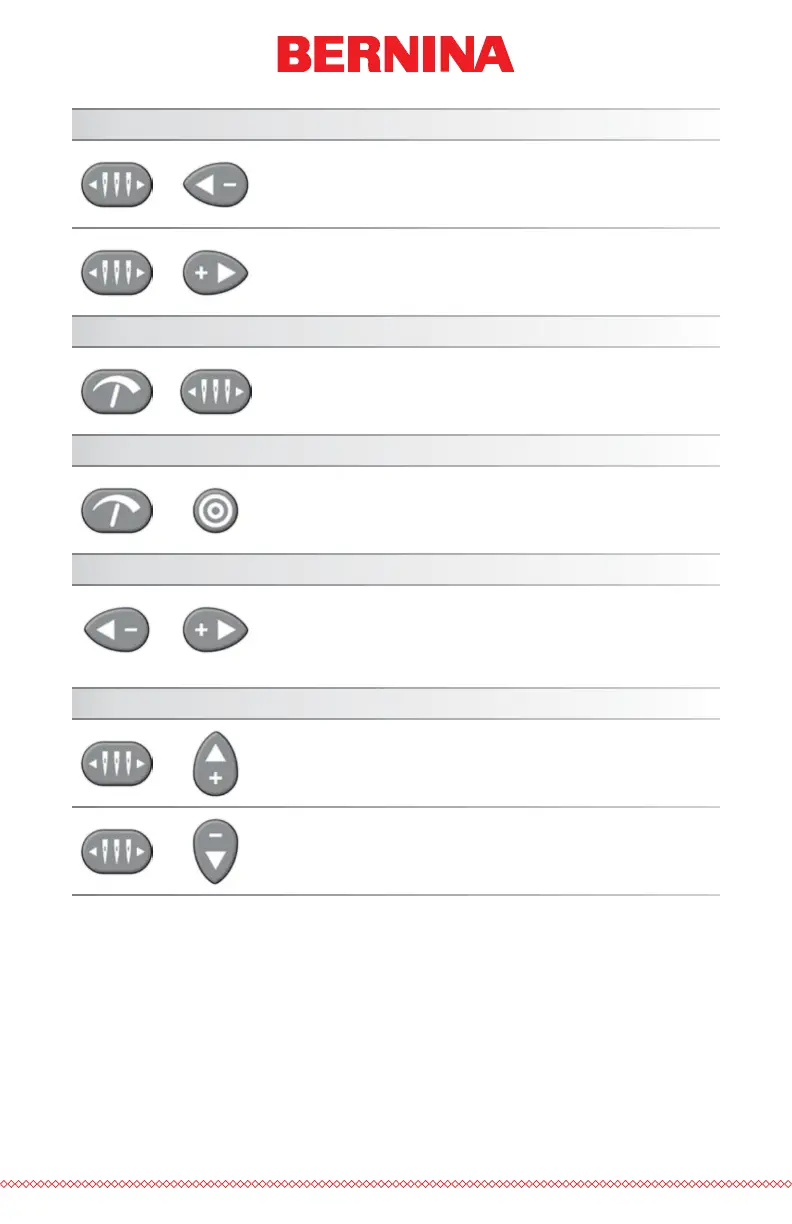
Change Active Needle
+
Needle Case + Left Arrow: Changes the active
needle by moving the needle case to the left.
+
Needle Case + Right Arrow: Changes the active
needle by moving the needle case to the tight.
Trim Immediate
+
Adjustment + Needle Case: Performs a trim
command.
Open/Close Grabber Bar
+
Adjustment + Center: Opens or closes the grabber
bar.
Return to Last Stitch
+
Left Arrow + Right Arrow: If a hoop has been
moved during the sewing of a design, pressing
this combination will move the hoop back to the
position of the most recent stitch to sew.
Move to Color
+
Needle Case + Up Arrow: Moves to the next color
in the design.
+
Needle Case + Down Arrow: Moves to the previ-
ous color in the design.



 To Next Page