70 of 109
Red Wide Angle Driver Installation
1. Start with the correct hoop selected and displayed on screen.
2. Center the hoop on the machine by either pressing the “Hoop”
and “Center” keys simultaneously on the machine keypad or
pressing the “Move To Center” button under the Move Screen in
the software. This will move the machine to an easier position for
installing the cap driver. If the hoop is already at center, this button
will be slightly transparent and unavailable.
+
on the machine keypad
or
  in the software
3. It is also benecial to move the machine to either needle 8 or nee-
dle 9. This can be done by pressing the “Needlecase” key and the
“Left” or “Right” arrow key on the machine keypad.
+
or
+
4. If attached, remove the hoop arms from the machine. To do this,
use a 6mm Allen wrench to loosen the two thumb screws attach-
ing each arm. Unscrew them and remove the arms.
Failure to remove the hoop arms will result in the wide angle driver
colliding with the arms during sewing.
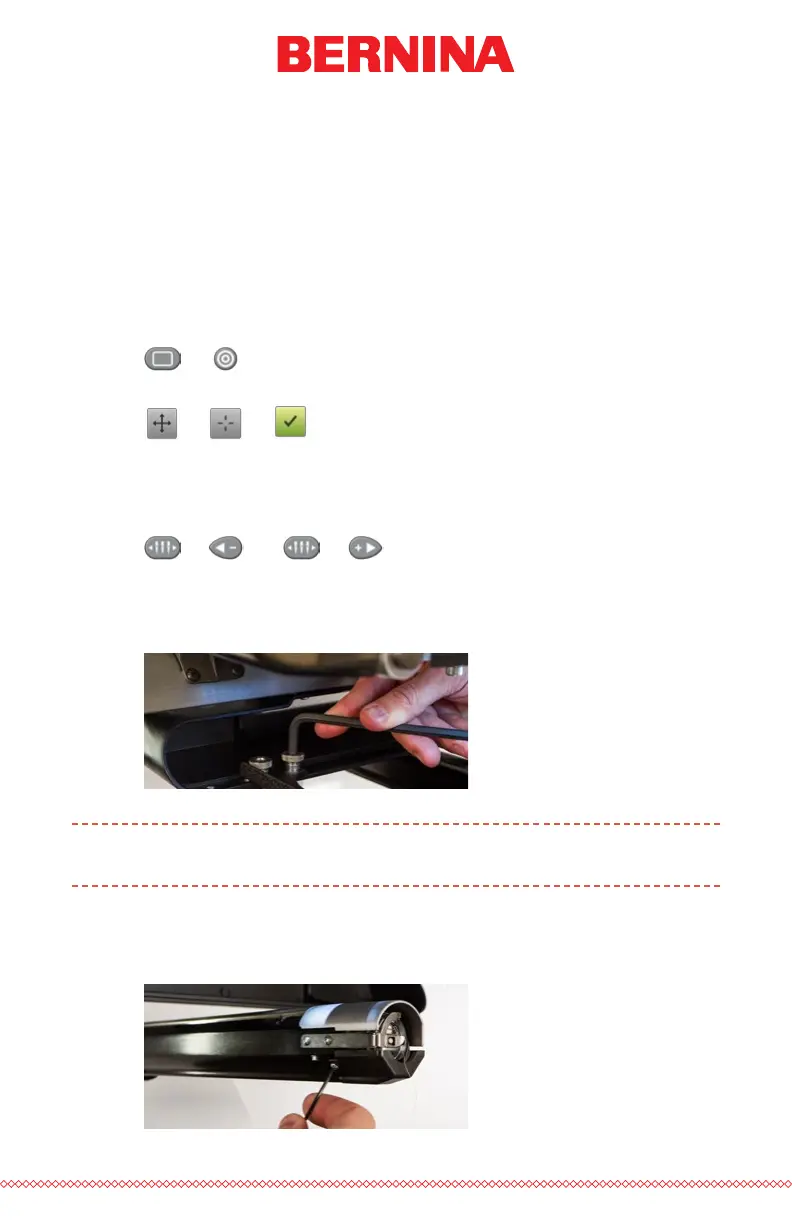
5. Remove the hook guard by loosening the screws on either side of
the lower arm with a 2mm hex wrench, and sliding the hook guard
forward. The screws do not need to be completely removed.



 To Next Page