Operation
BEUMER stretch hood® S
56 BA-6090103-EN
19.08.09
Function keys which are not related to a certain display
Function keys which are not related to a certain display always activate the
same function on the operator panel or in the control independently of the shown
display.
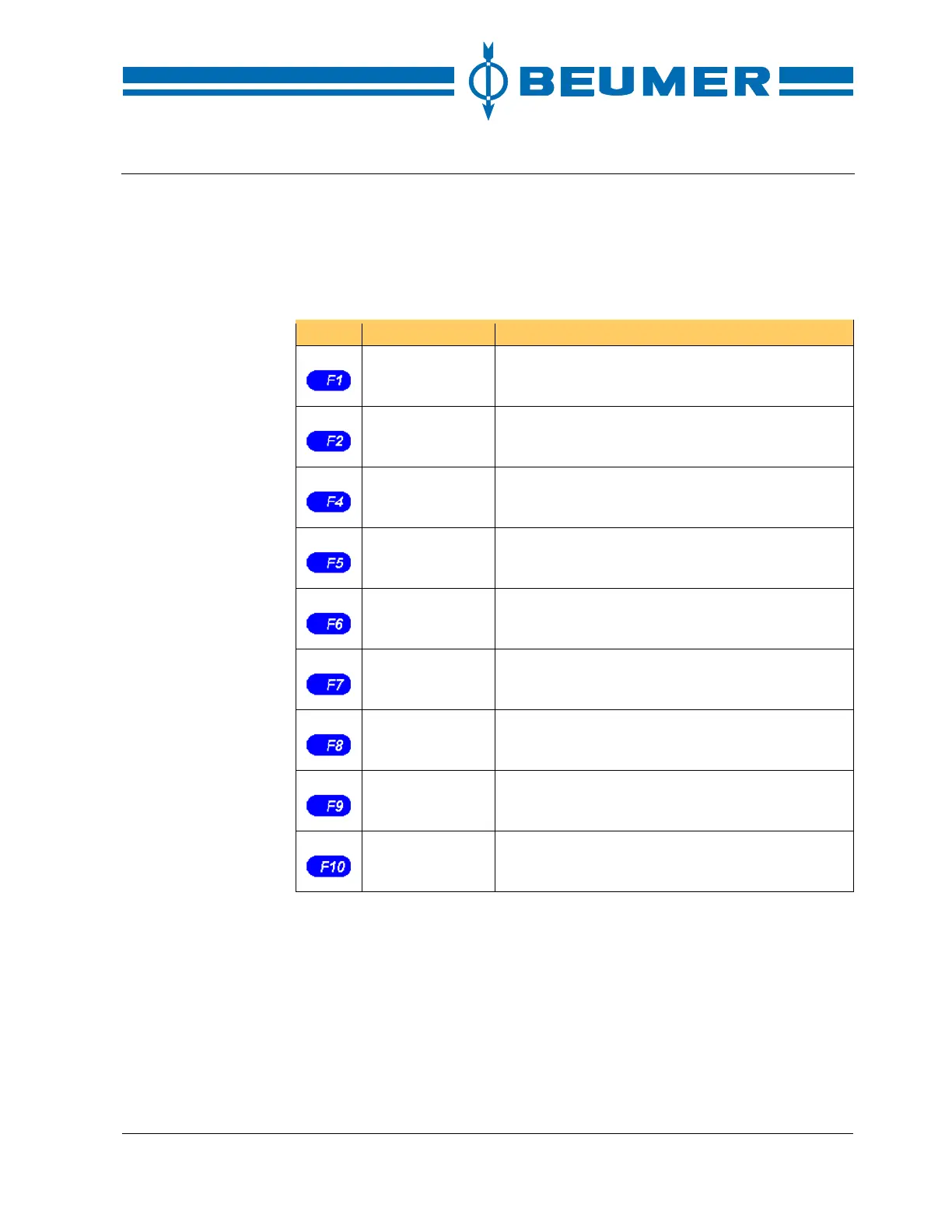
Functions of the function keys not related to a certain display
Key Function Note
STOP Stop machine/system.
stretch hood
manual/automatic
Preselect the mode of operation for the stretch
hood.
Starting position Approach the starting position automatically.
Display malfunc-
tions
Display all malfunctions which have not been re-
set.
START Start machine/system.
Transport
ON/OFF
Switch the full pallet transport system on or off
separately.
Finish stretching
process
Finish the stretching process immediately and
discharge the pallet.
Cut film Cut the film as long as the "Starting position" func-
tion is carried out.
ACK Reset fault messages.
Function keys which are related to a certain display
Function keys which are related to a certain display activate a function on the
operator panel or in the control depending on the respective display.
The function keys related to a certain display are on the left and/or right edge of
the display.



 To Next Page