Introduction
BEUMER stretch hood® S
8 BA-6090103-EN
19.08.09
Where can I find what I am looking for?
The following aids facilitate finding the information desired:
Search for chapters
• Selecting the desired chapter in the list of chapters
Table of contents
• Complete table of contents at the beginning of the operating instructions
Index
• Index at the end of the operating instructions
Should you have any questions, please indicate the document number so as to
enable us to help you.
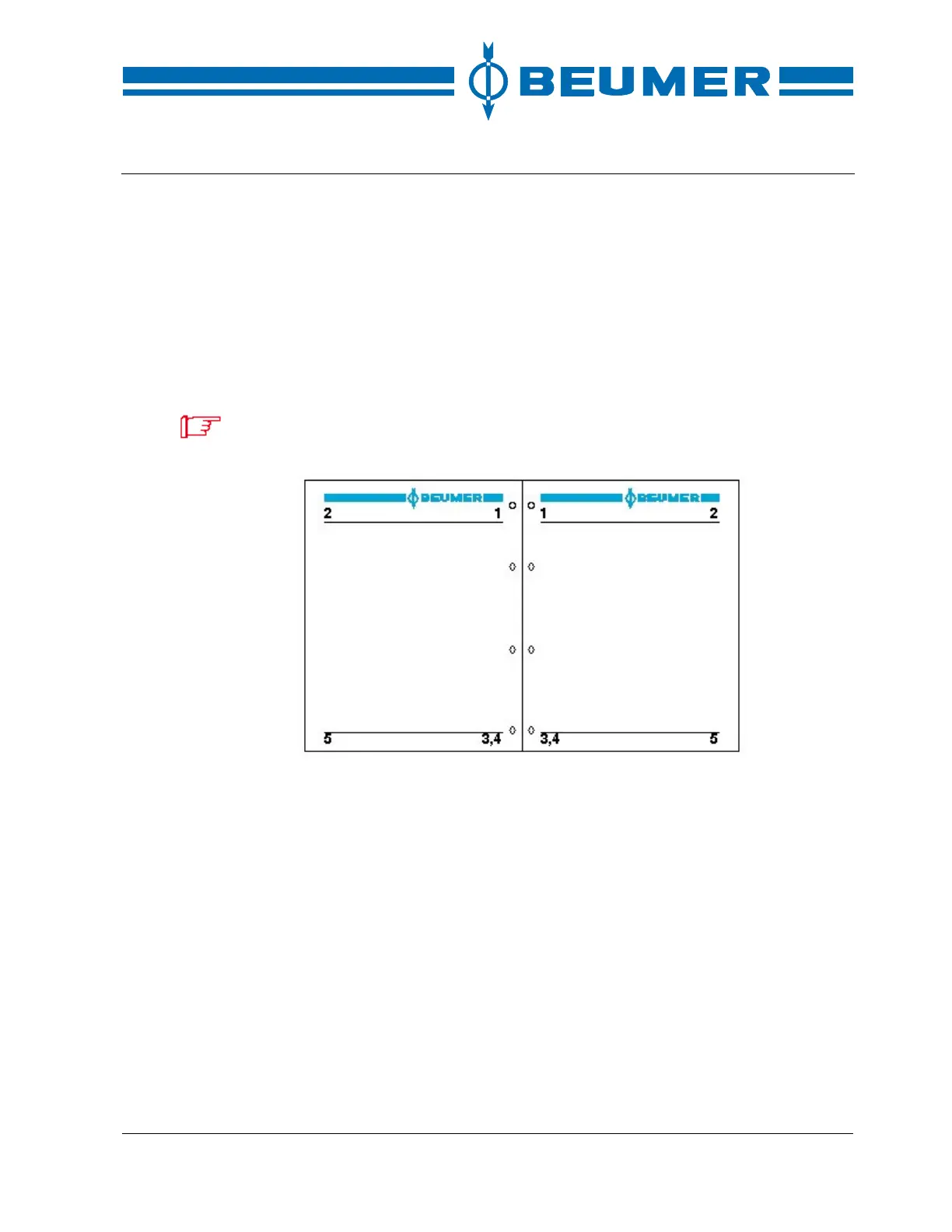
1 Machine type
2 Title of chapter
3 Date of issue
4 Document number
5 Page number
Header
The header is located in the upper section of the page. The machine type is
indicated in the inside margin of the header, the relevant chapter of the operat-
ing instructions in the outside margin.
Footer
The footer is located in the lower section of the page. The document number is
indicated in the inside margin of the footer. The document number consists of
the letters BA, the order number and the language identifier. The date of issue is
indicated below the document number. The page number is indicated in the
outside margin of the footer. It consists of the number of the chapter and a con-
secutive number.



 To Next Page