Operation
BEUMER stretch hood® S
66 BA-6090103-EN
19.08.09
The presets are saved automatically when the stretch hood is started. Some
presets can only be modified when the stretching process is terminated.
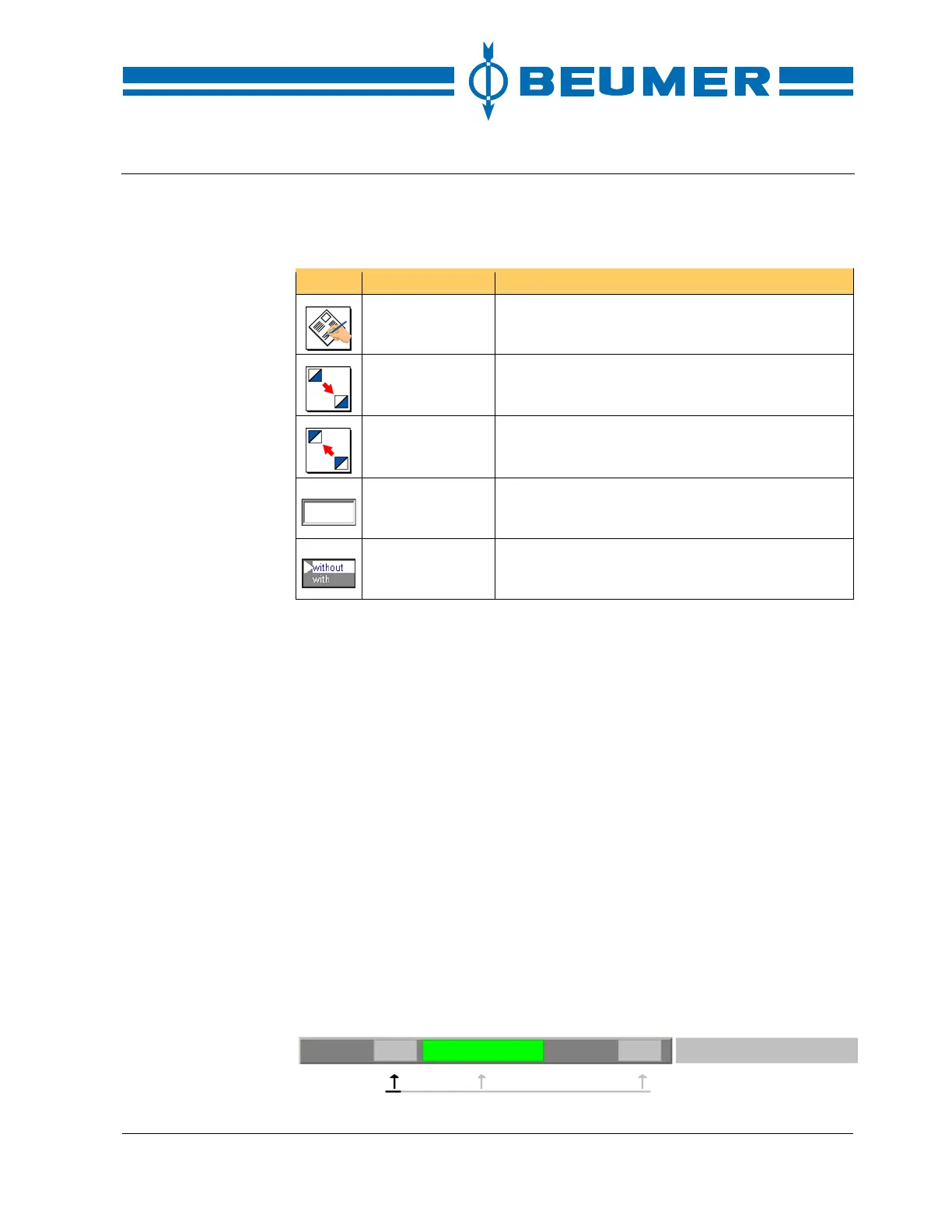
Icon Function Note
Presets Call up the user interface to preset the functional
sequence.
Scroll down Switch over to the next display.
Scroll up Switch over to the previous display.
Input field Numerical characters are entered in the input field.
Selection field The preselection desired is selected from a list.
How to set numerical
preselections
1. Press the key for the "Presets" in the basic screen.
2. Select the desired field with the tab keys and confirm it with the "ENTER" key.
3. Enter the value with the numeric keyboard.
4. Confirm the input by pressing the "ENTER" key.
Modes of operation
There are two modes of operation: manual operation and automatic operation.
The modes of operation can be changed for the complete machine/system or for
individual functional areas.
The BEUMER stretch hood is subdivided into two functional areas. All functional
areas can be switched on and off simultaneously with the "Start" and "Stop"
keys.
The functional areas can also be connected and disconnected individually.
Another mode of operation, the repair mode, is available to choice.
The permanent head line in the visual display system gives information on the
active modes of operation within the system and the illustration number at any
time.



 To Next Page