BEUMER stretch hood® S
Operation
BA-6090103-EN
19.08.09
83
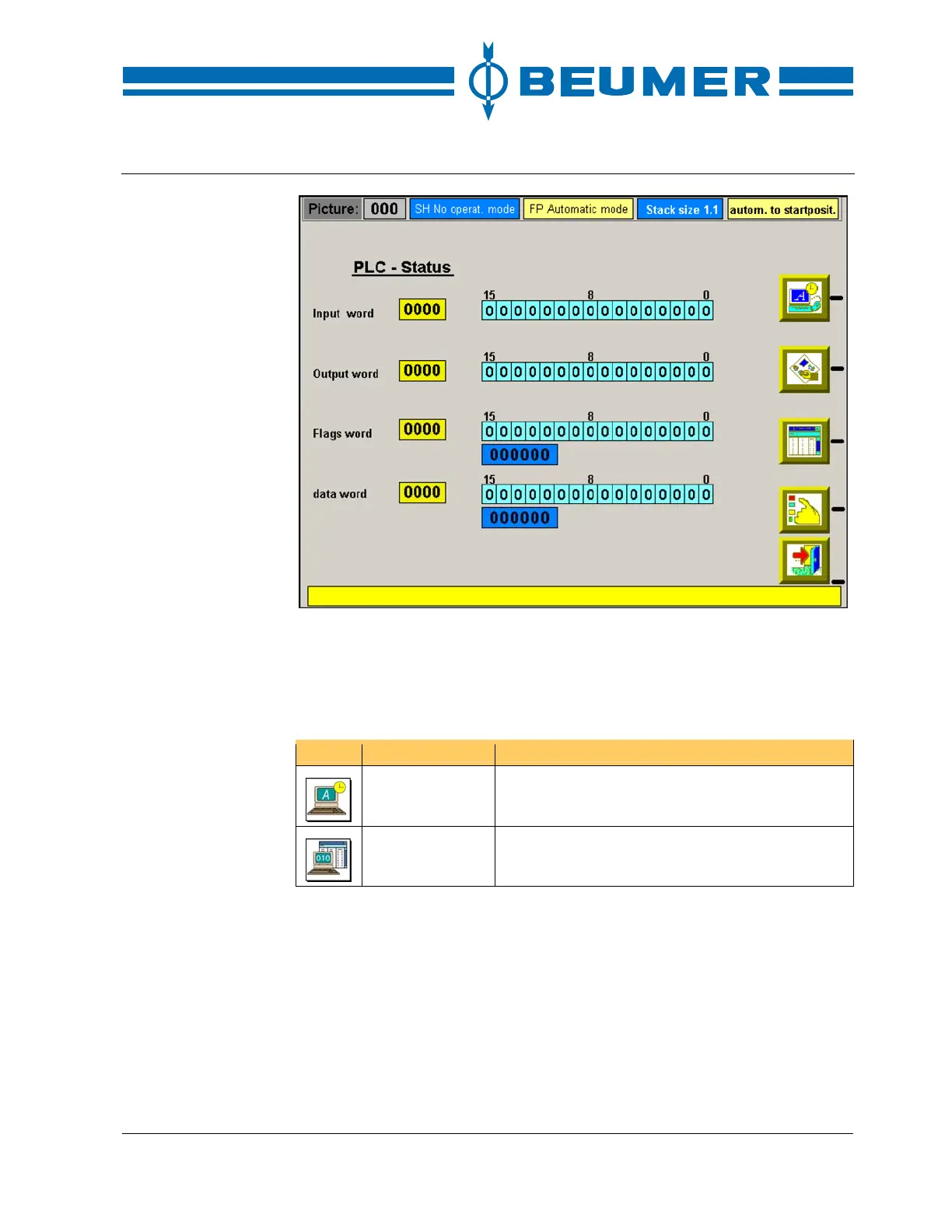
How to display status
variables
1. Press the key for the "system settings" in the basic screen.
2. Press the key for the "Status display".
3. Select the desired input field with the tab keys.
4. Enter the corresponding word and confirm it with "ENTER".
Icon Function Note
System settings Call up the user interface for setting the system
parameters.
Status display The window for the status display is displayed.
Display of operation sequences
The working steps are carried out in a fixed order. The display of operation se-
quences indicates the current working step.
How to display the
operation sequence
1. Press the "EXIT" key to return to the basic screen.
2. Press the key for the "display of operation sequences" in the basic screen.
3. Press the "Scroll up" and "Scroll down" keys for longer operation sequences.
The icons at the beginning of the line show whether the particular working step is
active. If the working step is active, the icon is shown in black. If the working step
is not active, the icon is white.



 To Next Page