Operation
BEUMER stretch hood® S
84 BA-6090103-EN
19.08.09
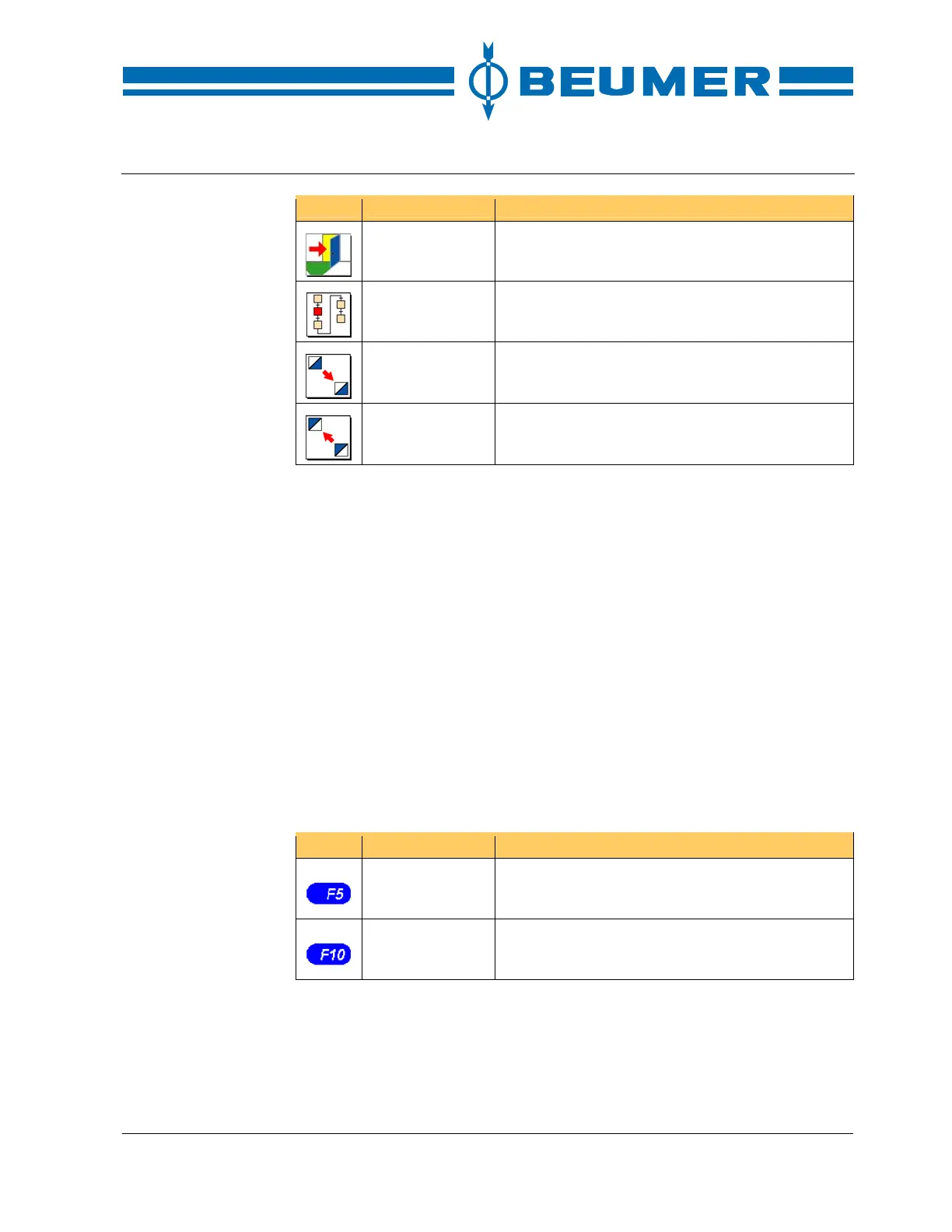
Icon Function Note
EXIT Return to the basic screen.
Display of opera-
tion sequences
Open the display of operation sequences.
Scroll down Switch over to the next display.
Scroll up Switch over to the previous display.
Error messages
There are two kinds of error messages: fault messages and system messages.
Fault messages are triggered by the user programme. These messages inform
the operator about maloperation or faults in the machine/system.
System messages are triggered by the visual display system. These messages
inform the operator about maloperation or faults in communication.
Fault messages
Faults are indicated in a message line in the lower third of the display and are
stored in a fault buffer. By pressing the F5 key a window showing the current
malfunctions can be opened. A fault message consists of a message text and
the fault number.
Fault messages must be reset by the operator. For this, the F10 key is to be
pressed.
A fault message can only be reset after the cause of the malfunction has been
eliminated.
Icon Function Note
Display fault
messages
Display a list with the fault messages.
Reset key Reset fault messages.



 To Next Page