BEUMER stretch hood® S
Operation
BA-6090103-EN
19.08.09
61
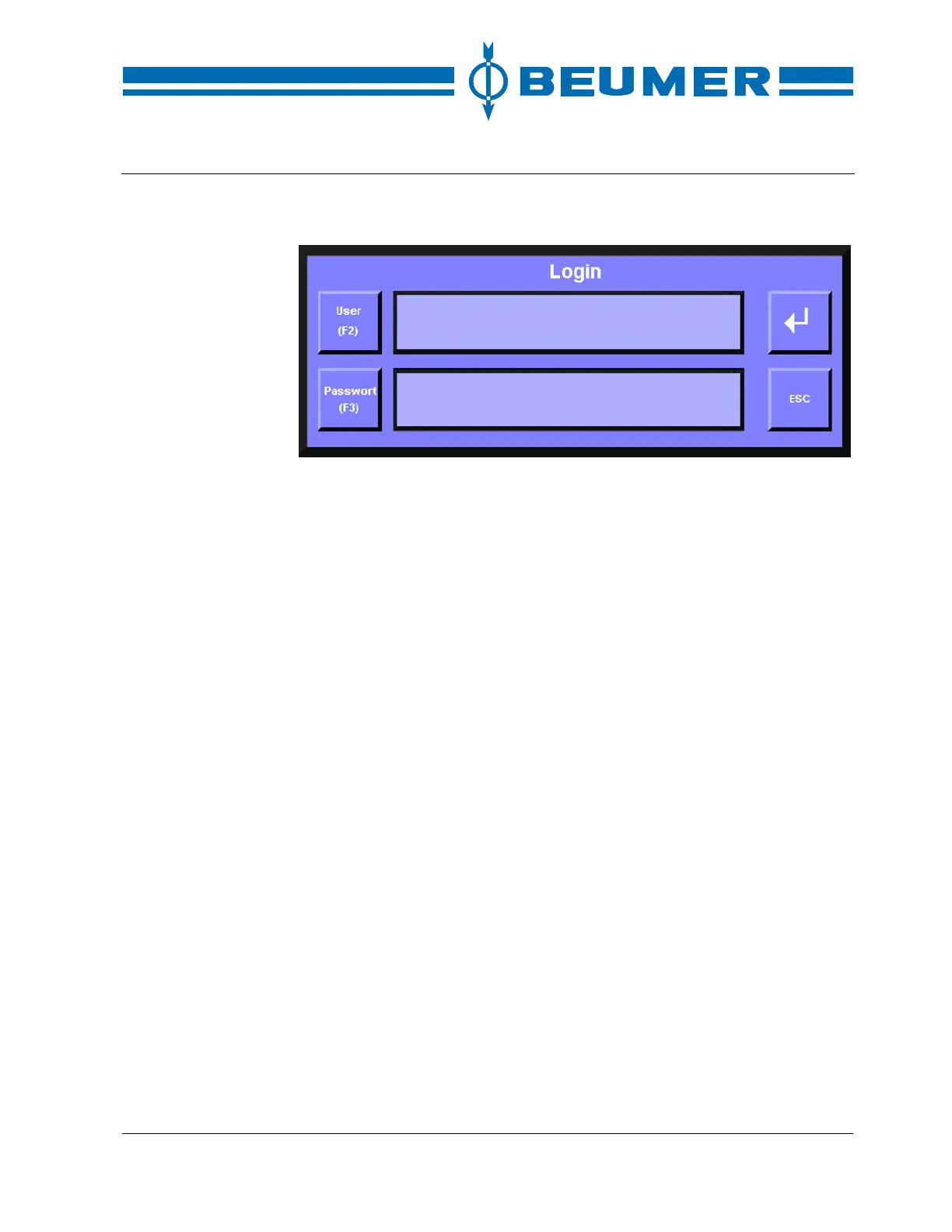
LOGIN:
How to assign a password
The passwords and access authorisations are fixed during commissioning. They
can only be modified by BEUMER.
User log out
A password level should not be activated for a longer period in order to rule out
the possibility that unauthorised persons operate the system. The password is to
be de-activated as follows:
How to de-activate a
password
1. If the system window is not displayed, press the "EXIT" key.
2. Press the "System settings" key.
3. Press the "LOGOUT" key.



 To Next Page