Operation
BEUMER stretch hood® S
60 BA-6090103-EN
19.08.09
How to enter a pass-
word
1. If the system window is not displayed, press the "EXIT" key.
2. Press the "System settings" key.
3. Press the "LOGIN" key.
4. An input field for the password appears.
5. Press the "USER" key. The alphanumeric keyboard appears.
6. Enter the user name with the alphanumeric keyboard.
7. Confirm the input by pressing the "ENTER" key.
8. Press the "Password" key.
9. Enter the password with the numeric keyboard.
10. Confirm the input by pressing the "ENTER" key.
11. When both inputs have been carried out, press the "ENTER" key.
The input can be interrupted at any time with the "ESC" key and the input field
can be quitted.
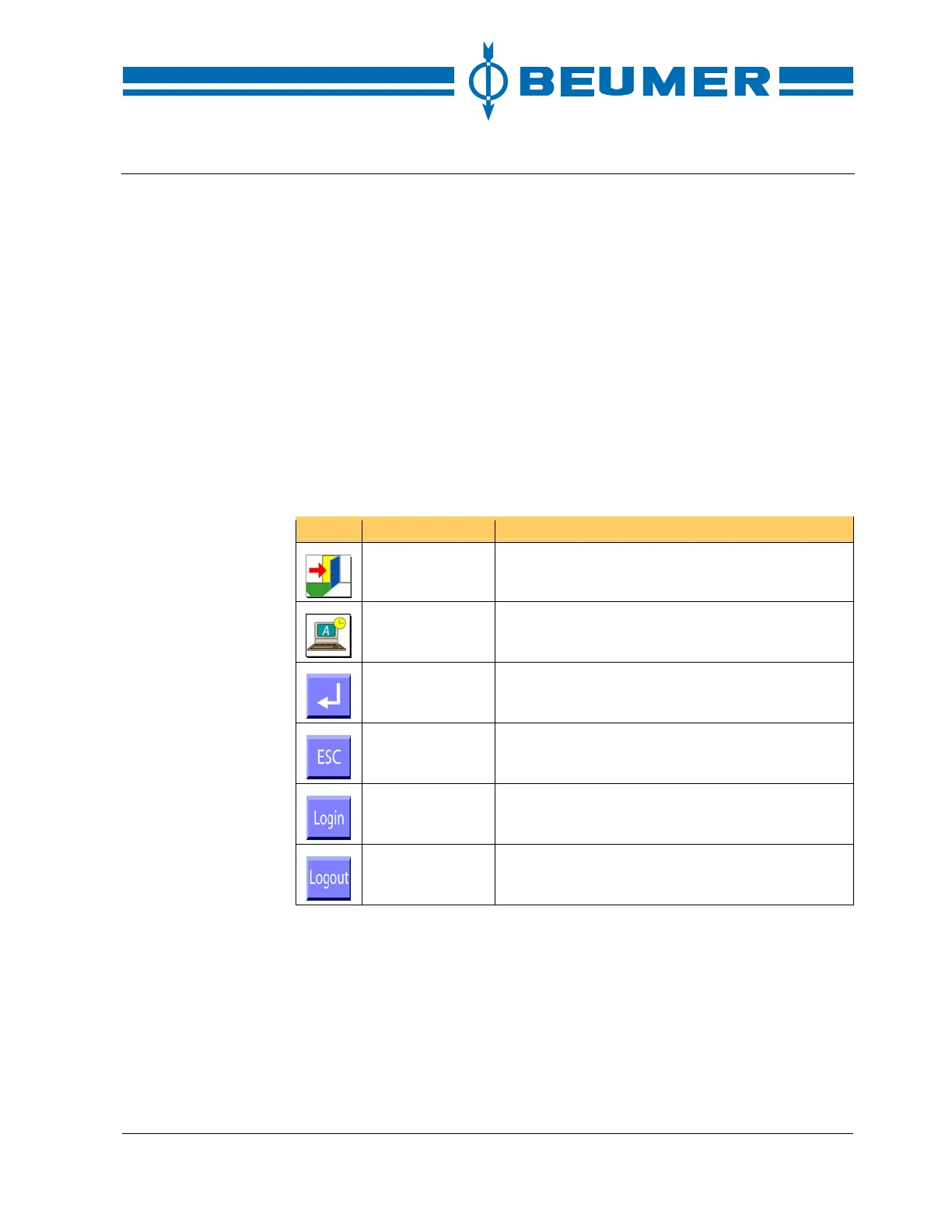
Icon Function Note
EXIT Return to the basic screen.
System settings Call up the user interface for setting the system
parameters.
ENTER Confirm an input.
Abort Interrupt an input without applying it.
Log in Call up the user interface for the log-in by pass-
word.
Log off Log off user.



 To Next Page