BEUMER stretch hood® S
Operation
BA-6090103-EN
19.08.09
57
How to enter parameters
In the visual display system there are various ways to enter parameters.
• Numeric input
• Alphanumeric input
• Input by selection field
Icon Function Note
Input field Numerical and alphanumerical characters are
entered in an input field.
Selection field The preselection desired is selected from a list.
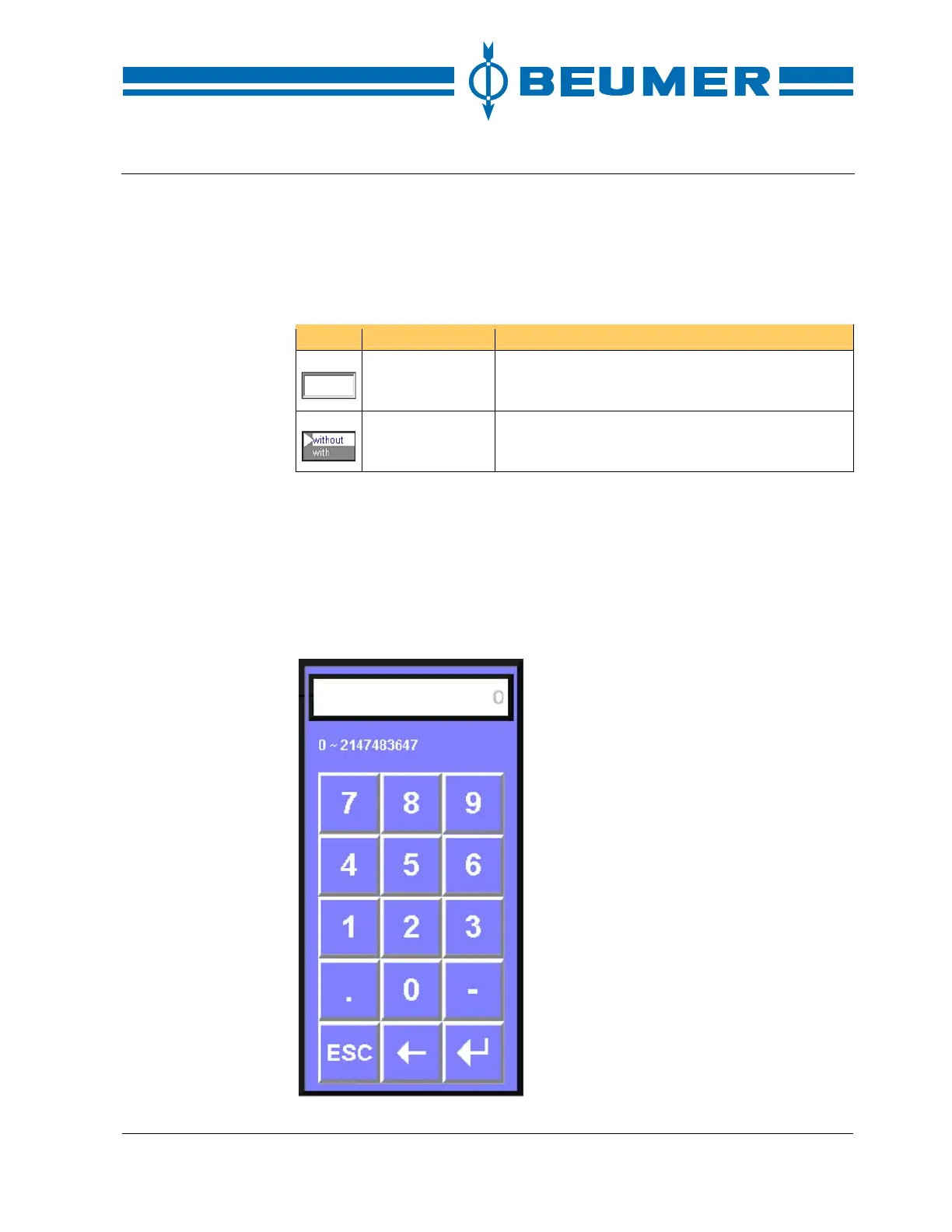
Input keys
Numbers are entered with the numerical keyboard. Either the numerical key-
board of the visual display system or the numerical keaboard indicated in the
display may be used for input.
When an input field is open, it is not possible to open other displays or input
fields.
Numeric keyboard



 To Next Page