KB (E4 + E6) 02/2017 page 89/148
Enter the chamber name:
22.08.2012 05:05:06
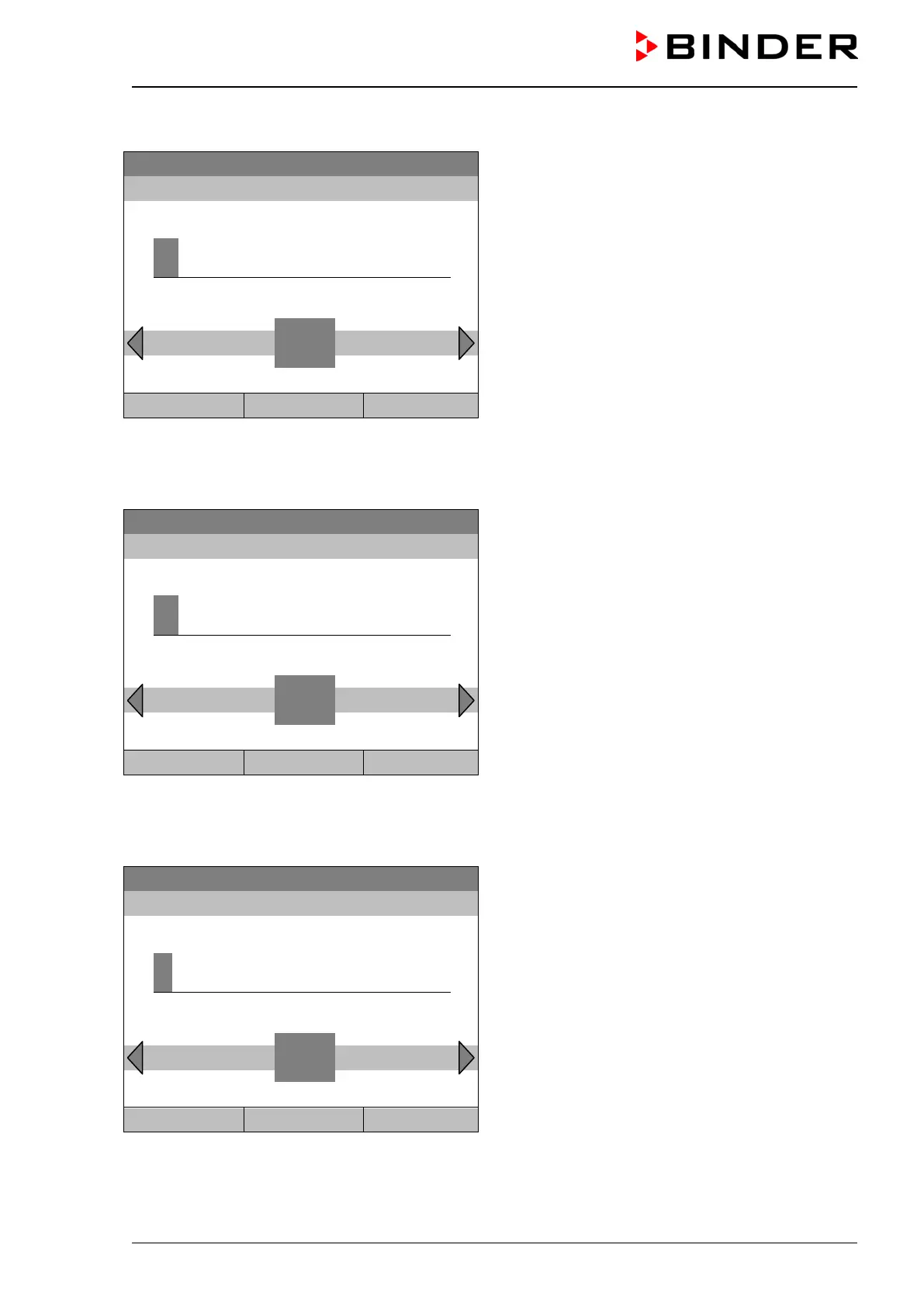
Entry menu “Chamber name”
(example)
Enter the desired chamber name with the operating
button.
Press the “Ok” button to confirm.
K
C D E F G H I J
L M N O P Q R
Close Ok Home
Go back to the “Network settings” menu with “Close” or to the initial view with “Home”.
Enter the network name:
22.08.2012 05:05:06
Entry menu “Network name”
(example)
Enter the desired network name with the operating
button.
Press the “Ok” button to confirm.
K
C D E F G H I J
L M N O P Q R
Close Ok Home
Go back to the “Network settings” menu with “Close” or to the initial view with “Home”.
Enter the default gateway:
Fixed value
22.08.2012 05:05:06
Entry menu “Gateway”
(example value)
Enter the desired gateway with the operating button.
Press the “Ok” button to confirm.
..\ Gateway (n.n.n.n.)
1
Pos1 End Ok 0
2 3 4 5 6 7 8 9 ,
Close Ok Home
Go back to the “Network settings” menu with “Close” or to the initial view with “Home”.







 To Next Page