UF V (E3) 03/2019 Page 53/116
With the arrow-up button you can go back to the door alarm delay setting.
With the arrow-down button you can now change to the temperature tolerance range setting.
With the Back button you can go back to the “Various” submenu and, repeatedly pressing it, to Normal
display.
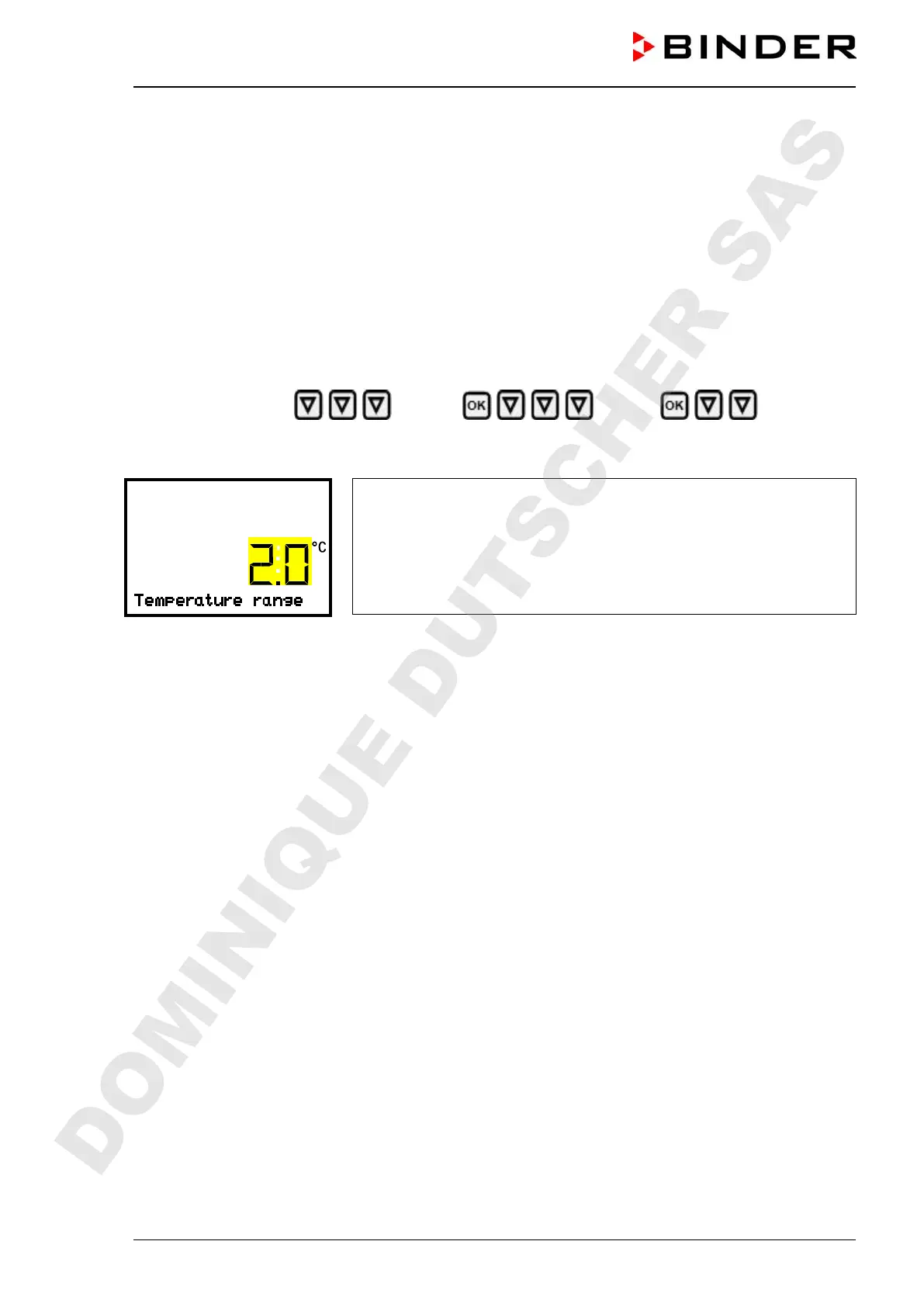
13.3 Setting the temperature tolerance range
The temperature range is defined symmetrically around the setpoint. If the actual temperature value lies
within this tolerance range and subsequently leaves and the tolerance range, tolerance range alarm is
triggered after the set adjustable delay time (chap. 13.2)
Path: Normal display
Settings Various Temperature
range
Press the OK button to enable the setting.
Setting the temperature tolerance range
The current setting flashes. Enter the desired temperature range with
the arrow buttons. Entry range: 1,0 °C up to 10,0 °C. Factory setting:
+/- 5 K
Confirm the entry with the OK button.
With the arrow-up button you can go back to the tolerance range alarm delay setting.
With the arrow-down button you can now change to the service setpoint setting (chap. 20.1).
With the Back button you can go back to the “Various” submenu and, repeatedly pressing it, to Normal
display.
DOMINIQUE DUTSCHER SAS


 To Next Page