UF V (E3) 03/2019 Page 74/116
18.3 Export functions
Required access level: any user
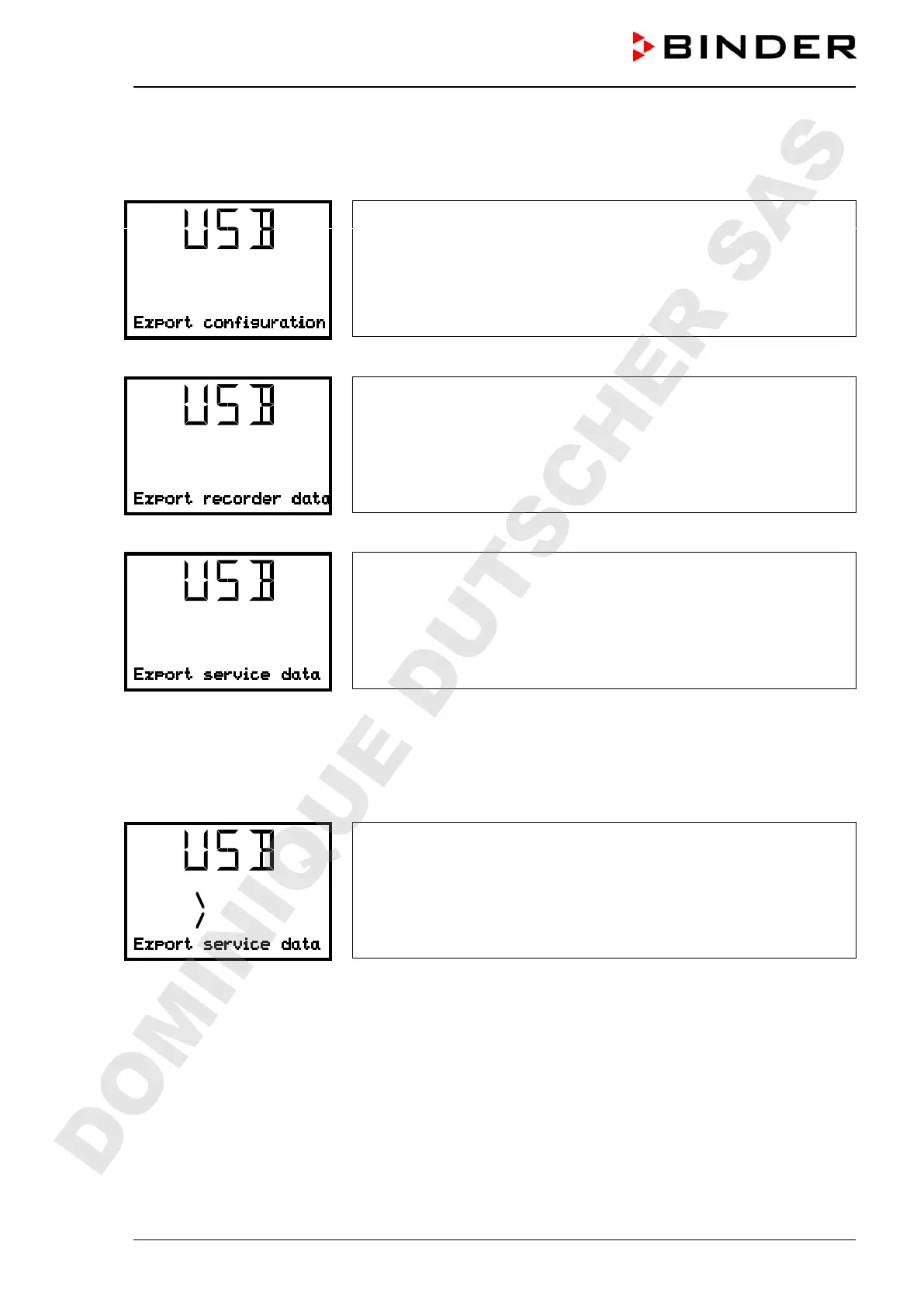
Function “Export configuration”.
To write the configuration data from the controller to the USB stick, press
the OK button.
With the arrow-down button you can now change to the next function.
Function “Export recorder data”.
To write the recorder data from the controller to the USB stick, press the
OK button.
With the arrow-down button you can now change to the next function.
Function “Export service data”.
To write the chamber data from the controller to the USB stick, press the
OK button.
18.4 Ongoing data transfer
A moving arrow symbol indicates the progress of the data transfer.
Example:
Data recording is running.
Attention! Danger of data loss! Do not disconnect the USB stick from the device during ongoing data
transfer!
After successful transfer, the controller shows again the initial function “Import configuration”.
DOMINIQUE DUTSCHER SAS


 To Next Page