UF V (E3) 03/2019 Page 75/116
18.5 Error during data transmission
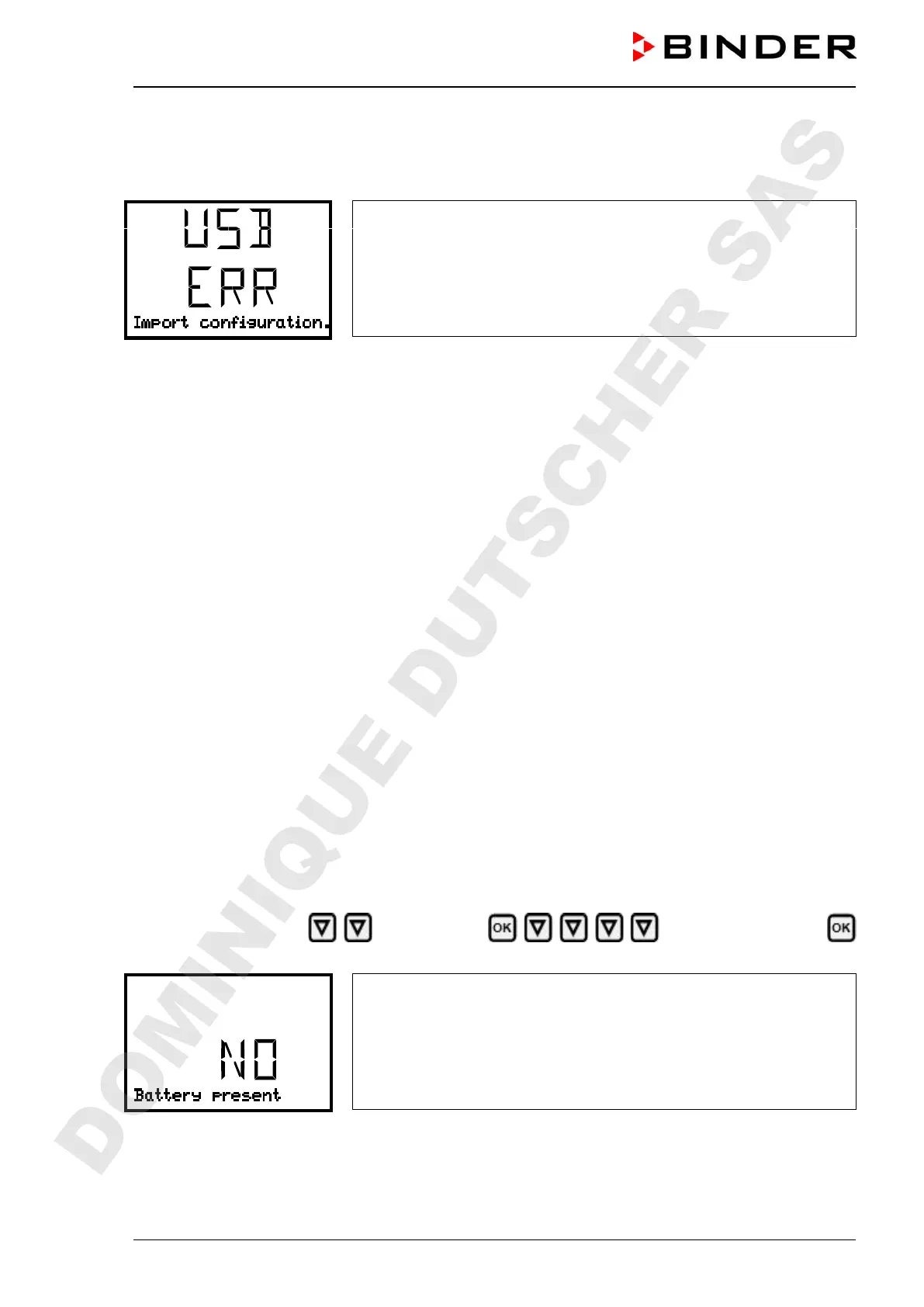
In the event of an error, the message ERR (error) is displayed.
Read error (example).
18.6 Removing the USB stick
Logging off the USB stick is not possible / required.
Be sure that no data recording is running (chap. 18.4).
After removing the USB stick, the controller is back in the same menu as before when connecting the
USB stick.
19. Battery management system (option “battery-buffered alarm
system”)
This controller menu is available only with chambers equipped with the “battery-buffered alarm system”
option. You can check whether the optional battery is present and which is its current charging state. These
are pure display functions without any setting options.
19.1 Battery present
This menu shows whether the battery is available.
• Display “JA”: battery present
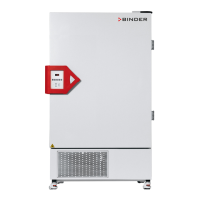
• Display “NO”: no battery detected (Battery missing, completely empty (< 3V), or defective). On line
power the alarm message “Battery defective is emitted (chap. 14.4.5).
Required access level: “User”.
Path: Normal display Chamber info Battery management
Battery present
Display “Battery present”.
YES = battery present
NO = no battery detected
With the arrow-down button you can now change to the function “Charging voltage”.
With the Back button you can go back to the “Battery management” submenu and, repeatedly pressing
it, to Normal display.
DOMINIQUE DUTSCHER SAS


 To Next Page