UF V (E3) 03/2019 Page 88/116
24.2 Service Reminder
You can display the time until the service due in the controller. Keep the OK button pressed down for 5
seconds.
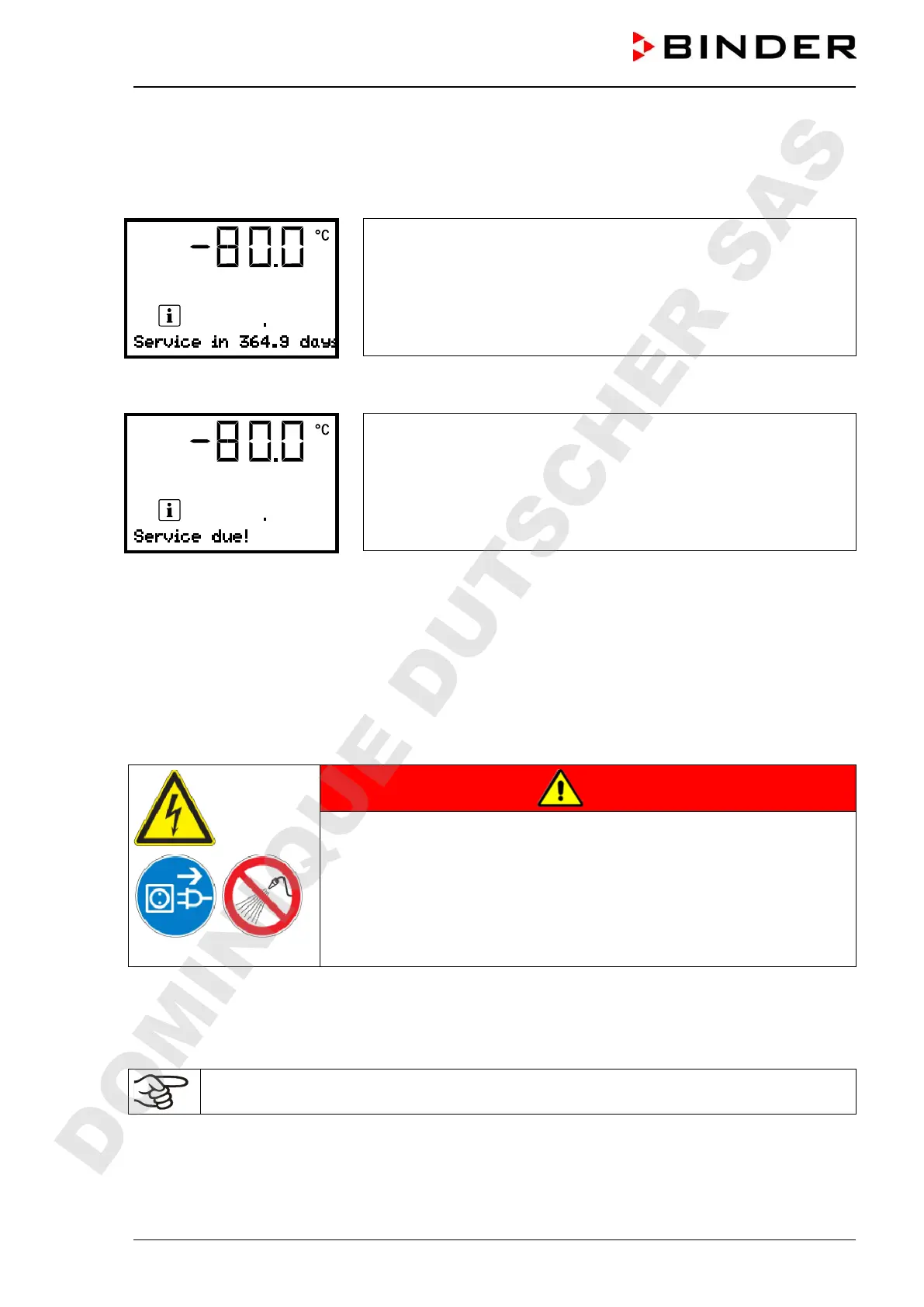
The remaining time in days until maintenance is due is shown in the
text field of the controller display.
Press the OK button to confirm the message.
After the recommended maintenance interval (one year of operation) a message appears on the control-
ler.
The message “Service due!” is shown in the text field of the controller
display.
Press the OK button to confirm the message.
After one week of operation, the message reappears.
24.3 Cleaning and decontamination
Clean the chamber after each use to avoid potential corrosion damage by ingredients of the charging ma-
terial.
During operation: Wipe only the outer surfaces with a humid cloth and then dry it thoroughly.
DANGER
Electrical hazard.
Danger of death.
∅ Do NOT spill water or cleaning agents over the inner and outer surfaces
Before cleaning, turn off the chamber at the main power switch and dis-
connect the power plug.
Completely dry the chamber before turning it on again.
24.3.1 Cleaning
Disconnect the chamber from the power supply before cleaning. Disconnect the power plug.
The interior of the chamber must be kept clean. Thoroughly remove any residues of the charg-
ing material.
Wipe the surfaces with a moistened towel.
DOMINIQUE DUTSCHER SAS


 To Next Page