UF V (E3) 03/2019 Page 56/116
14.2 Information messages
Information messages provide information about settings made and the condition of the optional battery.
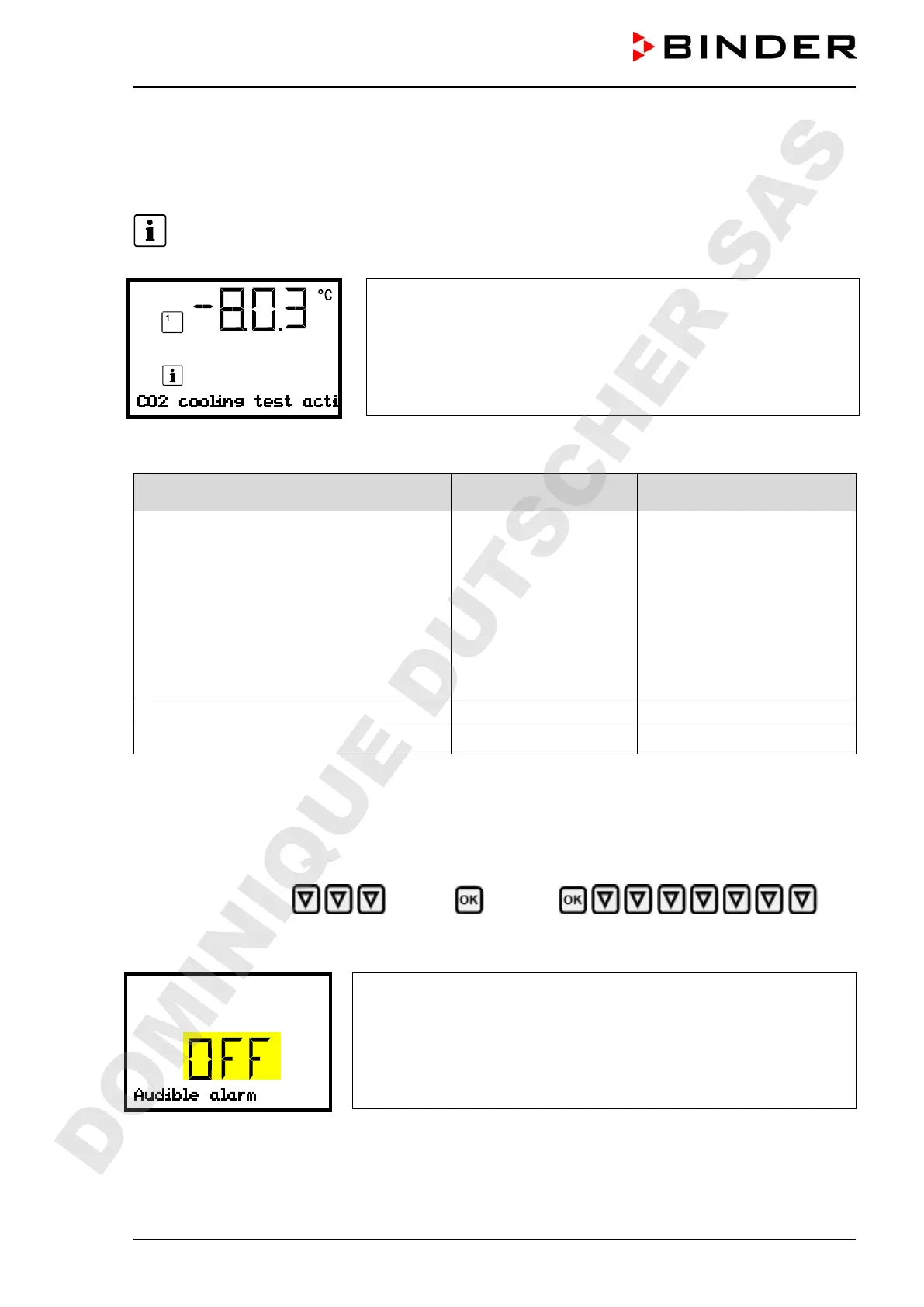
In Normal display a text message indicates the condition. The “Information” icon is lit.
Information message (example: CO
2
emergency cooling test run is
active)
Information messages overview:
Condition Information message
Moment of information mes-
sage
Chamber with optional “battery-buffered
alarm system”: very low battery voltage (1 V
to 11 V).
Chamber with options “battery-buffered
alarm system” and CO
2
emergency cooling:
Low battery voltage during CO
2
emergency
cooling on battery power.
Message on battery power and on line pow-
er.
“Low battery voltage”
immediately
Service setpoint is active “Service setpoint active” immediately
Emergency cooling test run is active “CO2 cooling test active” immediately
14.3 Activating / deactivating the audible alarm (alarm buzzer)
Path: Normal display Settings Chamber
Audible alarm
Press the OK button to enable the setting.
Setting the audible alarm.
The current setting flashes. Use the arrow buttons to select between
ON and OFF.
Confirm the setting with the OK button.
With the Back button you can go back to the “Chamber” submenu and, repeatedly pressing it, to Normal
display.
DOMINIQUE DUTSCHER SAS


 To Next Page