EasyManua.ls Logo

Biotek EL800 - User Manual

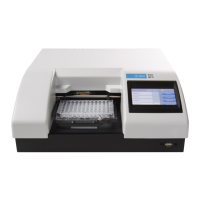
Biotek EL800
218 pages
Print Icon
To Next Page IconTo Next Page
Loading...
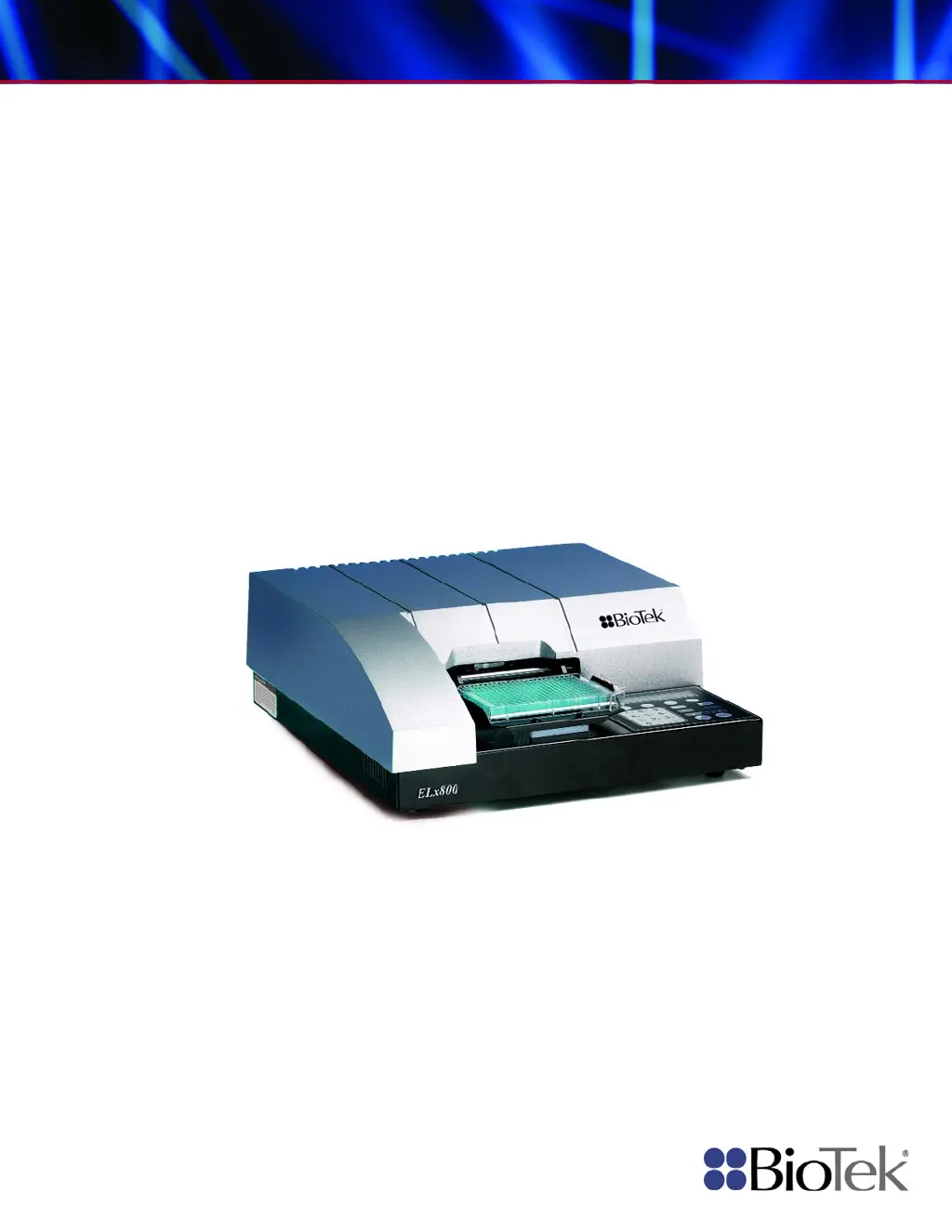
Operator’s Manual
Absorbance Microplate Reader
ELx800

Table of Contents

Questions and Answers

  • A
    Alexis MaysSep 9, 2025
    What to do if the X-axis motor doesn't find the opto sensor in Biotek EL800?
    • E
      erin42Sep 9, 2025
      If the X-axis (carrier in/out) motor on your Biotek Laboratory Equipment does not find the opto (home) sensor, it could be caused by a defective or broken optical sensor, a flex cable that is disconnected or damaged, or the X-axis movement being limited so that the optical sensor cannot be interrupted. In any of these cases, it's best to contact BioTek's Technical Assistance Center for further assistance.
  • C
    Cassandra MorrisSep 12, 2025
    What to do if the Y-axis motor doesn't find the home sensor in Biotek EL800?
    • J
      Judy MccormickSep 12, 2025
      If the Y-axis (carrier left/right) motor does not find the home sensor on your Biotek Laboratory Equipment, it could be due to a defective or broken optical sensor, a sensor that is not connected, or the Y-axis movement being limited so that the optical sensor cannot be interrupted. In any of these cases, it's best to contact BioTek's Technical Assistance Center for further assistance.
  • R
    Robert NguyenSep 13, 2025
    What to do if the filter wheel didn't find the opto sensor in Biotek EL800?
    • J
      jamesgriffithSep 14, 2025
      If the filter wheel on your Biotek Laboratory Equipment did not find the opto (home) sensor, a possible cause is a failed lamp. In this case, it's best to contact BioTek's Technical Assistance Center for further assistance.
  • L
    Linda Page MDSep 15, 2025
    How to fix 'Wavelength not found in table' error on Biotek EL800 Laboratory Equipment?
    • T
      tina69Sep 16, 2025
      If you are getting a 'Wavelength not found in table' error on your Biotek Laboratory Equipment, it means that the assay wavelength does not match the filter table. Run a system test and verify that wavelengths in the filter wheel match settings in the filter table (see Chapter 2).

Summary

Document Conventions

Intended Use, Quality Control, and Shipping

Safety Warnings and Precautions

Chapter 1: Introduction

Instrument Specifications

Provides technical specifications for the ELx800.

Chapter 2: Installation

Unpacking and Inspecting the ELx800

Instructions for safely unpacking the instrument.

Setting Up the ELx800

Guides on configuring the ELx800 for operation.

Repackaging and Shipping the ELx800

Procedures for safely repackaging and shipping the instrument.

Chapter 3: Operation

Assay Definition Parameters

Defines assay parameters like method, map, formula, and curve fit.

Defining MAP

Sets up plate layout for samples, blanks, and controls.

Defining FORMULA

Creates formulas for data calculation and validation.

Defining CURVE

Configures curve-fitting parameters for assays.

Reading a Microplate

Procedures for performing a plate read.

Printing Reports

Options for printing assay results and data.

Using the Utility Options

Accesses instrument setup and configuration settings.

Chapter 4: Instrument Qualification

Recommended Qualification Schedule

Outlines recommended intervals for instrument testing.

Qualification Procedures

Details the steps for verifying instrument performance.

System Test Procedure

Performs an automated self-test of the instrument.

Absorbance Plate Test

Tests mechanical alignment and optical performance using a test plate.

Liquid Testing

Confirms performance using liquid samples.

Chapter 5: Maintenance and Decontamination

Replacing the Bulb

Instructions for replacing the instrument's lamp.

Decontamination Procedure

Steps for decontaminating the instrument for safety.

Chapter 6: Troubleshooting and Error Codes

Error Codes

Lists and explains instrument error codes.

General Errors

Details non-fatal error conditions and their causes.

Fatal Errors

Lists critical errors requiring immediate attention.

Appendix A: Computer Control

Controlling the Reader With Gen5

Setup and operation of Gen5 software with the reader.

Appendix B: Using 384-Well Geometry

Appendix E: Instructions for Programming a New Assay

Biotek EL800 Specifications

General IconGeneral
BrandBiotek
ModelEL800
CategoryLaboratory Equipment
LanguageEnglish

Related product manuals