Setting Up the ELx800 | 19
ELx800 Operator’s Manual
Configuring Global Default Options
The ELx800™ contains several global configurable options, such as date and time, report
output, and plate reading preferences. These options are accessed via the Select Utility
Option menu (
Figure 5 below), and include:
•
SETUP: Set the current date and time, as well as the date and time formats.
•
OUTPUT: Specify where plate data should be sent, to a printer, a computer, or to
both. Additional options include report format (Column and/or Matrix), and
whether or not to print standard curves.
•
READ: Enable or disable read-time prompting for Plate ID, Sample ID, and Sample
Count. Specify whether or not to read in Rapid mode.
Note: Refer to Using the Utility Options in Chapter 3 for more
specific information on setting up the ELx800.
READY 09:14AM 09/08/04
READ DEFINE REPORT UTIL
EPORT OUTPUT: PRINT
RINT COMPUTER BOTH
SELECT UTILITY OPTION:
TESTS SETUP OUTPUT READ
ROMPT FOR PLATE ID? YES
YES NO
DIT SETUP INFORMATION:
DATE TIME FILTER *MORE
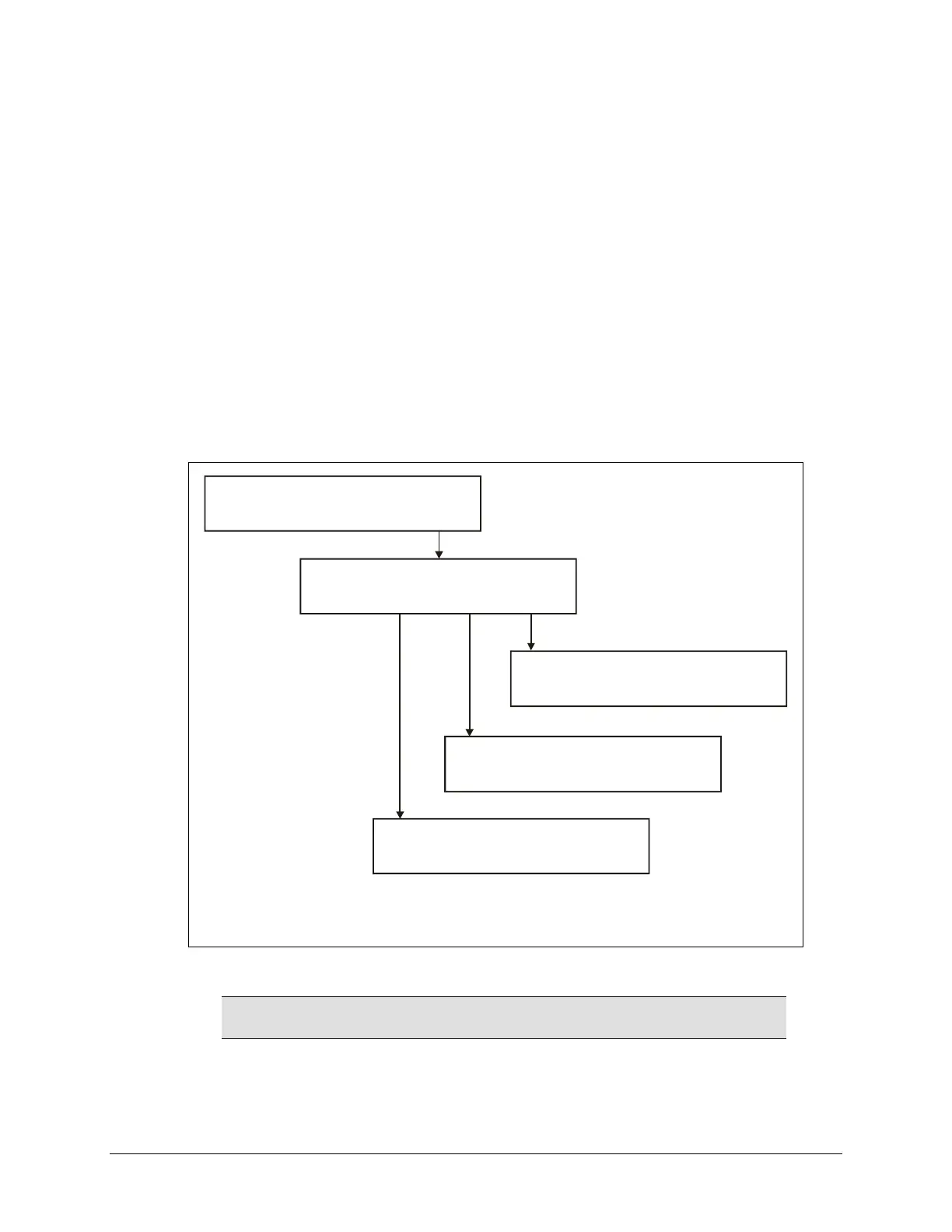
Figure 5: Global configuration options available under UTIL



 To Next Page