42 | Chapter 3: Operation
BioTek Instruments, Inc.
Main Menu
Following successful power-up of the ELx800™, the Main Menu appears:
R E A D Y 9:45AM 01/31 / 0 3
R E A D D EFIN
REPORT U T I L
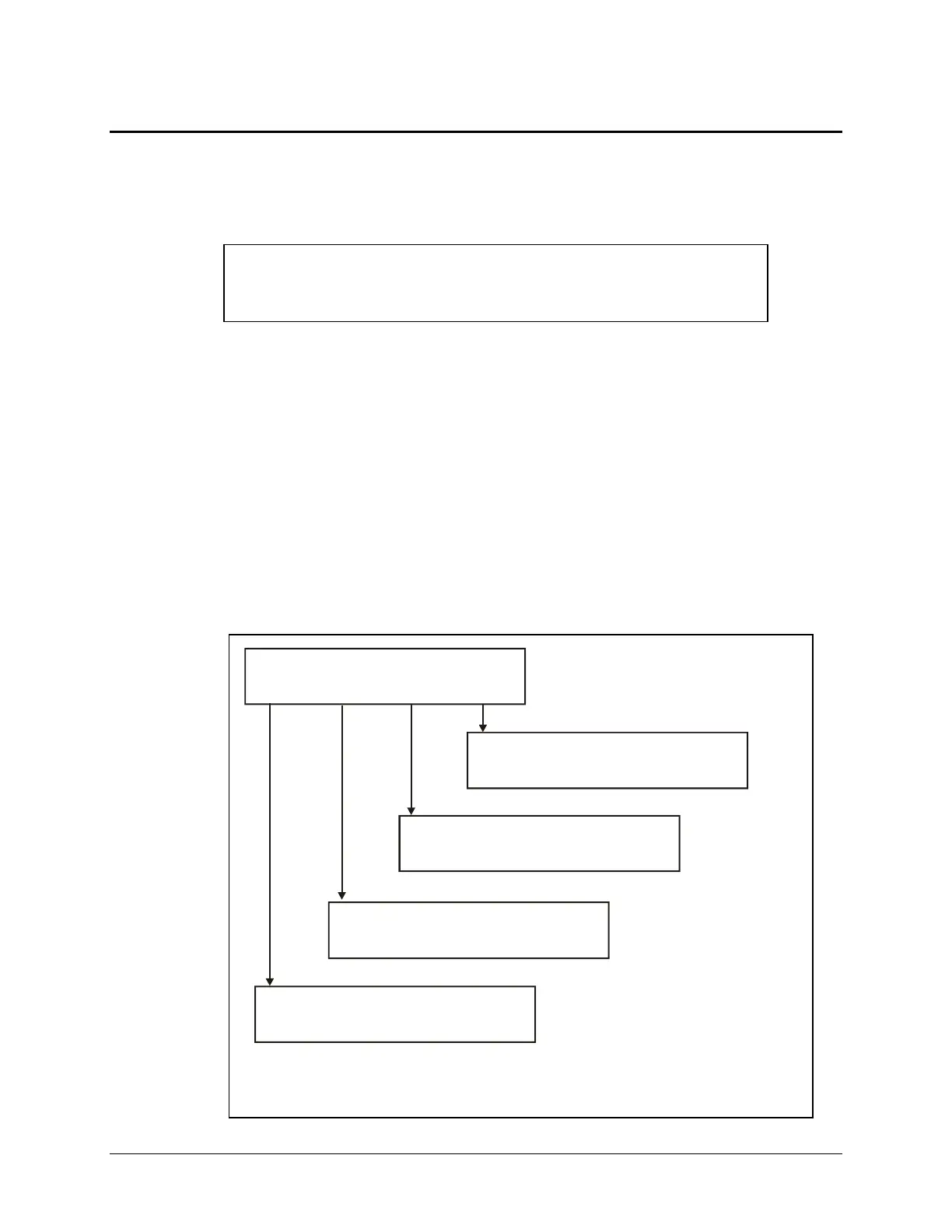
The Main Menu permits access to all reader functions (
Figure 15):
•
READ option (or, press the key labeled READ on the keyboard) for plate-
reading prompts. You will be asked to select from a list of preprogrammed
assays.
•
DEFINE option: Allows the creation of a reading and data reduction protocol.
You will be prompted to select an assay from an assay definition list.
•
REPORT option: Allows printing of results and protocol descriptions. You will
be prompted for the name of a previously run assay with valid data.
•
UTIL option: You will be prompted to select options from the list of onboard
utilities.
READY 09:14AM 09/08/04
READ DEFINE REPORT UTIL
ELECT UTILITY OPTION:
ESTS SETUP OUTPUT READ
RINT REPORT:
ESULT MAP ASSAY LIST
SELECT ASSAY NUMBER: 53
NAME: 53_Bordetella M
SELECT ASSAY NUMBER: 53
NAME: 53_Bordetella M
Figure 15: Options available from the Main Menu



 To Next Page