Unpacking and Inspecting the ELx800™ | 15
ELx800 Operator’s Manual
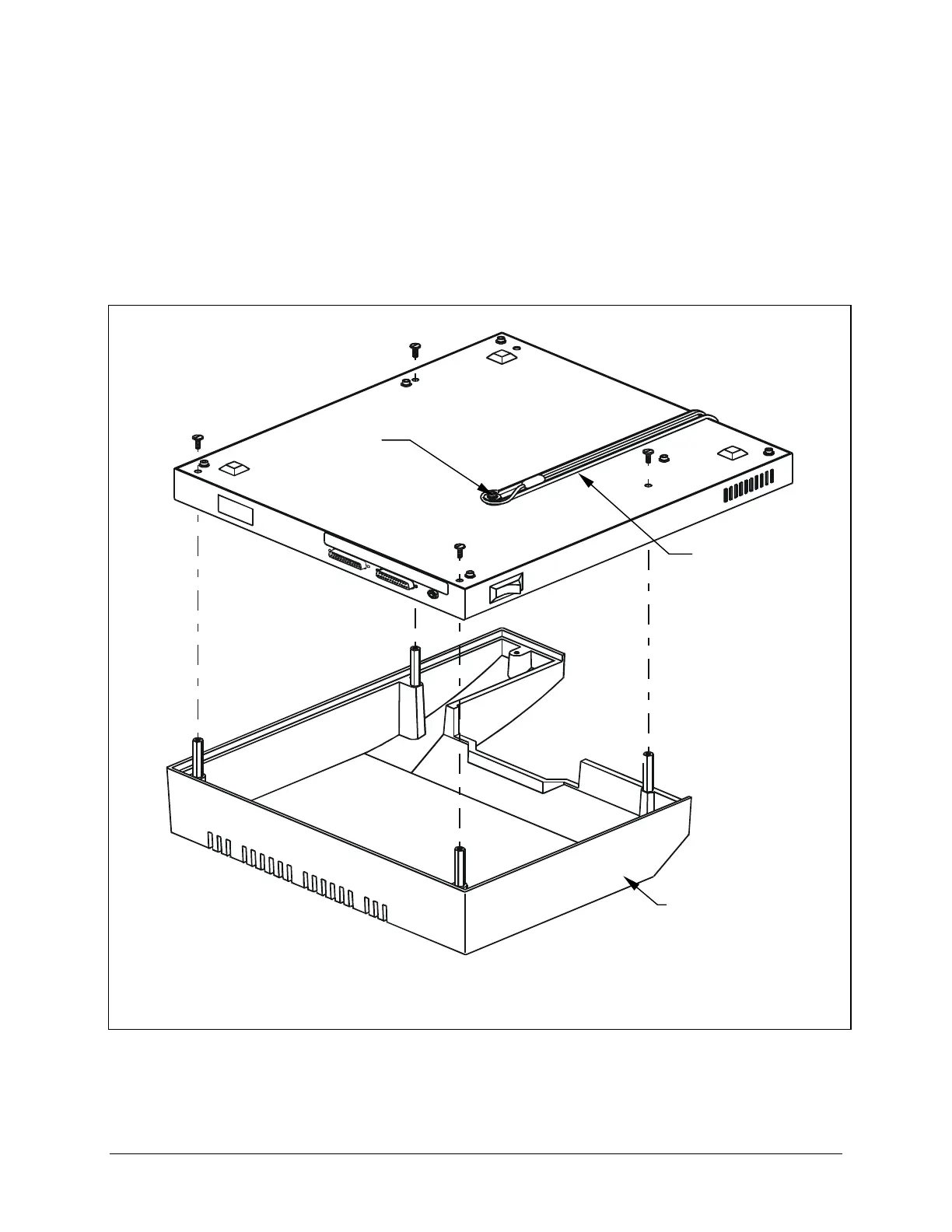
4. Carefully turn the ELx800 upside down on a level surface.
5. Use the slotted screwdriver to remove the four mounting screws from the top
cover (
Figure 3) and unhook the shipping straps from the post on the bottom
of the instrument.
6. Set aside the four screws (you will use them again in step 9).
Figure 3: Removing the top cover mounting screws
Top cover
Shipping straps
Post



 To Next Page