Error Codes | 89
MicroFlo Select Microplate Dispenser
Error Codes
The MicroFlo displays an error code when it detects a problem. This section describes
the most common error codes and suggests action steps for resolving it.
Appendix A
provides a complete list of the error codes with a brief technical description. If this
section does not cover the error code displayed by your dispenser, contact BioTek TAC
(next page) for assistance.
Corrective Action
Homing the MicroFlo can reset its internal sensors and clear many errors. Jot down any
error code displayed and press
Enter. This leads to the Home All menu:
HOME ALL
DISP BioStack
Top line
Second line
Softkeys
Fix the error, and:
Press the
DISP key to home the dispenser.
Press the
BioStack key to home the BioStack.
Press
Main Menu twice when the homing is completed to return to the start screen.
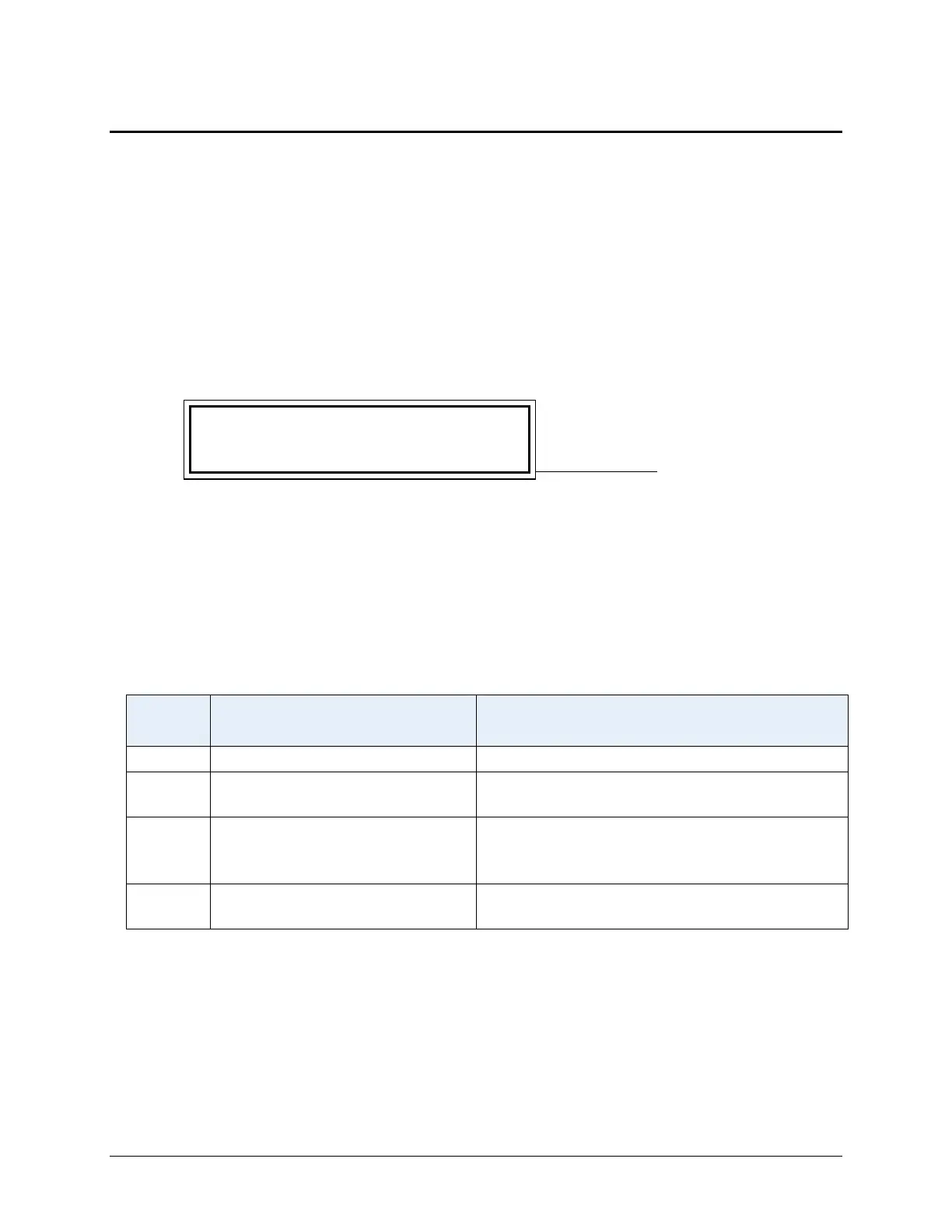
Correctable Errors
Error
Code
Message Corrective Action
304 Pump motor safety switch open
Close the Pump Cover
401 X-axis failed positional verify
Make sure the Prime Trough Drain Tube
does not impede plate carrier movement
403 Z-axis failed positional verify
Select the proper Plate Type.
Adjust the Dispense Height if using a
custom plate.
6040 –
6061
Communication Error between
MicroFlo and computer or LHC
See below
Communication Errors
Take the following steps to correct any error codes between 6040-6061:
Check USB cabling – make sure both ends are plugged in correctly
Make sure dispenser is turned on and not busy; Main Menu is displayed
Select the correct COM Port – learn About COM Ports in the LHC Help.



 To Next Page