About Dispense Protocols | 43
MicroFlo Select Microplate Dispenser
About Dispense Protocols
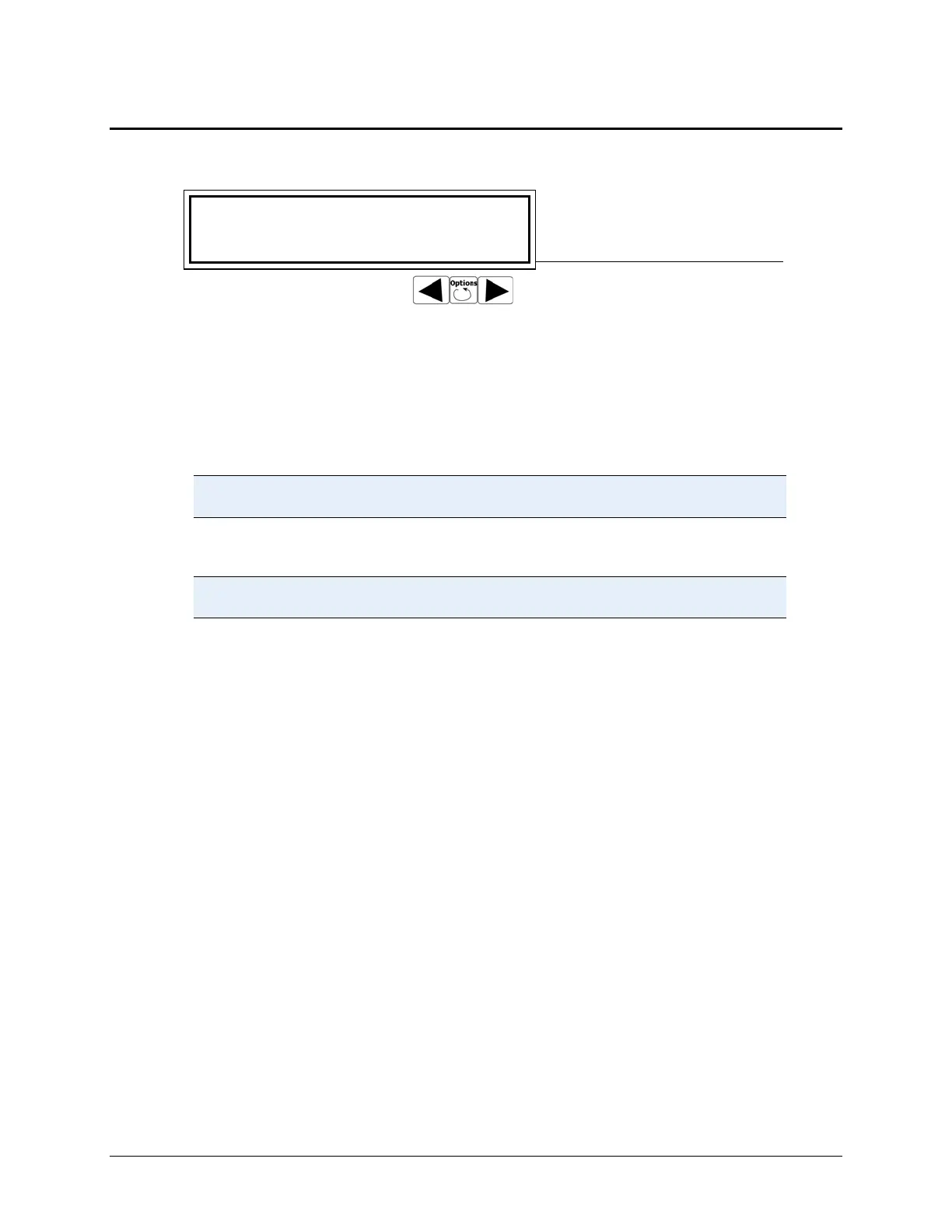
SELECT DISP PROGRAM 01
Name: 50UL - 96
Top line: Program #
Second line: Program Name
Use Options button to scroll
In contrast to the Quick Dispense programs selected at the keypad’s main menu, the
MicroFlo’s
Protocols require a unique name, using up to 16 alphanumeric characters.
You create
Protocols by defining and saving the dispense parameters. Up to 99
Protocols can be stored onboard the instrument.
When using the LHC, an unlimited number of Protocols can be saved on your
computer.
See a comparison of the Quick Dispenses and Protocols in the
Essential Concepts chapter.
To create or modify a Protocol using the keypad:
Use the Liquid Handling Control™ (LHC) software’s Help system to
learn how to create or modify protocols using the LHC.
1. At the main menu select (by pressing the arrow’s Softkey) twice to get to the
Dispenser Action Menu.
2. Select Define.
3. Choose an option: Create or Edit. (Learn about the Copy and Delete on page
41.)
4. When creating a program, enter a Name: (See below). When editing a
program use the
Options key to scroll to the program’s number. Press Enter to
select the program or save the name.
5. Starting with the plate type, define each parameter and press Enter to save
your input and move to the next option. Use the table below to learn more
about each parameter.
6. Use the Softkeys to select Yes or No to the last prompt: OK to save program?
Return to the Dispenser Run Menu (press
Previous Screen) to run the
program.



 To Next Page