3: Install the MicroFlo’s Components | 19
MicroFlo Select Operator's Manual
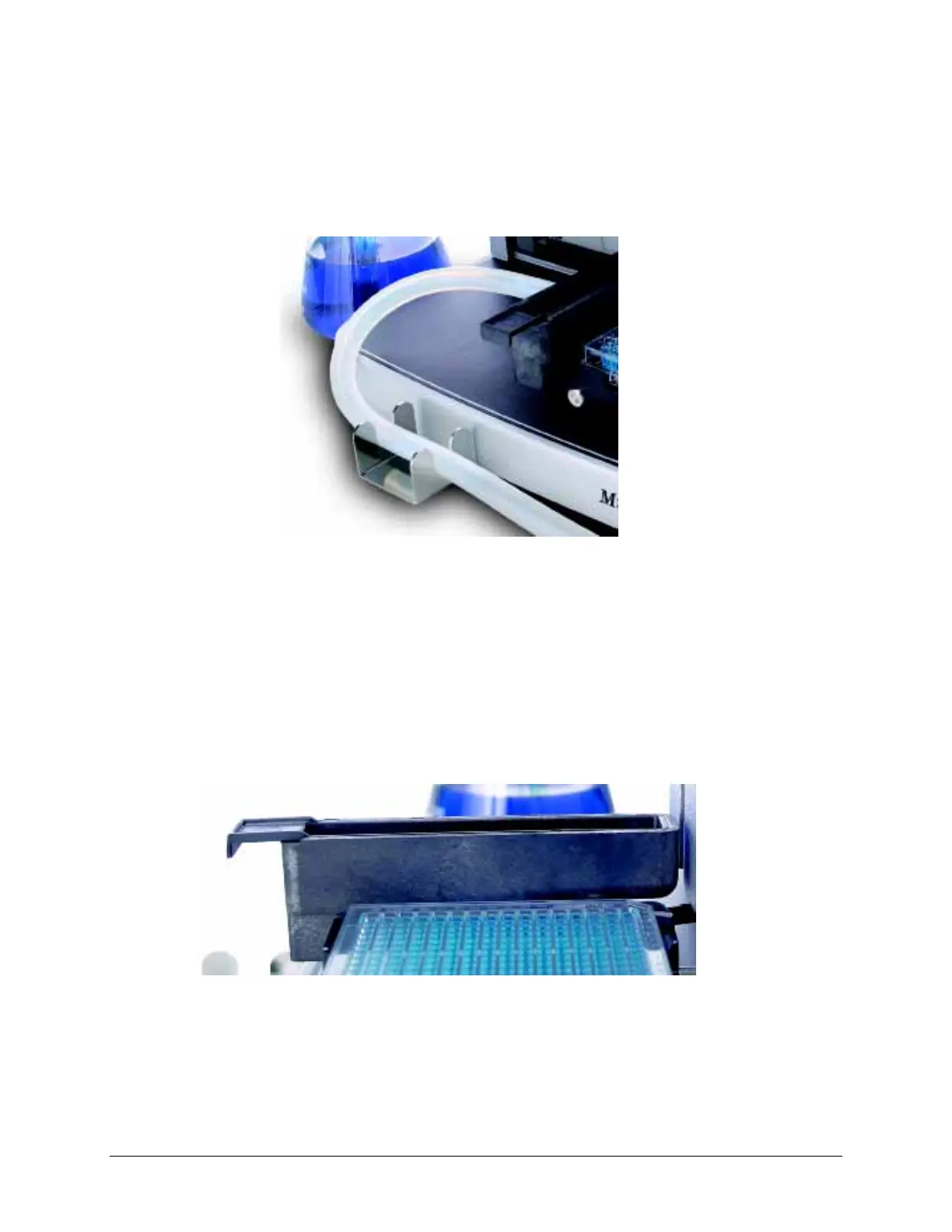
1. Plug one end of the drain tube into the spout on the priming trough.
2. Snake the tube through the bracket on the front of the dispenser and slide
the plate carrier to its extreme left and right positions to make sure the tube
does not impede its movement or catch an edge of the instrument. Remove
any slack, if necessary.
Figure 10: Prime Trough Drain Tube
Alternative Option: You can change the position of the bracket that holds the drain
tube. The bracket can be secured to the back left corner of the dispenser to redirect the
waste tube if that position better accommodates your workspace. You will find two
screw holes in the bottom of the instrument to hold the bracket.
3. Put the other end of the tube into your waste vessel.0
Prime Trough Insert
Figure 11: Prime Trough Insert for capturing precious fluids.
The MicroFlo ships with an extra reservoir to capture expensive reagent after priming,
rather than discarding it. The Prime Trough Insert (PN 7172062) fits inside the prime
trough.



 To Next Page