2. Remove the shipping hardware | 13
MicroFlo Select Operator's Manual
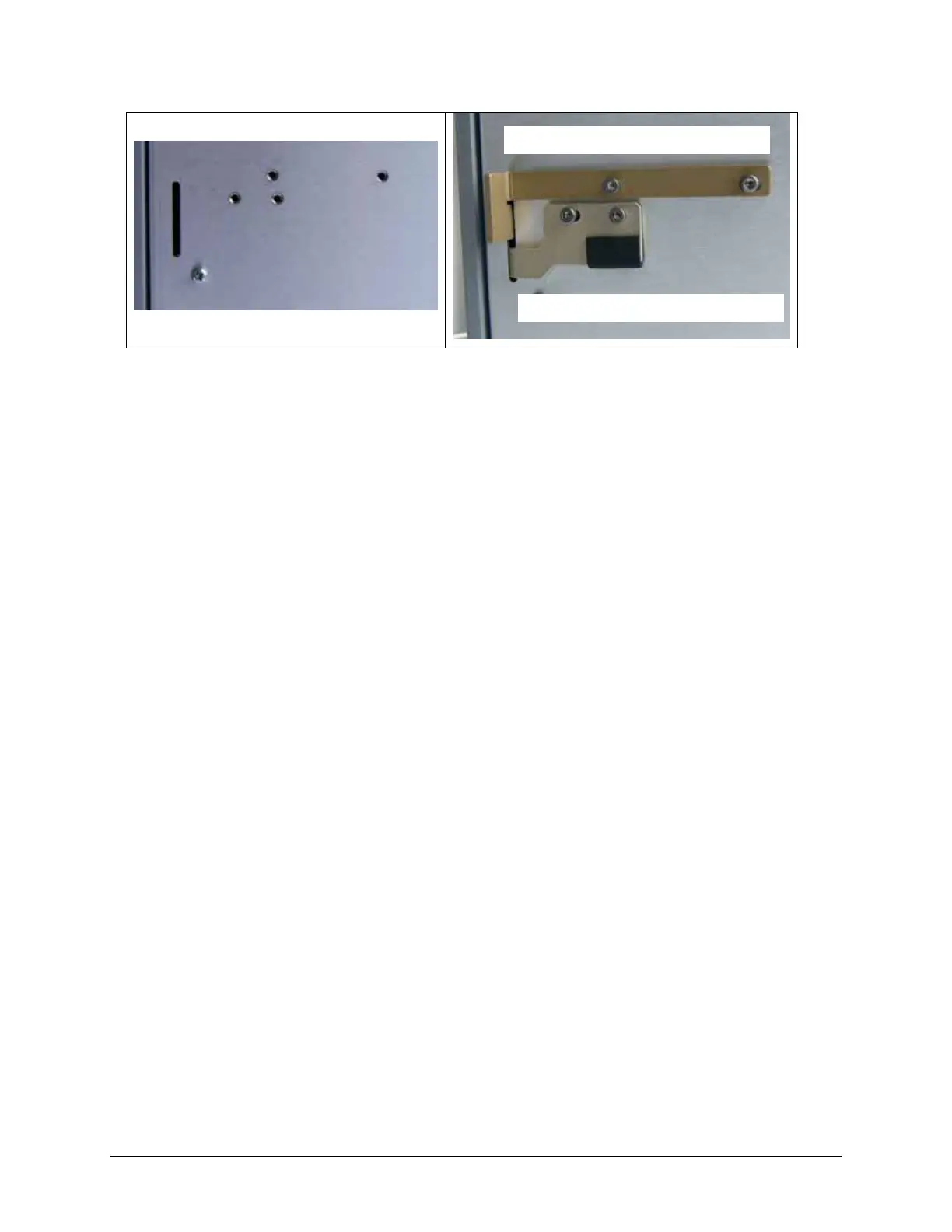
Figure 2: Attach the shipping brackets to the back of the instrument for safe keeping.
Four screw holes and a slot on the rear panel of the dispenser, (left side, near
the top), are provided for storing the shipping brackets. Line up the brackets’
screw holes with the holes in the back and insert the brackets’ arms into the
slot. Then, use the shipping screws to attach the brackets to the instrument.
Store the hex wrench in the plastic storage pouch.
Remove the rubber band
4. Carefully remove the rubber band that holds the pump cover in place
around the pump.
Store the rubber band in the small plastic storage pouch for future use.
Attach the plastic storage pouch to the rear panel
5. Use the Velcro strips to attach the plastic storage pouch to the rear panel of
the instrument. Select a position that does not block the vent holes.
Now, you’re ready to complete the installation by installing its components.
Plate carrier shipping bracket
Dispense arm shipping bracket



 To Next Page