sat801+ Pulse Oximeter
Use
23
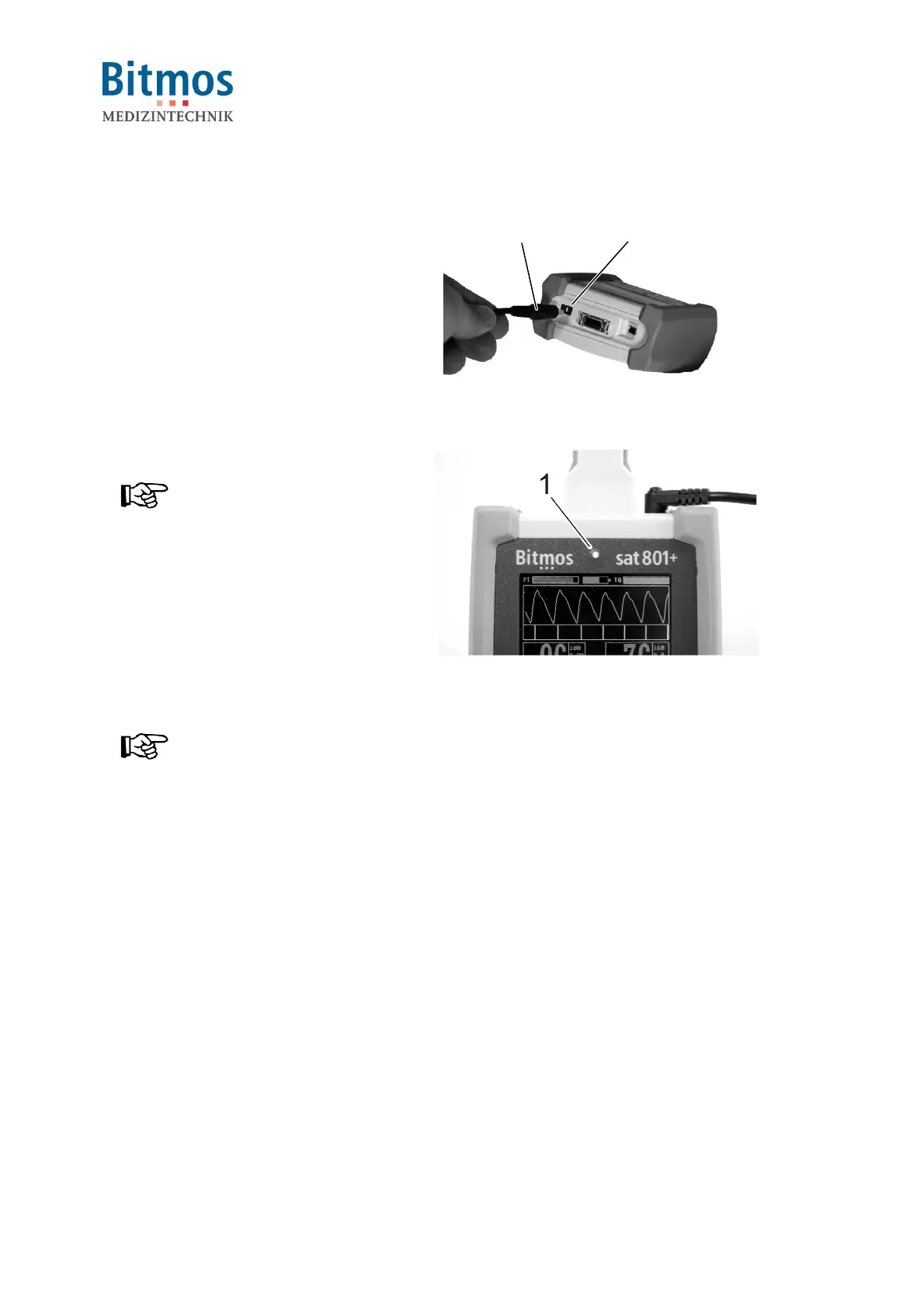
1. For charging, connect the mains
adapter plug to the unit connector.
2. Plug the other end of the cable into
an electric outlet.
2
1
Fig. 6: DC power adapter
3 The green power LED (1) displays.
NOTICE!
The green power LED only signals
that the unit is supplied with
electricity. The LED does not show
the unit’s operating condition
(ON/OFF).
4. For charging the unit, remain the unit
plugged-in for 8 hours with the unit
switched off and for 9 hours when
switched on.
Fig. 7: Power LED
NOTICE!
When switched on, the battery
capacity is displayed in the display.



 To Next Page