sat801+ Pulse Oximeter
Operation
41
7.6 Configuration (Configuration)
7.6.1 Screen options (Screen)
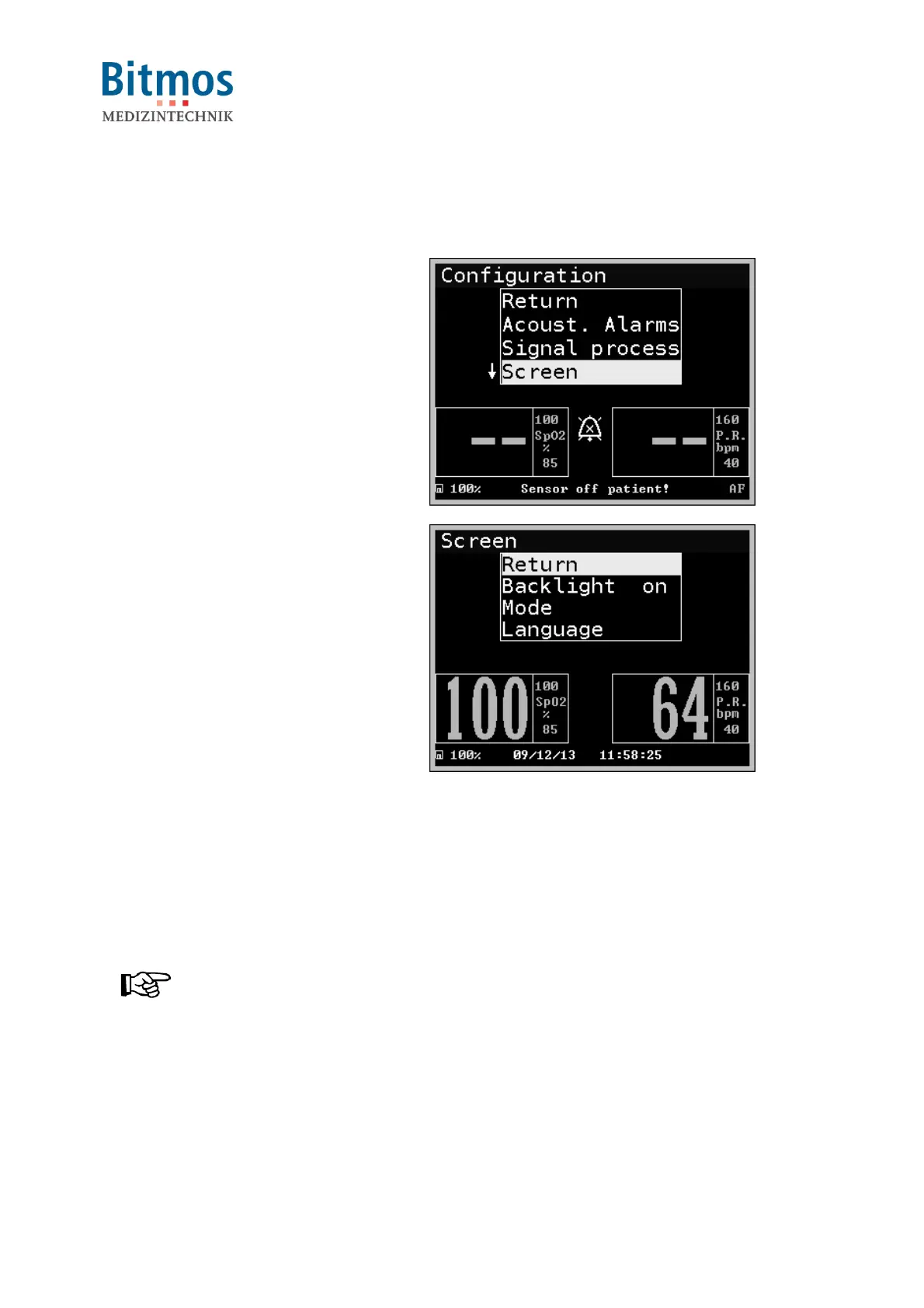
1. Starting from the main menu, call:
Configuration Screen
2. Select
Backlight, Mode or Language
3. Confirm the selection.
Fig. 37: Screen selection
Fig. 38: Screen submenus
7.6.1.1 Backlight (Backlight)
This function activates the LCD backlight; settings are “ON” and “AUTO”.
– The ON setting switches the background lighting permanently to maximum brightness
– The AUTO setting dims the background lighting to a default minimum value. When high
priority alarms are triggered, the background lighting is automatically switched to
automatic. When the alarm condition goes off, the background lighting is similarly
automatically dimmed to the minimum.
NOTICE!
The AUTO setting is a good idea in darkened rooms.



 To Next Page