sat801+ Pulse Oximeter
Operation
40
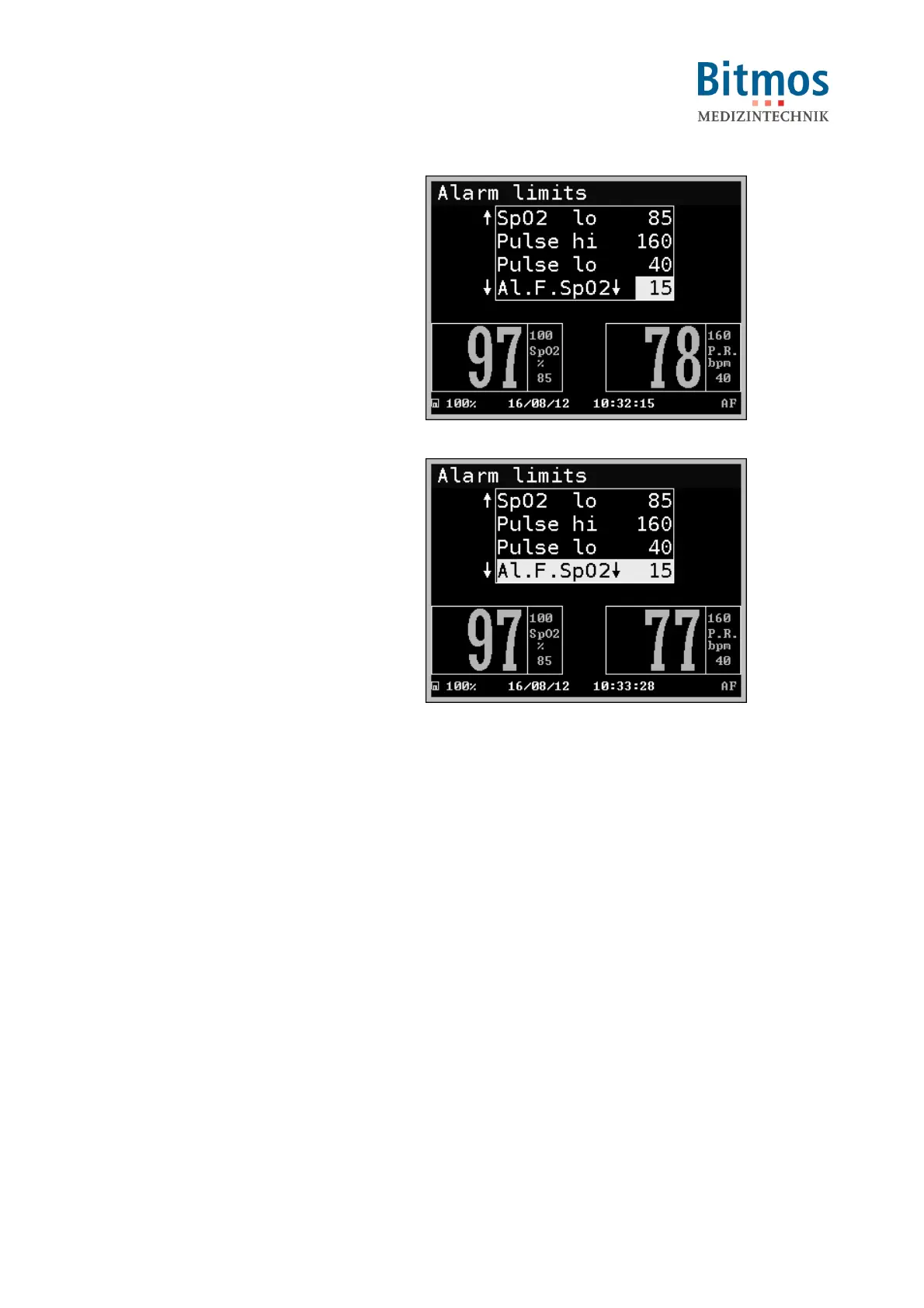
3. Select the alarm filter to be changed
and confirm it.
4. Set the new period (in seconds)
value and confirm it.
Fig. 35: Modifying the alarm filter
5. Set other values if needed.
6. Leave the menu with Return.
7. Confirm all new values by confirming
the safety question Accept? Y/N.
9. If the alarm filter is activated, this will
be displayed by the symbol “AF” in
the lower right area of the display.
Fig. 36: Confirming the settings



 To Next Page