sat801+ Pulse Oximeter
Operation
33
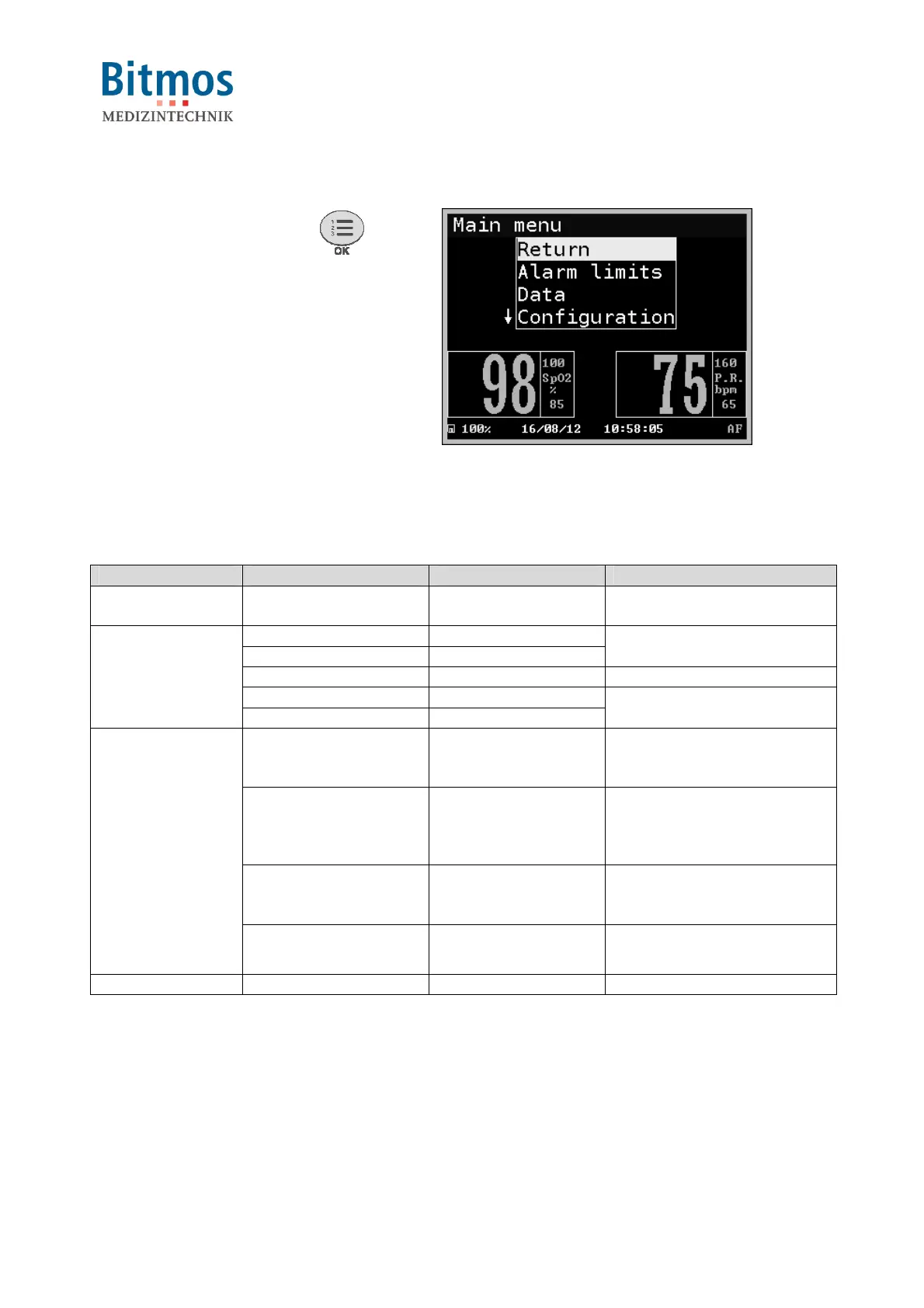
7.2.2 Calling the main menu
1 Press the menu button
.
2 The main menu is displayed.
Fig. 21: Main menu
7.2.3 Menu structure
The menu structure is as follows:
Level 1 Level 2 Level 3 Remark
Alarm limits
Setting the alarm limits and
alarm filter parameters
Vital alarm list
Total alarm list
Alarm lists
Trend
On-screen data display
Memory config.
Data
Erase Memory
Memory configuration
Acoust. Alarms Volume pulse
Volume alarm
Mute duration
Configuration of the
acoustical alarms
Signal process Algorithm mode
Averaging time
Smart Tone
Artifact filter
Setting of pulse oximetry
parameters
Screen
Backlight
Mode
Language
Adjustment of the screen
options and Access
permissions
Configuration
Clock
Setting the time and date
Product Info
Information about the unit
7.3 Switching On



 To Next Page