sat801+ Pulse Oximeter
Operation
50
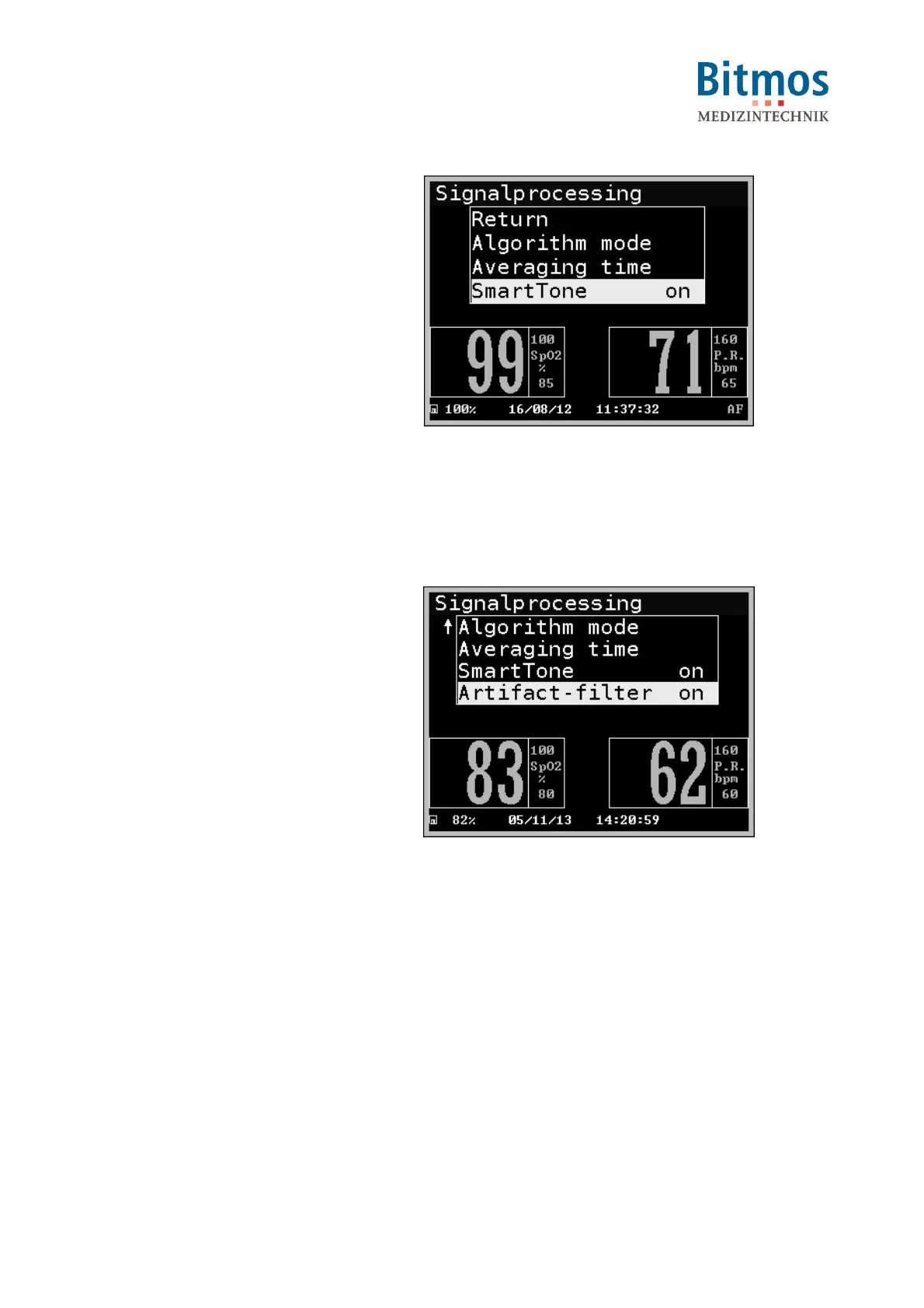
1. Starting from the main menu, call:
Configuration Signal
process. Smart Tone
2. Select the setting (on/off).
3. Confirm this setting with RETURN.
Fig. 51: SmartTone
7.6.3.4 Artifact filter (Artifact-filter)
The Artifact filter rejects sensor-related alarm messages that are shorter than 5 seconds. A
sensor alarm must be at least for 5 seconds of the same type to be processed.
1. Starting from the main menu, call:
Configuration Signal
process. Artifact-filter
2. Select the setting (on/off).
3. Confirm this setting with RETURN.
Fig. 52: Artifact filter



 To Next Page