sat801+ Pulse Oximeter
Operation
46
NOTICE!
This de-activation of the pulse signal
tone is not shown on the display.
Fig. 45: Pulse tone volume
7.6.2.2 Alarm tone volume (Volume Alarm)
1. Starting from the main menu, call:
Configuration Acoust.
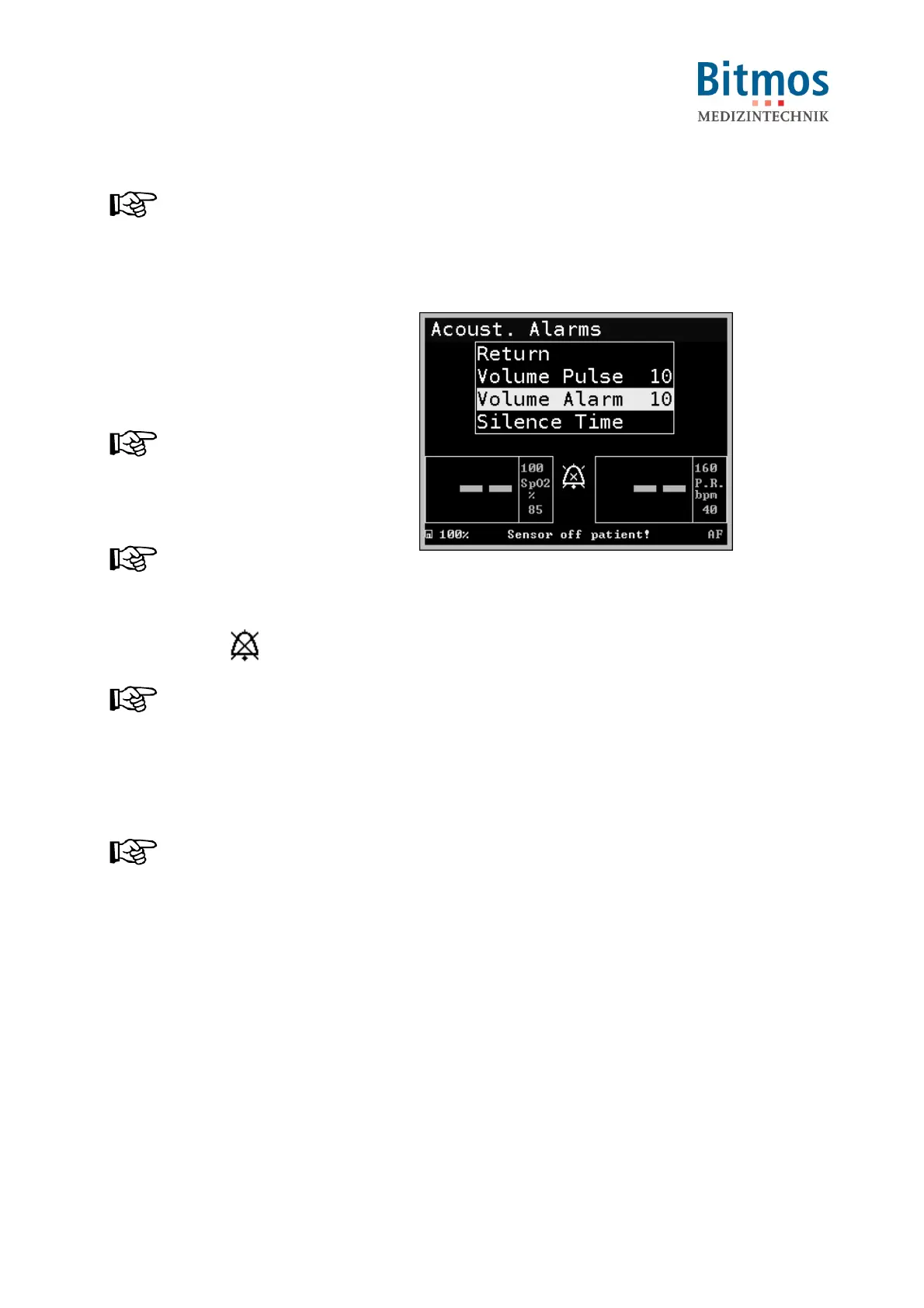
Alarm Volume Alarm
2. Adjust the alarm tone volume from
OFF und loud (10).
NOTICE!
Every incremental change emits the
actual volume strength once.
3. Confirm this setting.
NOTICE!
If you select the OFF setting, the
display shows the permanent alarm
silence symbol: .
NOTICE!
If you select a setting of less than 5,
a warning message is displayed
during the next power-on cycle
reminding the operator at a possibly
too silent setting.
NOTICE!
In home care mode, audio mute
setting (=OFF) is not possible.
Fig. 46: Alarm tone volume
7.6.2.3 Alarm mute time (Silence Time)
The alarm signal mute time displays the duration of the mute signal, if the alarm signal mute time
has been set and acknowledged.
After expiration of this time the sound alarm is activated again, if the acknowledged alarm
condition still exists.
The alarm signal mute time can be set between 30, 60, 90, and 120 seconds.



 To Next Page