sat801+ Pulse Oximeter
Use
22
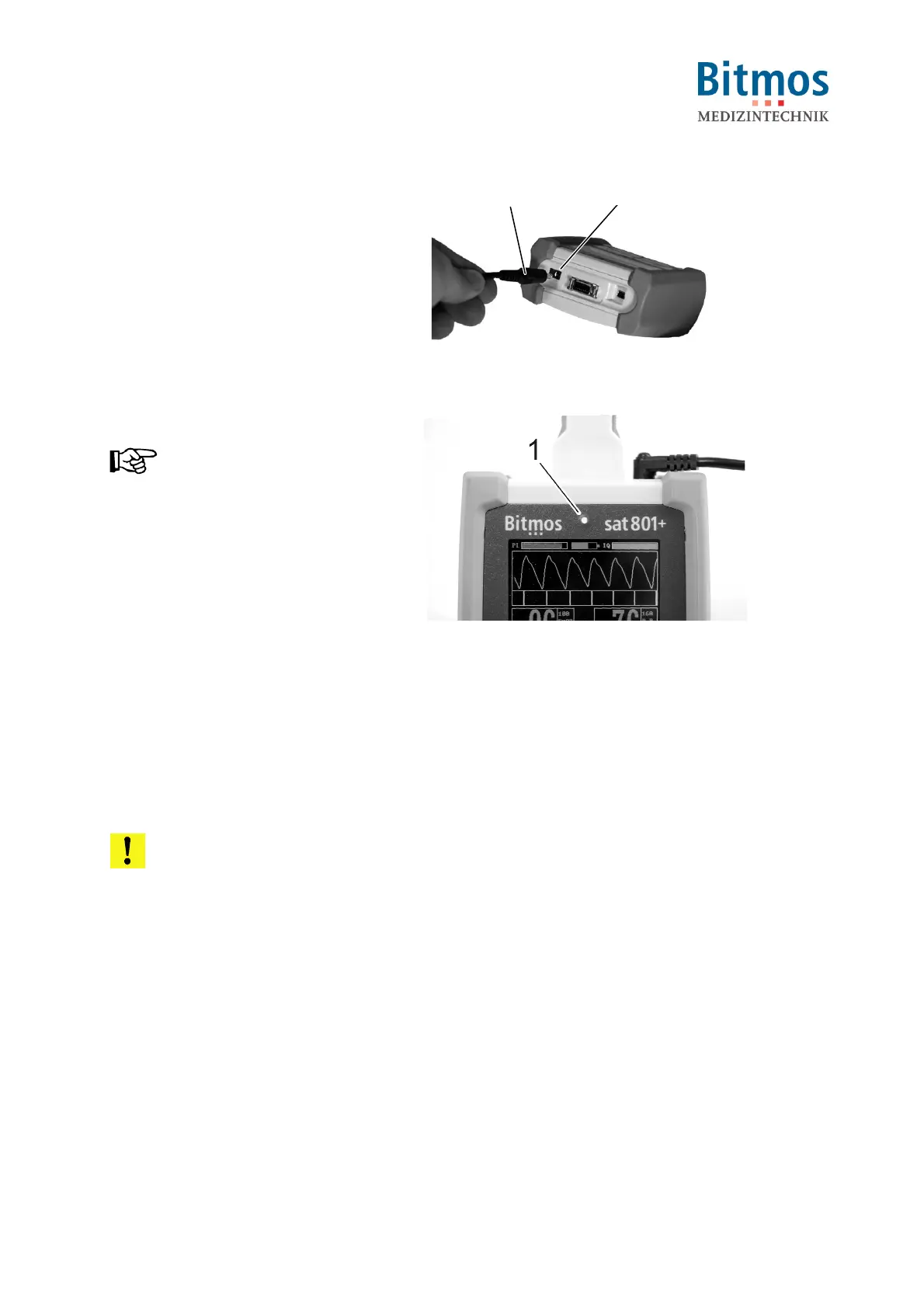
1. Connect the network adapter plug
(1) to the unit connector (2)
2. Plug the other end of the cable into
an electric outlet.
2
1
Fig. 4: Plug adapter cable into socket
The Network-LED (1) displays.
NOTICE!
The Network-LED only signals that
the unit is supplied with electricity.
The LED does not show the unit’s
operating condition (ON/OFF).
Fig. 5: Network-LED
6.3.2 Battery operation
The power supply for monitoring can be done also without the external power supply unit – it can
also be provided by the built-in battery. With a fully-charged battery, the power supply is
guaranteed for at least 22 hours of monitoring.
When the device is switched on, the current battery capacity is permanently displayed to the user
as an icon on the LCD display. If the battery capacity is no longer sufficient, in other words
monitoring is guaranteed for less than 1 hour, the battery alarm is activated.
Before first use, carry out a complete charge cycle.
ATTENTION!
Never use multiple electric socket strips to supply the unit.
Never connect the unit to a switched network socket.
Only use the power pack plug supplied with the unit.



 To Next Page