sat801+ Pulse Oximeter
Operation
35
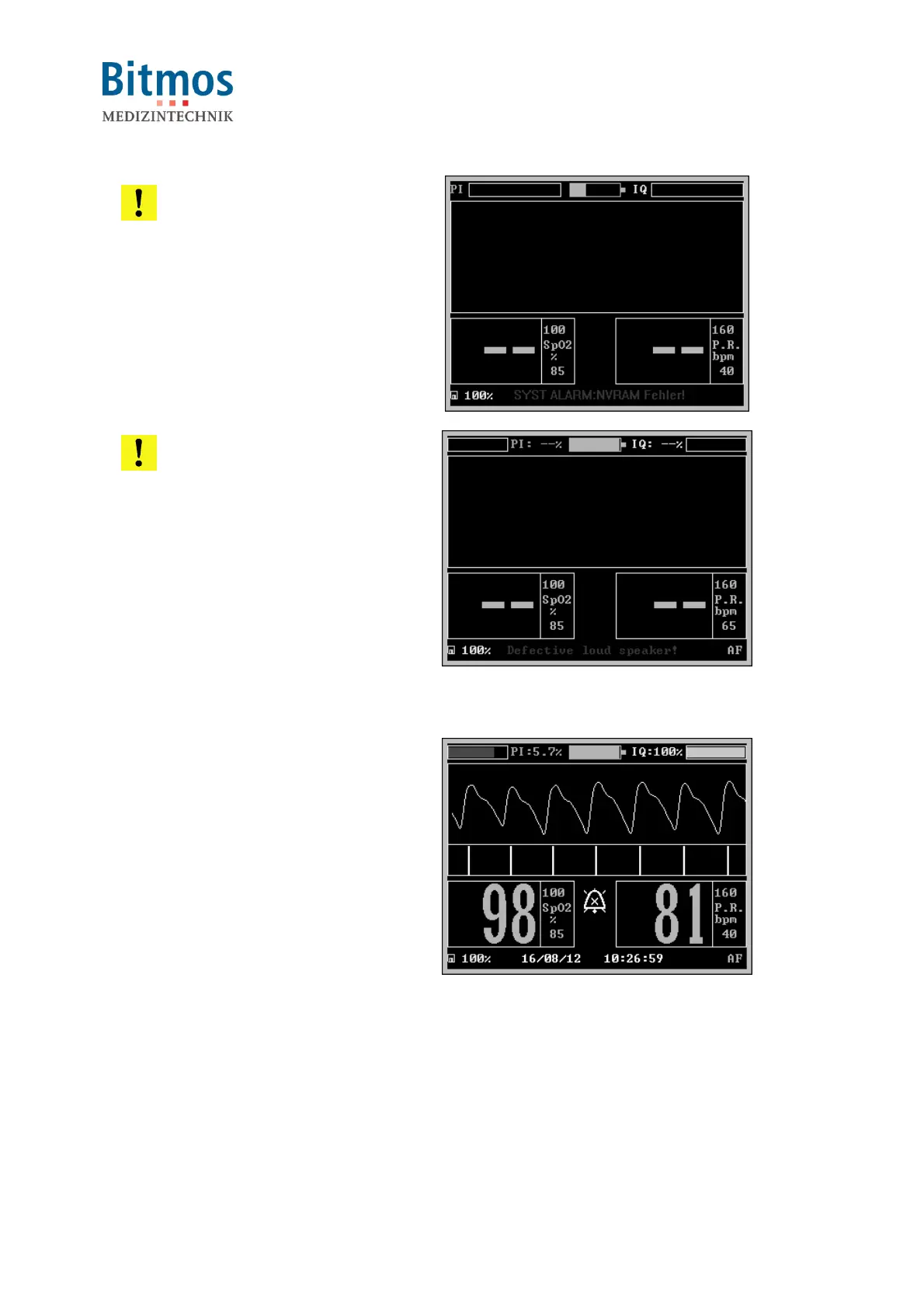
ATTENTION! Unsuccessful
tests!
If one or several tests are not
successfully executed, an error
message is displayed in the
display.
The unit can and may not be used
on patients.
Fig. 25: Power-up error message
ATTENTION! Defective
alarm loudspeaker!
The sat801+ system is equipped
with a redundant alarm loud
speaker system. With one
defective alarm loudspeaker, the
other loudspeaker is still able to
alarm, but not with the standard
volume.
The unit may then not be used on
the patient!
Fig. 26: Defective loud speaker.
3. After this the Normal Display
appears.
With an applied sensor, now the
signal search for the pulse occurs
(message "Pulse search" in the
status line). With a successful pulse
search the measured values for
oxygen saturation and pulse
frequency are displayed on the
screen.
Fig. 27: Normal display
4. The unit is now operational.
7.4 Turning the unit off
The turn-off process is designed so that turning it off accidentally can possibly be avoided. After
turning off the unit all previously entered values and configurations are preserved, except for
alarm volume = 00 and Perfusion Sensitivity (Algorithm mode). The alarm volume will be set to a



 To Next Page