sat801+ Pulse Oximeter
Data
64
When transmission is complete, the
message:
"File … has been saved!"
"…take the Memory Card
out!"
is displayed.
When the data has been
successfully written to the SD card,
the data memory in the device is
automatically deleted.
NOTICE!
If the transmission is interrupted or a
fault occurs, the pulse oximeter
outputs an error message. No data
is stored on the SD card in this
event.
4. Pull the SD card out.
The data on the SD card can then be
processed with a graphics and analysis
program, e.g. “Bitmos satview”.
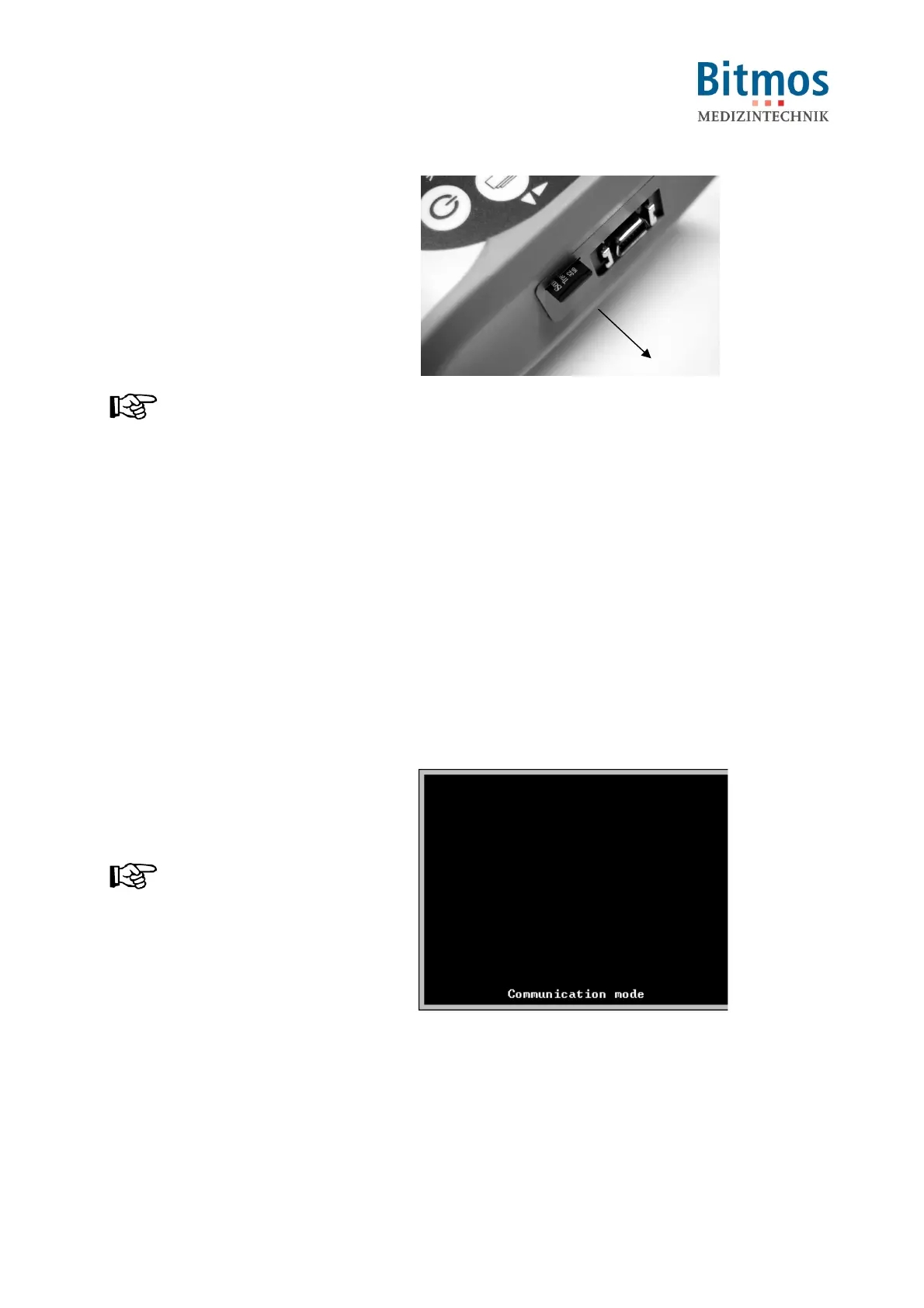
Fig. 64: Removing the SD card
9.3.2 USB connection
Data can also be transferred by USB.
1. Switch off the device.
2. Connect the computer to the
sat801+ via a mini USB cable.
3. Switch on the device.
The USB connection is
automatically detected and
displayed on the screen.
NOTICE!
The sat801+ appears in the
Windows Explorer as a flash drive.
For usage of this connection, refer
to the corresponding PC programs.
Fig. 65: Communication mode



 To Next Page