sat801+ Pulse Oximeter
Operation
32
7 Operation
7.1 General
Control of the unit takes place on the display in combination with the control buttons.
In the directional text of this user manual, the texts, appearing in the display, are highlighted to
assist in understanding. In addition, the following writing format is used:
“Display text.”
7.2 Menu operation
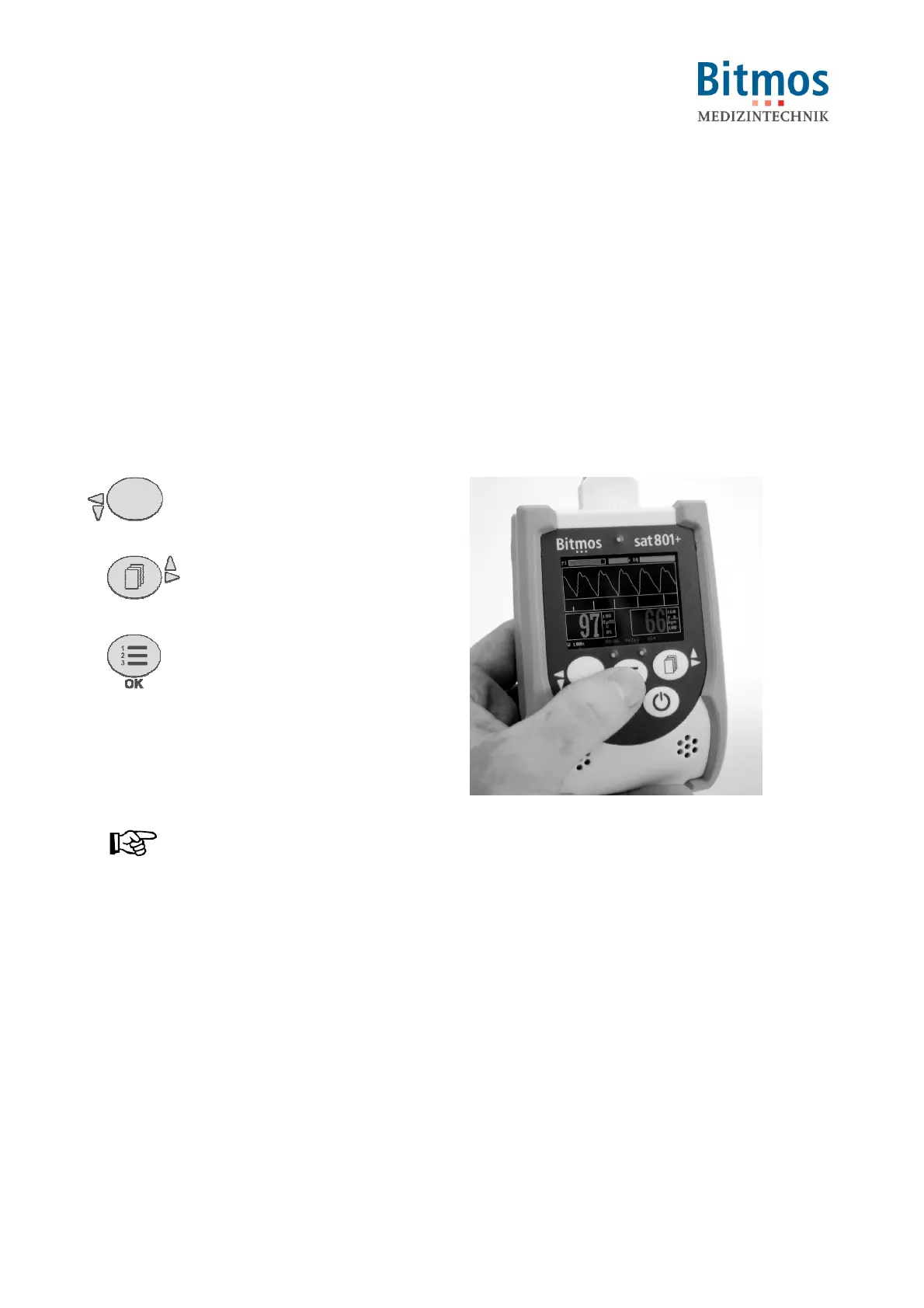
7.2.1 Using the menu buttons
In the menu: down or left
or
decrease settings
In the menu: up or right
or
increase settings
Confirm actions or selections
Fig. 20: Operation
Notice!
If you do not confirm or accept a menu setting within 60 seconds, the standard screen is
automatically displayed.



 To Next Page