sat801+ Pulse Oximeter
Use
25
5. After 30 seconds the alarm will be
reset and the display returns to
standard mode display.
6. Now, the unit is supplied by the
internal batteries.
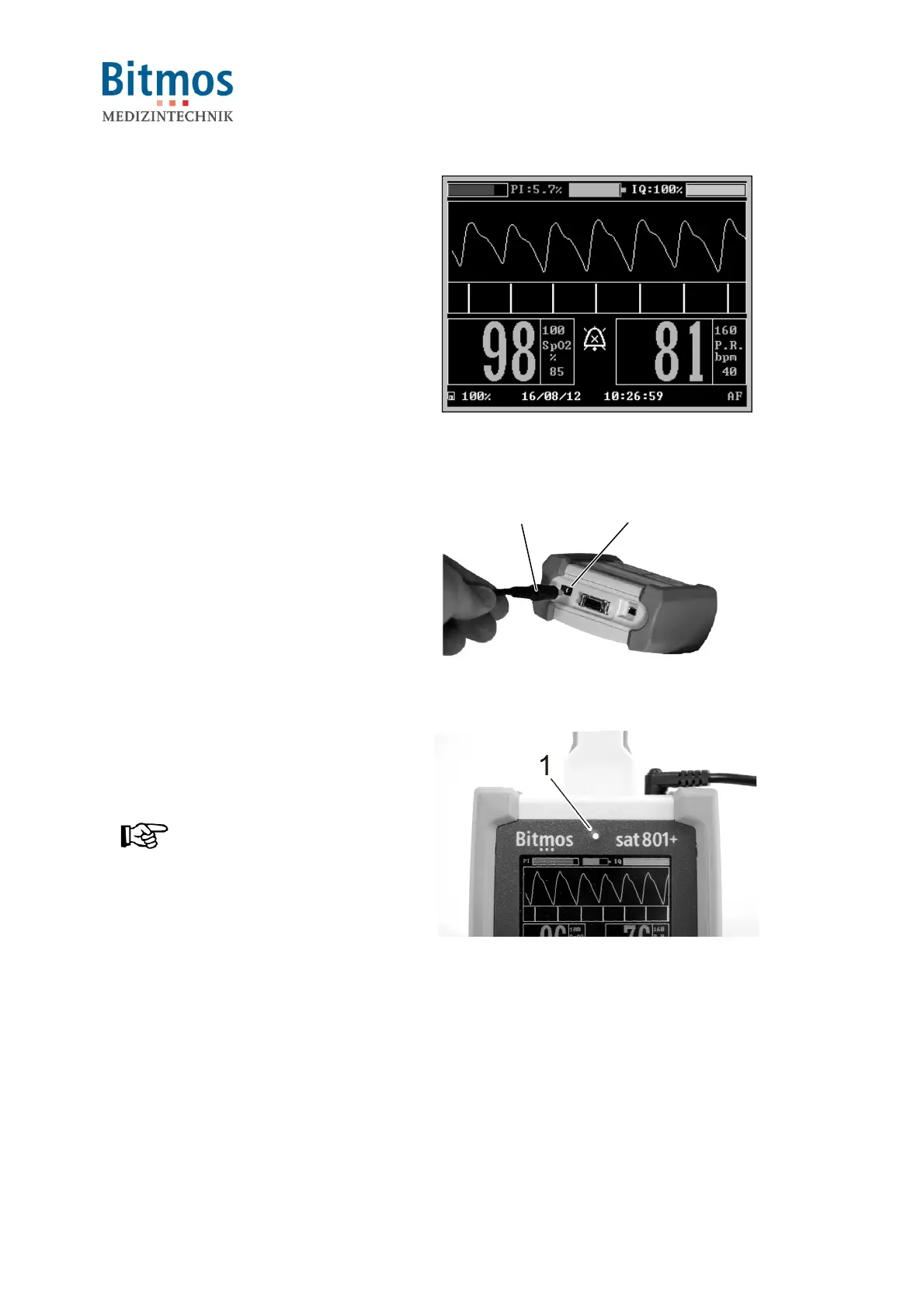
Fig. 11: Standard display mode
6.3.3.2 Changing from battery to mains supply
The device is in battery operation.
1. Connect the DC power plug to the
unit connector.
2. Plug the other end of the cable into a
mains electric outlet.
2
1
Fig. 12: DC power plug
3. The power LED (1) goes on.
4. The unit is now supplied by mains.
NOTICE!
The green power LED only signals
that the unit is supplied with
electricity. The LED does not show
the unit’s operating condition
(ON/OFF).
Fig. 13: Mains power LED
6.4 Connections
6.4.1 Connecting the patient cable



 To Next Page