sat801+ Pulse Oximeter
Operation
36
minimal non-zero value = 01. For Perfusion Sensitivity, the manufacturer’s default setting will be
set.
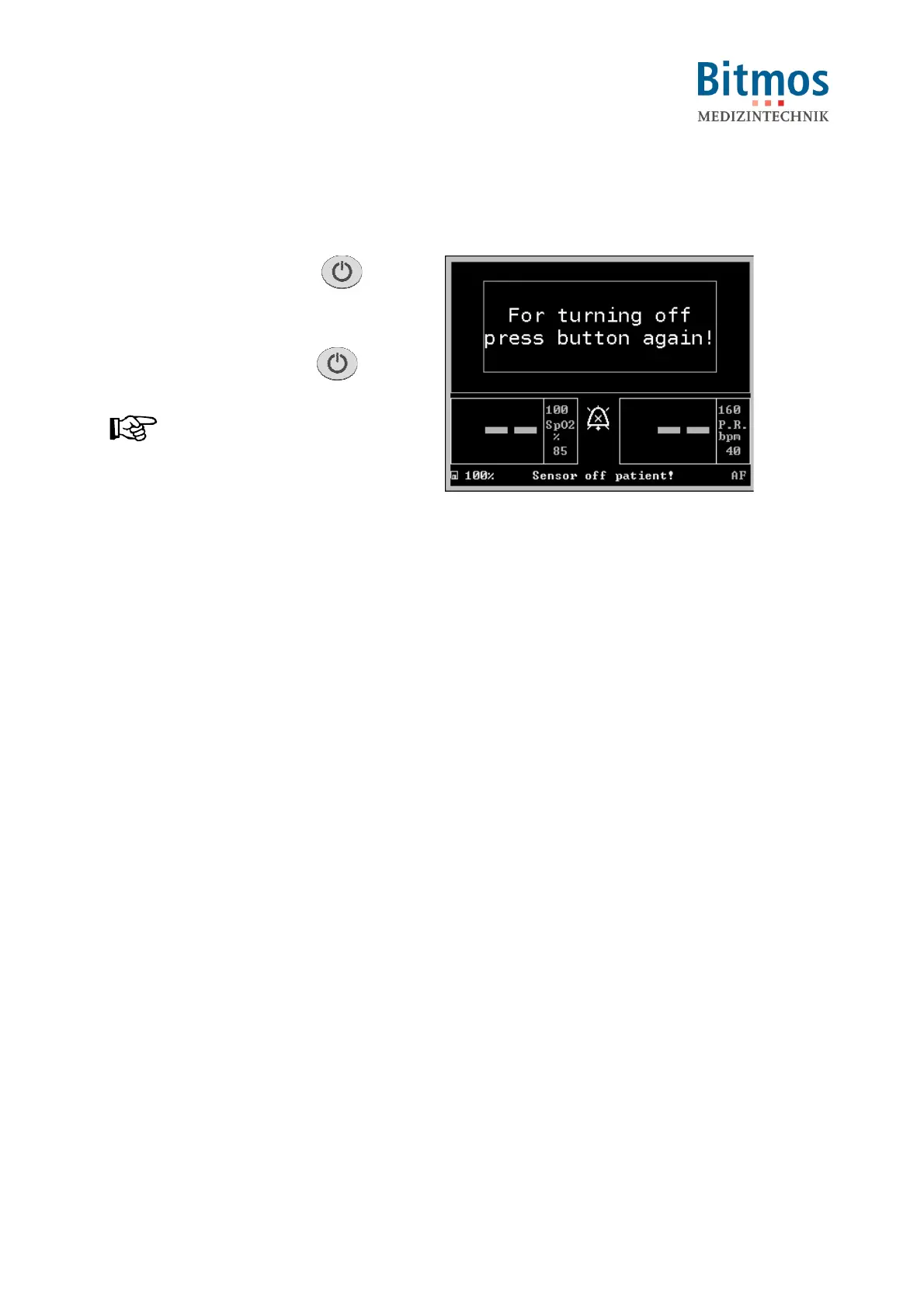
To turn the unit OFF:
1. Press the On-/Off button for
approx. 2 seconds.
2. The display shows the turn-off
confirmation message.
3. Press the On-/Off button again.
NOTICE!
Should the On-/Off process be
interrupted the last readings before the
On-/Off process appear for approx.
5 seconds. The monitoring remains intact
for the entire time.
4. The unit is now being turned off.
Fig. 28: Power-down screen



 To Next Page