sat801+ Pulse Oximeter
Operation
34
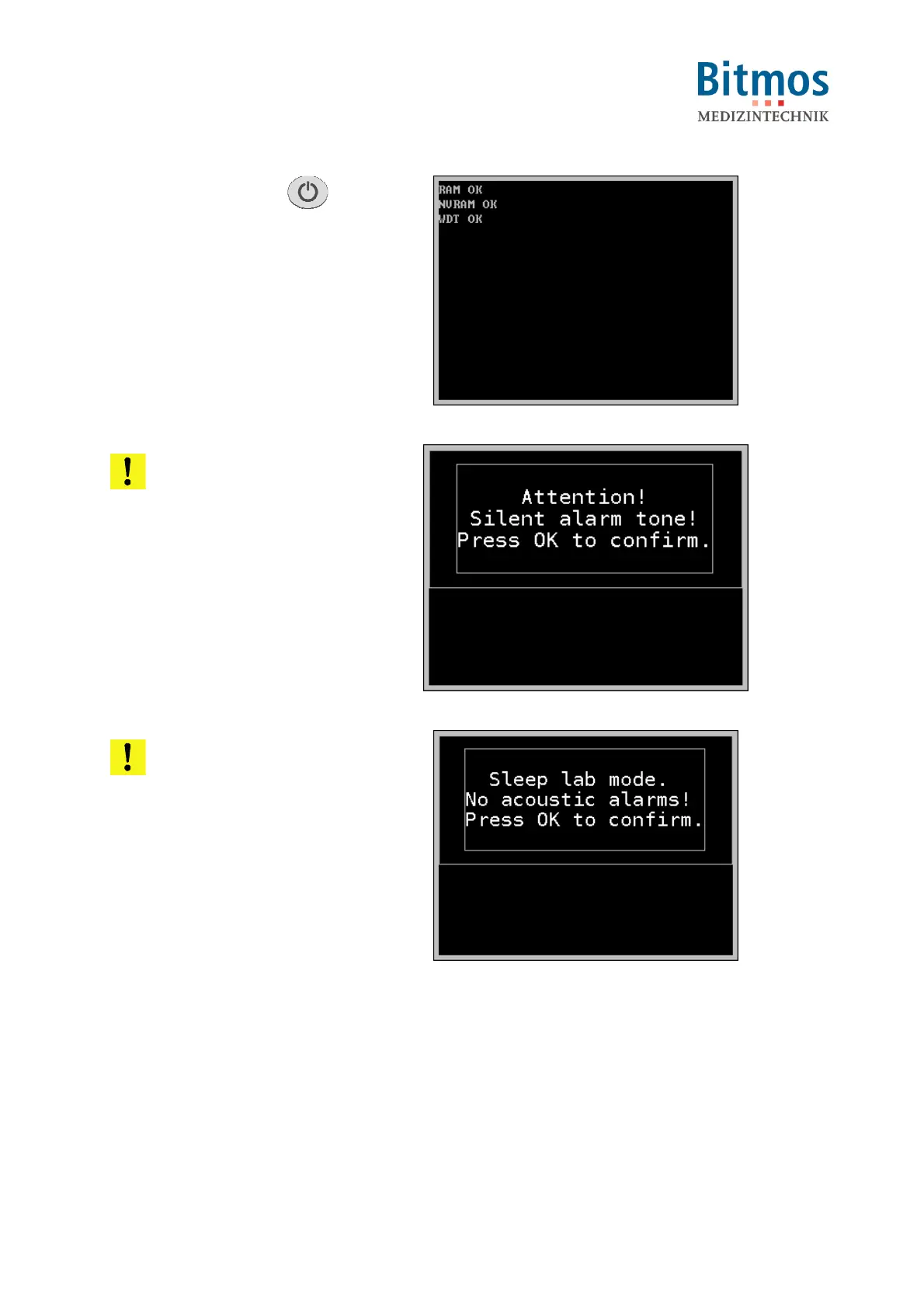
1. Press On/Off button .
2. An optical, audio, and internal self
test is completed:
– The LEDs are activated.
– An alarm sound is issued.
– The unit goes through
extensive internal hardware
testing.
Fig. 22: Power-up screen
ATTENTION! TOO SILENT
ALARMS!
If the alarm tone volume setting is
5 or less, a warning message is
displayed during the power-up
cycle.
The operator has to acknowledge
this setting with OK.
Otherwise, the device will not
enter the standard mode.
Fig. 23: Too silent alarms warning
ATTENTION! No alarms in
SLEEP LAB MODE!
With activated SLEEP LAB MODE,
there are no acoustical alarms on
the unit.
If activated, the operator has to
confirm this setting with OK.
Otherwise, the device will not
enter the standard mode.
Fig. 24: Sleep lab mode



 To Next Page