Getting Started
Getting started with your HyperDeck Shuttle HD is as easy as connecting power, plugging in
anHDMI video source, inserting an SD card or external media, then pressing record!
This section of the manual shows how to get started using your HyperDeck Shuttle HD.
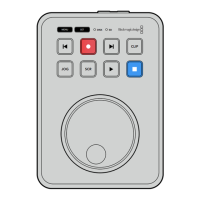
JOG SCR
CLIP
MENU SET
DISK SD
Plugging in Power
To power your HyperDeck Shuttle HD, plug the supplied power adapter into the power input
on the rear panel. Tightening the locking ring secures the power cable to prevent accidental
disconnection.
HDMI OUT
HDMI IN
EXT DISK
SD CARD
ETHERNET
+
12V DC
Secure the power adapter into HyperDeck Shuttle HD’s power input
5Getting Started


 To Next Page
 Loading...