HDMI OUT
HDMI IN
EXT DISK
SD CARD
ETHERNET
+
12V DC
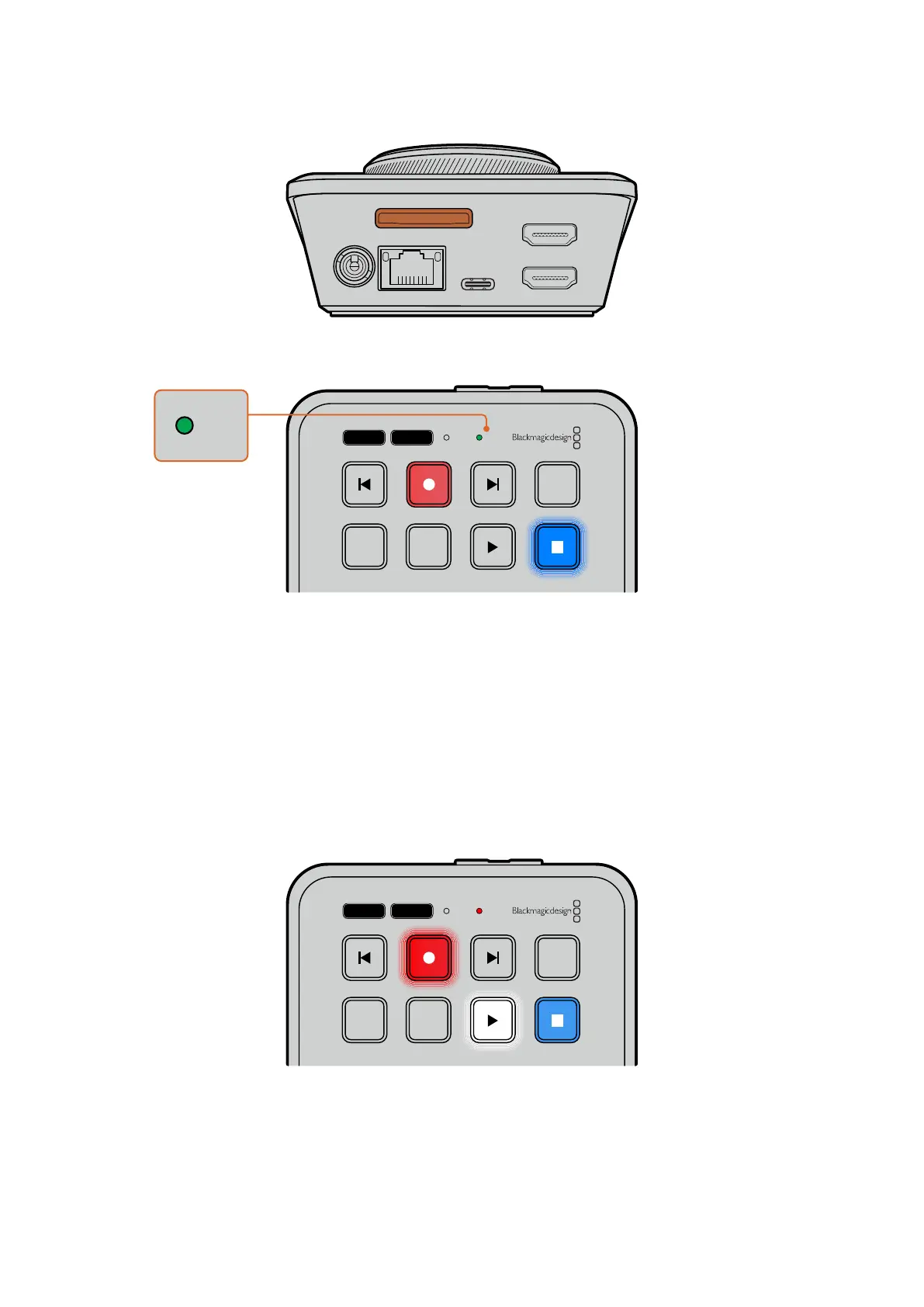
2 HyperDeck verificherà la scheda. Durante questa fase, la spia SD frontale è illuminata di
verde. La spia si spegne a verifica effettuata.
JOG SCR
CLIP
MENU SET
DISK SD
JOG SCR
CLIP
MENU SET
DISK SD
Ora HyperDeck Shuttle HD è pronto per registrare e riprodurre.
Continua a leggere il manuale per scoprire come registrare e riprodurre le clip e cambiare le
impostazioni.
Registrazione
Dopo aver verificato la sorgente video sul dispositivo HDMI di destinazione, puoi iniziare a
registrare.
Premi REC per avviare la registrazione. Se registri su una scheda SD, la spia SD diventa rossa
ei tasti REC e PLAY si illuminano. Se registri su un disco esterno, la spia DISK diventa rossa.
JOG SCR
CLIP
MENU SET
DISK SD
Premi STOP per interrompere la registrazione.
591Registrazione


 To Next Page
 Loading...