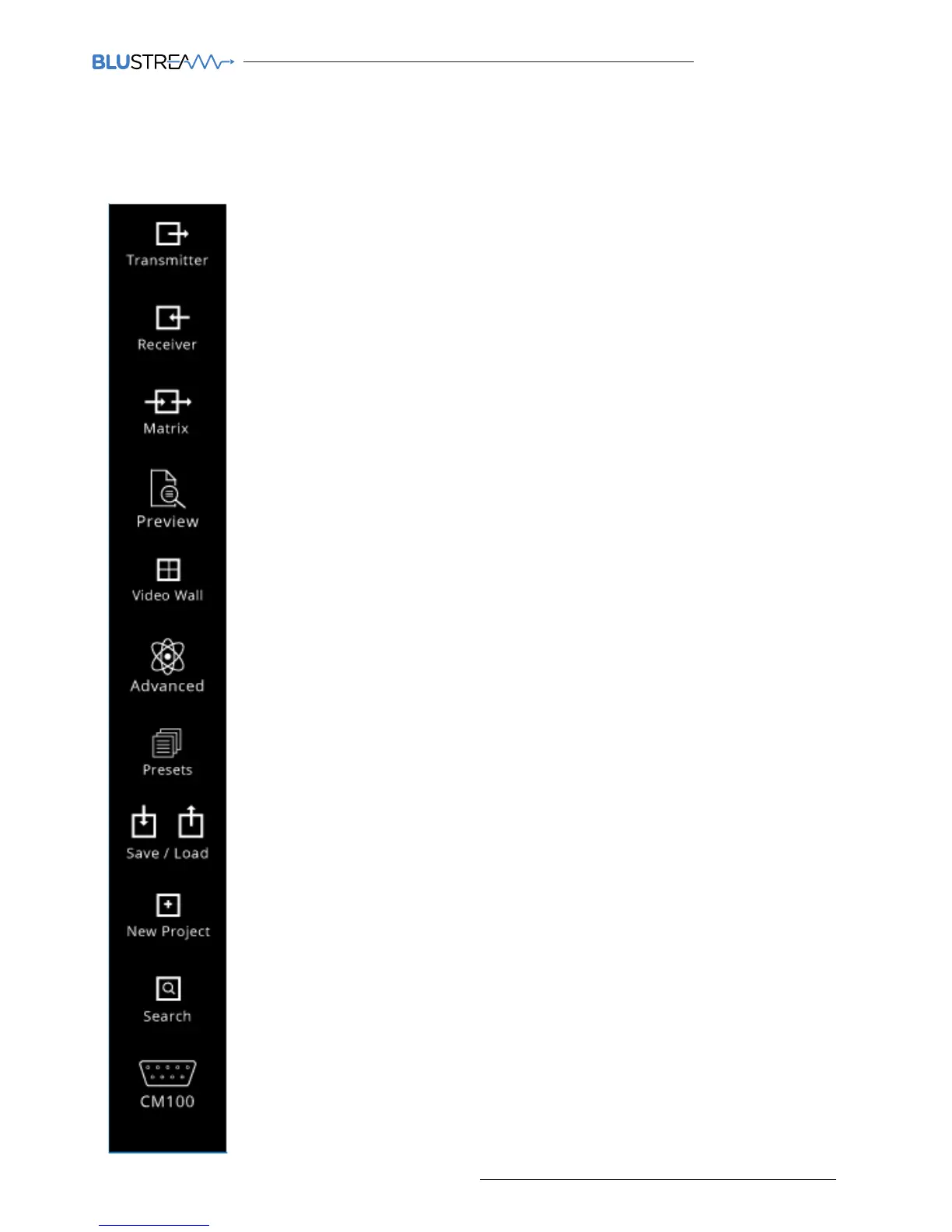
When you first run the Blustream PC Wizard you will see multiple options in the side menu for configuration and
control of the Multicast system.
PC Program Main Menu Overview
Transmitter - page shows a summary of all IP100UHD-TX (Transmitters) installed, with
options for EDID management, checking FW version, updating settings, adding new
transmitters, replacing or rebooting products etc.
Receiver - page shows a summary of all IP100UHD-RX (Receivers) installed, with options
for resolution output (HDR and scaling), function (video wall mode or matrix), updating
settings, adding new receivers, replacing or rebooting products etc.
Matrix - this page is used for system testing and includes a matrix switching control of
any installed IP100 Transmitter and Receiver
Video Wall - page is used for the set-up, configuration and control of IP100UHD
receivers to create a video wall array of up to a size of 16x16, including: bezel & gap
compensation, monitor position layout, stretch / fit, and screen rotation
Advanced - page contains advanced settings for the Multicast products including
firmware upgrading of transmitters or receivers and time out for video lost detection
Preset - create and recall advance presets, allowing a single button recall of custom
system setup (8 presets maximum)
Save / Load - used to save or load system configuration files
Search - find all active Multicast products installed if installer does not have the saved
system file
New Project - used to configure a new Blustream Multicast system
CM100 - allows you to update firmware and set the IP Address of a CM100 if connected
to the Multicast system
Preview - this page is used for system testing and includes a video preview of any
installed IP100 Transmitter and Receiver



 To Next Page