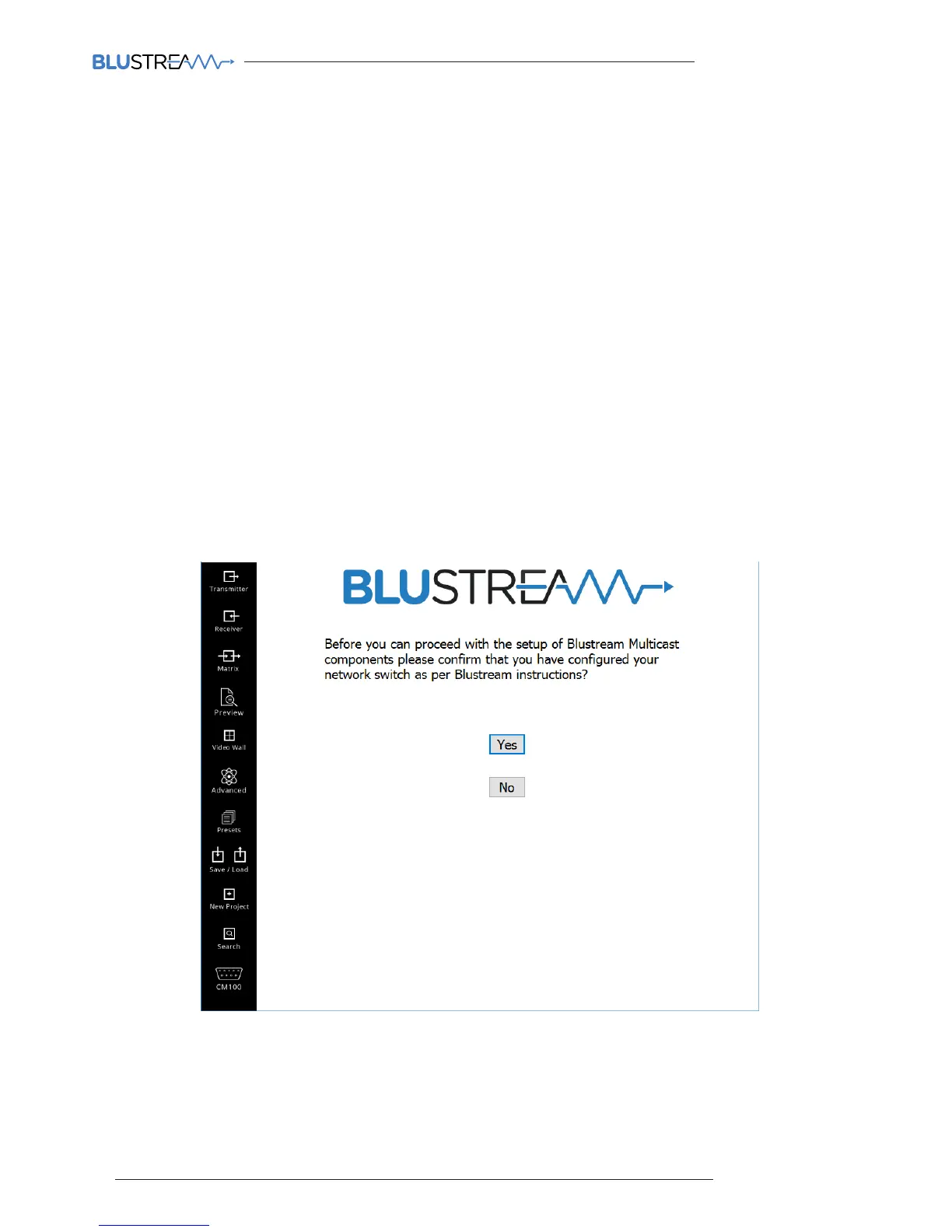
The Blustream PC Program includes a wizard for configuring all components of the Multicast system. It has been
designed to include a simple step-by-step tutorial that will guide you through the setup procedure, resulting in a
system in which all components are assigned a name and IP address ready for basic system use.
It is important to follow the wizard instructions. Failure to do so will result in incorrectly configured Multicast products.
Please see below summary of the setup process:-
1) Connecting your PC to the network switch/Multicast product
In order to configure the Blustream Multicast products your PC must first be physically connected to the products, this
can be acheived by:
a) A PoE network switch using a Ethernet network cable which is in turn connected to the Blustream
IP100UHD-TX/RX products
b) Connected directly to the Blustream IP100UHD product which must be powered locally using a 24-56V DC
power supply
In order to be able to communicate with the Blustream IP products your computer must also be in the
same IP range as the Blustream IP100UHD-TX/RX default IP address. If you are unsure how to update your
computer IP range follow the ‘Changing your computer IP address’ instructions at the rear of this guide.
New Project Configuration
Click ‘YES’ to continue with the wizard configuration



 To Next Page