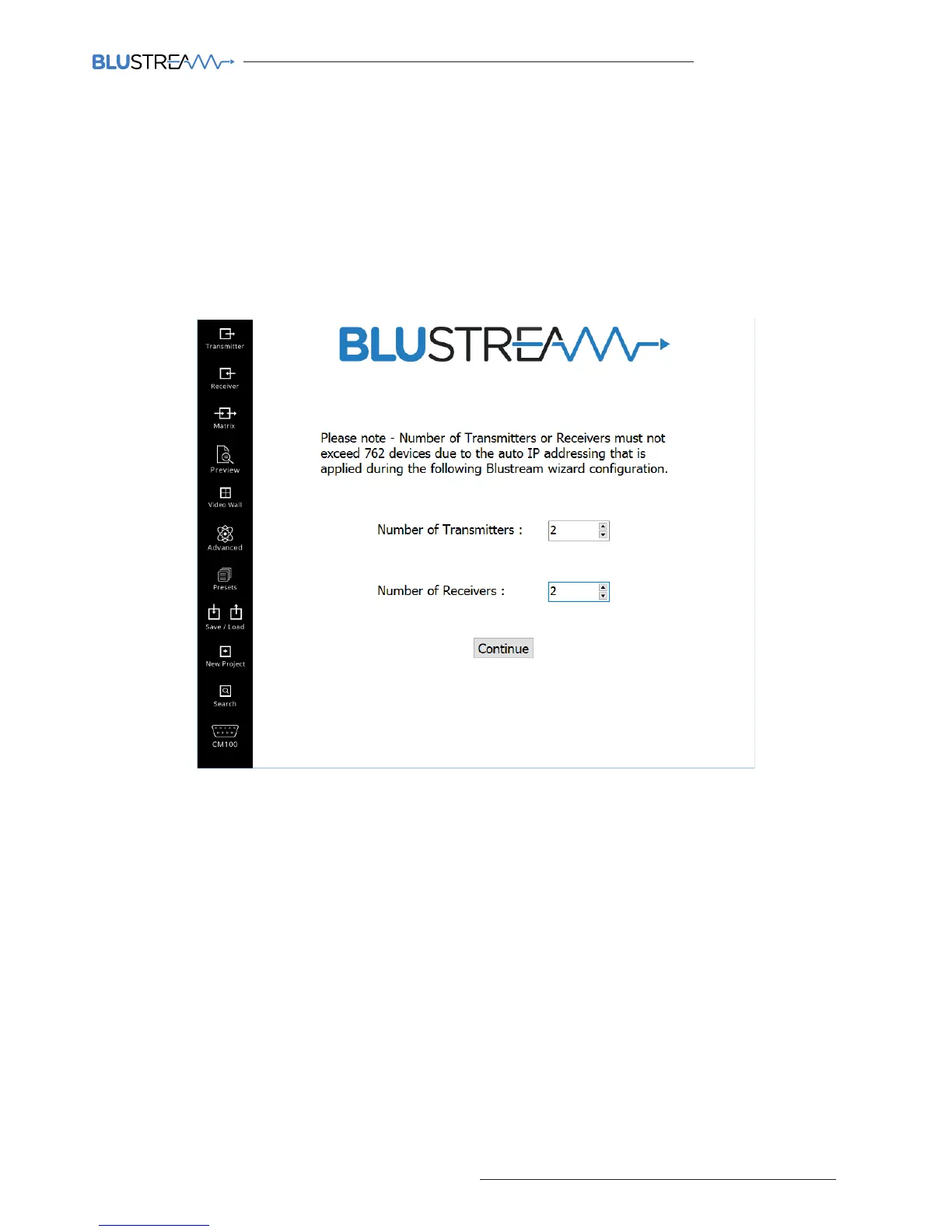
2) Confirming the number of Multicast Transmitter and Receiver products to be setup
The following window is used to confirm how many Transmitter and Receiver products you are about to configure.
It is important that these totals are correct as the wizard will guide you through the setup of each product one-by -one.
You can add tranmistters or receivers to the system at a later stage if required.
During the setup of each product the PC wizard will automatically assign an IP address to each product.
The number of Transmitters or Receivers must not exceed 762 devices due to the auto IP address
configuration. If you plan to connect more than 762x transmitters or 762x receivers to the system, please contact
Blustream Support.
Transmitters
The first product to be assigned an IP address is an IP100UHD-TX Transmitter which will be given the IP address of
169.254.3.1. The next Transmitter will be assigned an IP address of 169.254.3.2 and so on....
Once the IP range of 169.254.3.x is filled (254 units), the PC wizard will auto assign an IP address of 169.254.4.1 and so on...
Once the IP range of 169.254.4.x is filled the PC wizard will auto assign an IP address of 169.254.5.1 and so on until
169.254.4.254
Receivers
Aer all Transmitter products have been setup the PC wizard will automatically assign an IP address to the Multicast
Receivers. The first IP100UHD-RX Receiver will be given the IP address of 169.254.6.1. The next Receiver will be
assigned an IP address of 169.254.6.2 and so on....
Once the IP range of 169.254.6.x is filled (254 units) the PC wizard will auto assign an IP address of 169.254.7.1 and so on...
Once the IP range of 169.254.7.x is filled the PC wizard will auto assign an IP address of 169.254.8.1 and so on until
169.254.8.254
The above automatic IP configuration is why the system component quantity limitations are 762x Transmitters and
762x Receivers.



 To Next Page