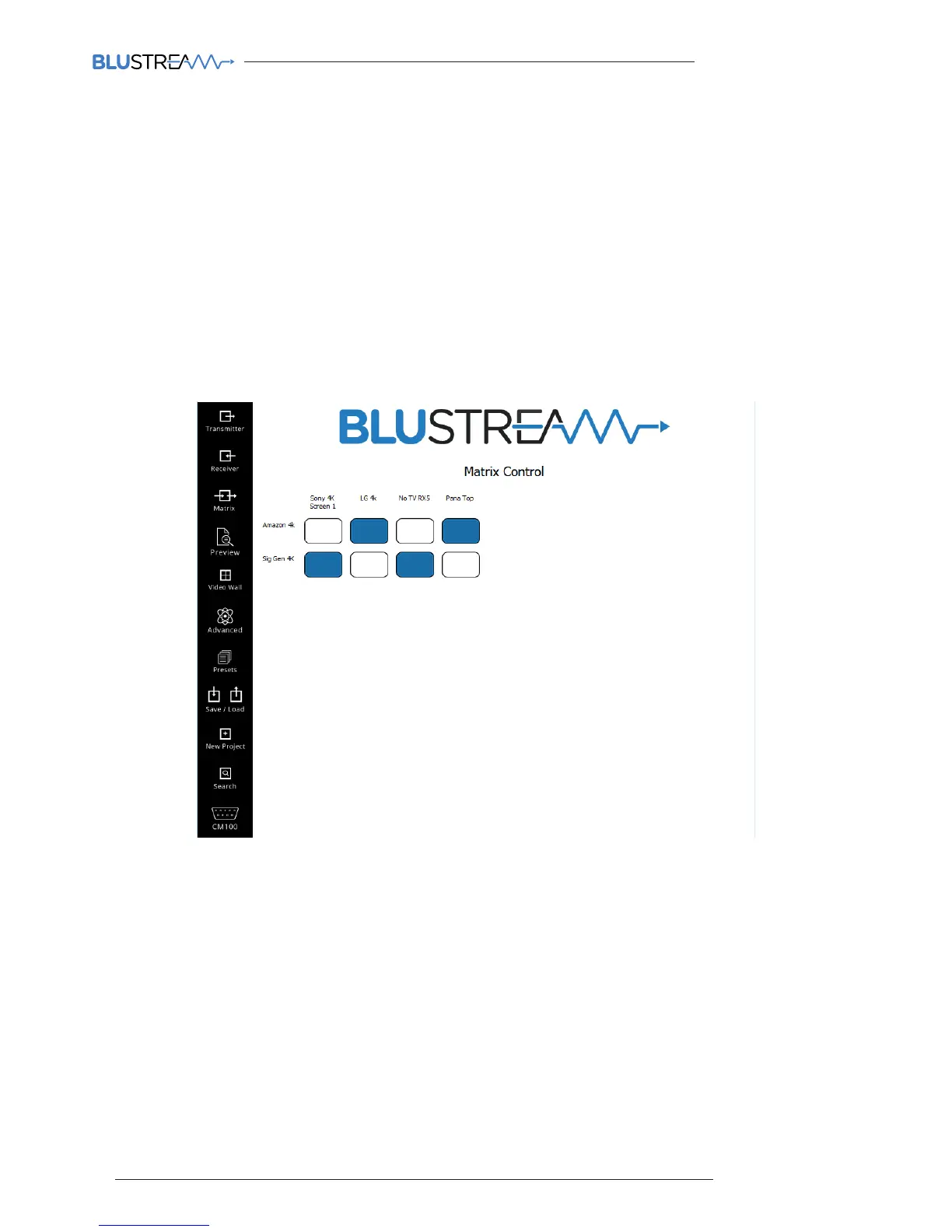
Matrix Control
The Blustream PC soware Matrix control page is used to quickly and simply change source inputs (Transmitters) for
each display (Receiver). This page has been designed to allow for the installer to quickly switch the I/O configuration,
not for end user control.
Once the system has been configured the Matrix Control page will show all online Multicast Transmitter and Receiver
products. Due to the display window if the number of Transmitters and Receivers is above 10 products it is advised you
use the advanced matrix switching control within the 'Video Preview' menu.
All Displays (Receivers) are displayed along the horizontal axis
All Sources (Transmitters) are displayed along the vertical axis
To switch sources simply click on the required source per Receiver. The selected source box will turn BLUE to
symbolise the current selection.



 To Next Page