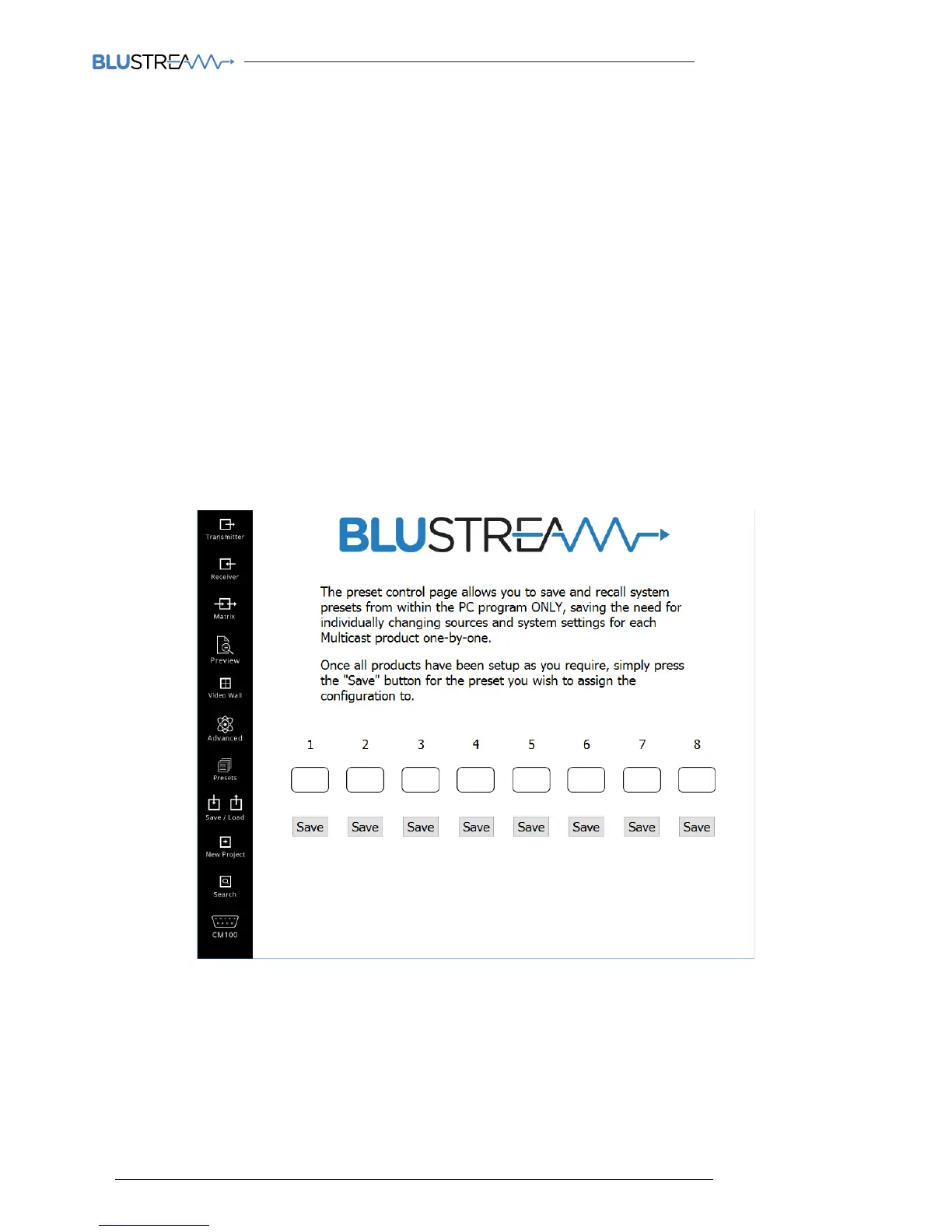
Preset Control
The Preset control page allows you to save and recall system presets from within the PC program, saving the need for
individually changing sources and system settings for each Multicast product one-by-one. Please note that the Preset
set-up is only available within the PC program.
For example: Receiver 1 viewing Transmitter 3
Receiver 2 viewing Transmitter 4
Receiver 3 assigned as top le screen in a 2x2 video wall, viewing Transmitter 1
Receiver 4 assigned as top right screen in a 2x2 video wall, viewing Transmitter 1
Receiver 5 assigned as bottom le screen in a 2x2 video wall, viewing Transmitter 1
Receiver 6 assigned as bottom right screen in a 2x2 video wall, viewing Transmitter 1
Once all Receivers have been setup as you require simply press the ‘SAVE’ button for the preset you wish to assign the
configuration to.
When ‘PRESET 1’ button is pressed all receivers will return to this saved state.
Repeat this process for presets 1-8 (8 presets max)
Please note:
• All Multicast Receivers will reboot when a preset mode is selected
• You must configure all Multicast products in the system and not just the ones you wish to change as the Preset
mode saves the configuration of every Multicast product within each preset.
• Presets can only be recalled using the PC program. Presets cannot be recalled using external third party control
systems.



 To Next Page