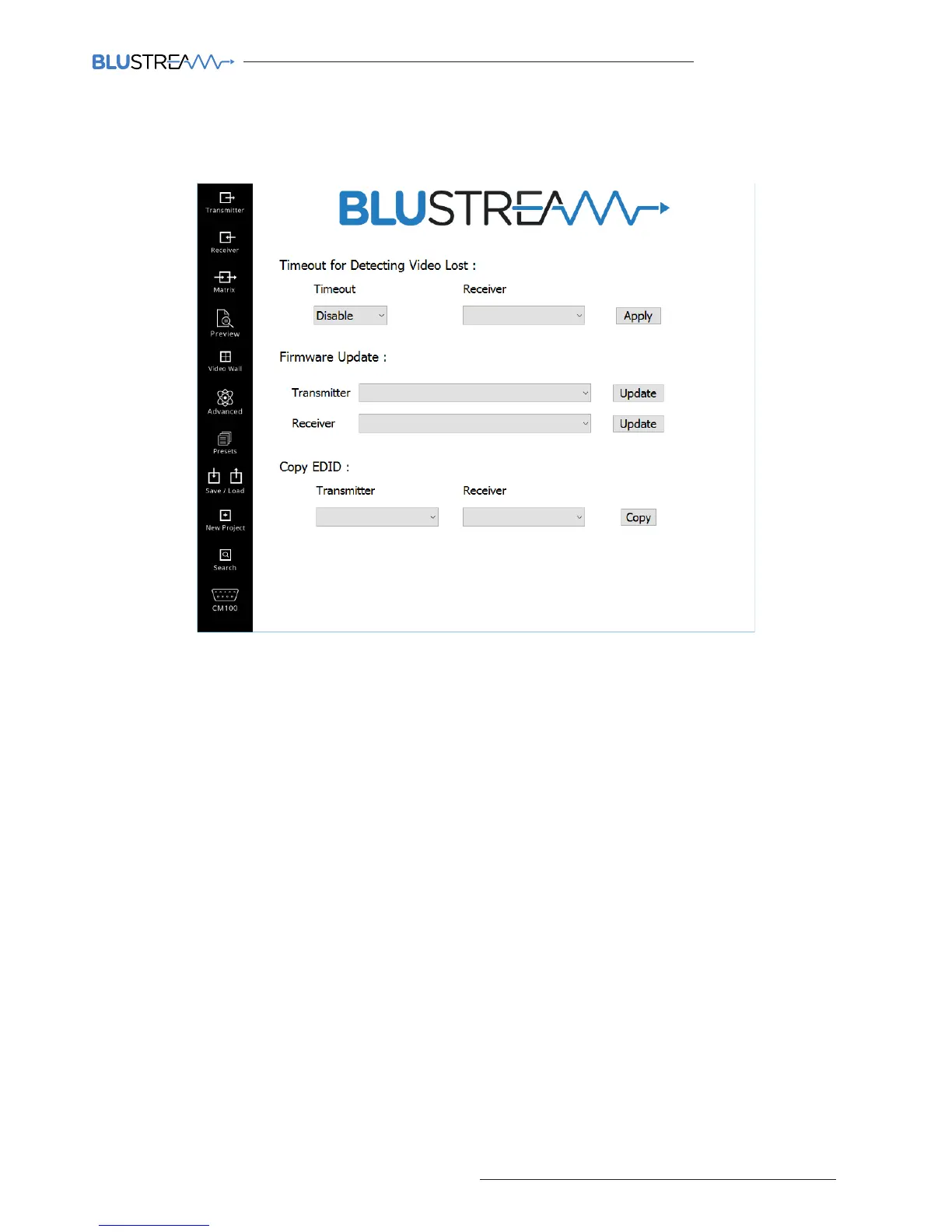
Advanced Settings
The advanced settings page has further configuration settings for the Blustream Multicast range.
Features of the Advanced Settings page include:
1. Time out - once there is no video signal the Receiver will turn o. Time-out ranges from ‘Disable’ (unit will never
turn o) up to 60 seconds. To apply this to a Receiver please select the appropriate Receiver from the drop-down
box and click ‘Apply’.
2. Firmware update - used to update Multicast product firmware. Please see page 19 for further details.
3. Copy EDID - Allows you to copy the EDID from a display connected to a receiver, to a selected transmitter.



 To Next Page