Getting Started
Editing Text
38
BMP
®
21-PLUS/BMP
®
21-LAB User’s Manual
Autosize
Autosize starts with the largest font size that fits on the label. When a line of text reaches the
fixed margin (distance between the edge of the print head and the cutter blade), it scales
downward until you press [ENTER] or the minimum font size is reached.
By default, a 9 point font is enabled for all labels. To turn autosize on:
1. Press FONT SIZE .
2. Navigate to Auto, then press Enter .
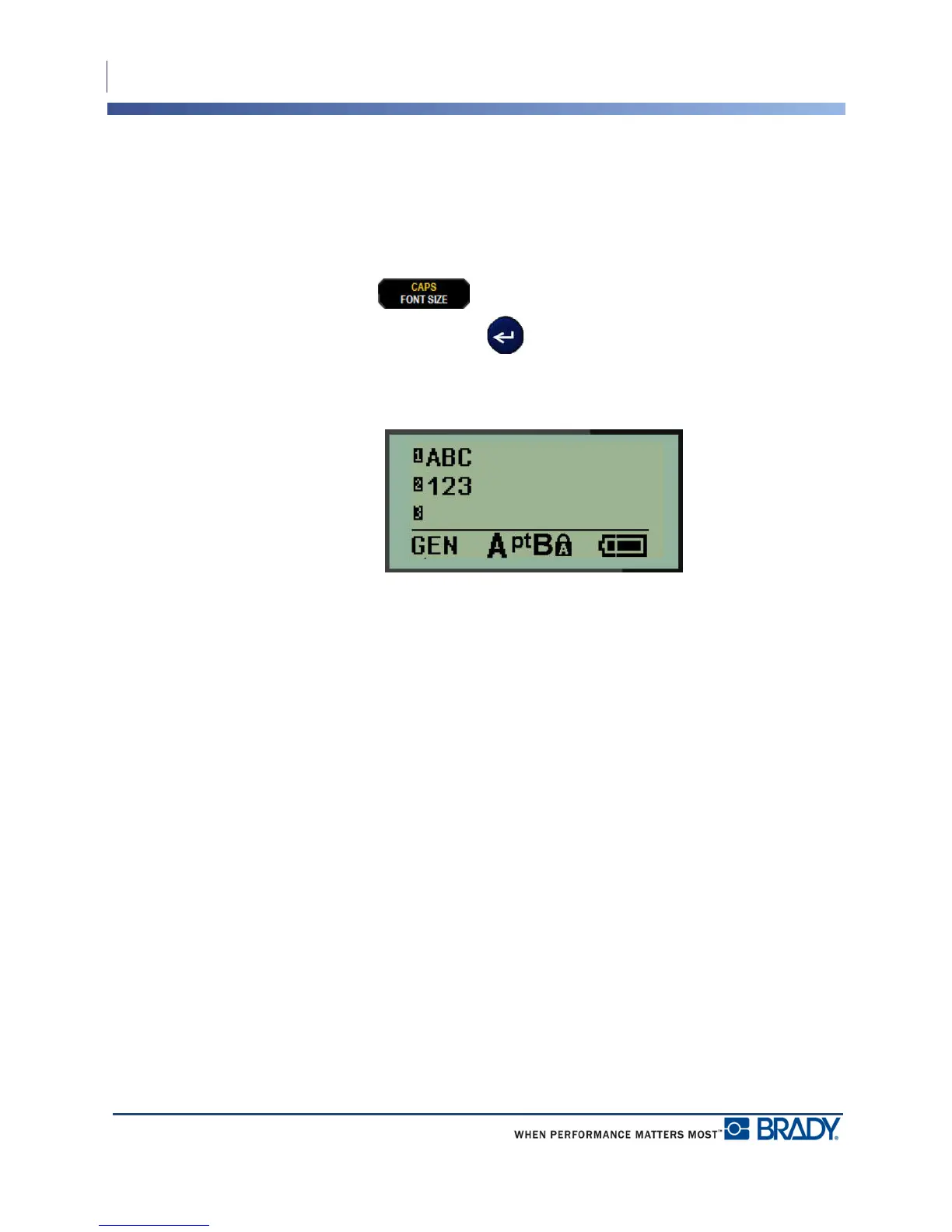
When autosize is turned on, it displays as an ‘A’ in the Status Bar. Autosize remains on for the
entire label, until a different font size is selected.



 To Next Page