Page 214 of 479
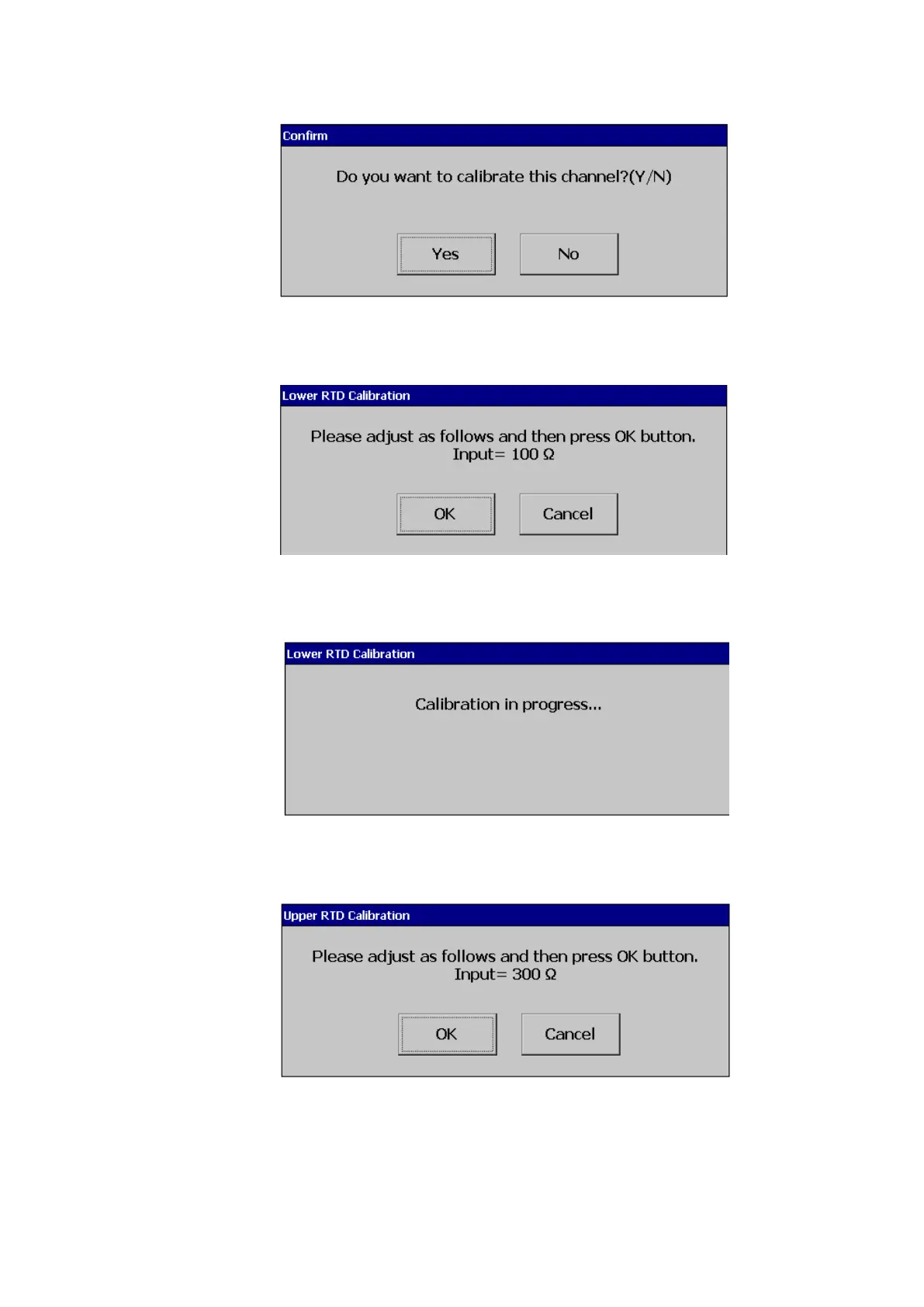
Press Yes to do the Calibration on No to exit. The system will inform the user to input the low
value input to the channel.
After input 100Ω, select ok, the user can see the below screen.
After successful calibration lower RTD calibration the system will requests the user to input
higher range input to the input channel.
After input 300Ω, press ok, the user can see the below screen.



 To Next Page